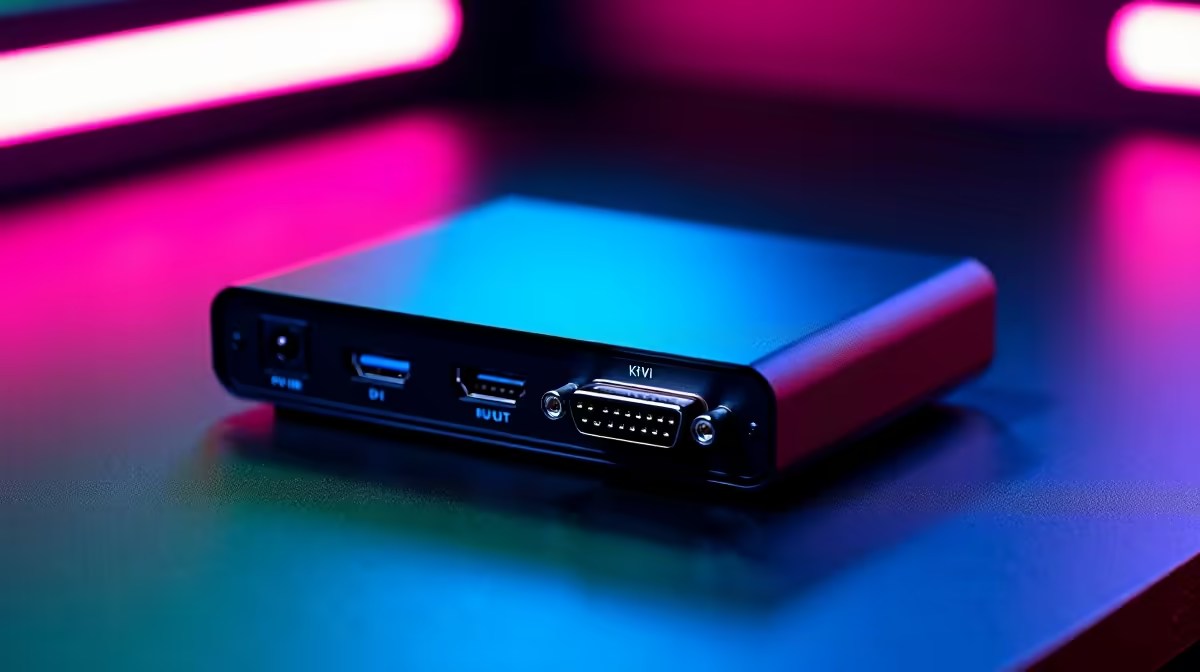
A KVM switch can help a retro-gaming desk when modern and legacy systems share one monitor, keyboard and mouse. It is useful for convenience, not game performance. Compatibility becomes the deciding factor because older resolutions, unusual refresh timings, adapters and controllers do not always behave predictably through an extra switching device.
Test the complete signal chain
Write down the video output from every system and the input accepted by the display. Include active converters, audio routing and USB controller receivers. Then check whether the proposed switch explicitly supports the highest resolution and refresh rate in the group. Automatic switching can be annoying if a console wakes for an update, so a dependable physical button may be preferable.
The supplied factpacks contain no verified KVM model or price. Treat generic marketplace claims cautiously and verify return terms before adding an untested unit to a complicated adapter chain. The Promate TransHub-Lite USB-C hub is verified at R305, but it only expands one host connection and is not a substitute for switching between computers.
Competitive players should connect directly and compare input response before accepting the KVM route. For relaxed emulation, the reduced cable swapping may outweigh a minor inconvenience. Preserve original aspect ratios, confirm audio reaches the correct speakers and keep controller dongles on a powered path if several devices draw current together.
Planning a cleaner retro desk? > Browse current Evetech connectivity options after mapping every video and controller connection.