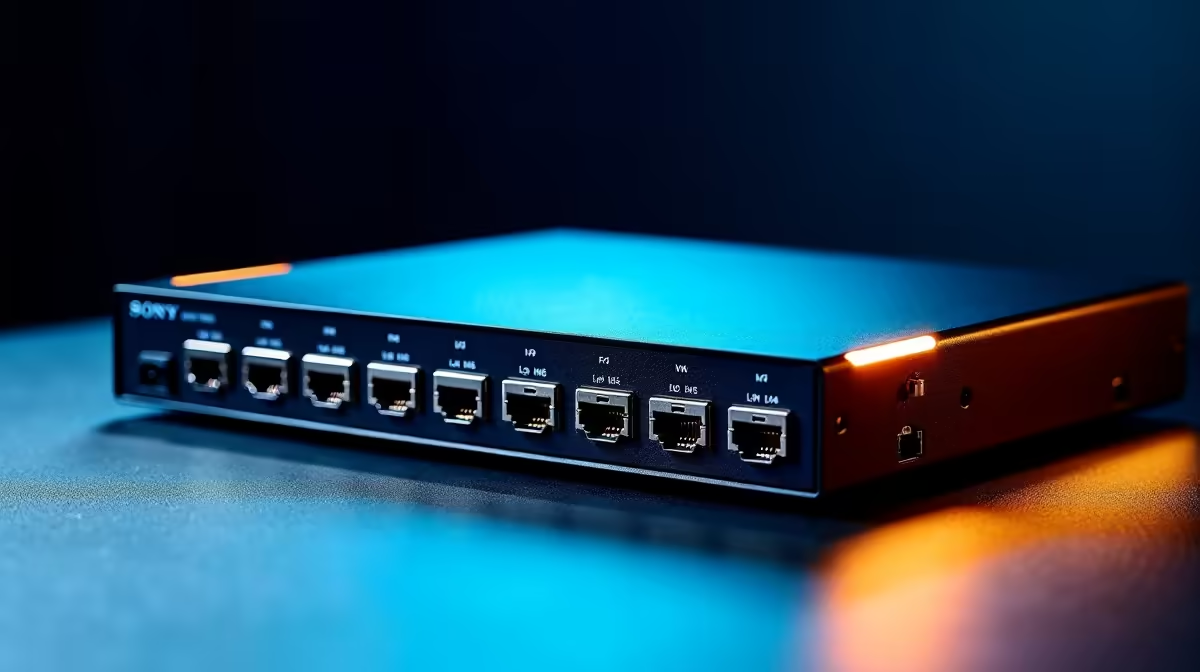
A KVM switch can be worthwhile for two businesses when separate computers must share one keyboard, display and mouse without mixing accounts or data. It saves desk space, but it cannot create legal, security or operational separation by itself.
Map both business workstations
List each computers display outputs, required resolution, USB devices and security controls. Test how often the operator changes systems and whether a second screen is needed for simultaneous work. Confirm that sensitive peripherals, storage tokens or payment devices should never be shared.
No KVM switch has confirmed pricing in the supplied facts. The Dell S2725QC 4K USB-C monitor at R6,128 is a verified display reference, not a KVM. The Promate VersaHub-MST at R1,500 is a separate hub option without proving multi-computer switching. Check current video modes, USB behaviour, hotkey controls, power, compatibility and warranty.
Use distinct named accounts, stronger sign-in and separate approved backups for each business. Do not route security keys or regulated devices through shared hardware without explicit support. Keep direct cables labelled as a fallback and test switching before client work.
Buy a KVM when the port map and separation policy agree. Two modest desk zones may be safer if simultaneous visibility or strict peripheral isolation matters. Rehearse recovery when the switch loses power or fails to recognise one computer.
Organising two business computers? > Compare Evetech monitors and hubs after completing the separation map.