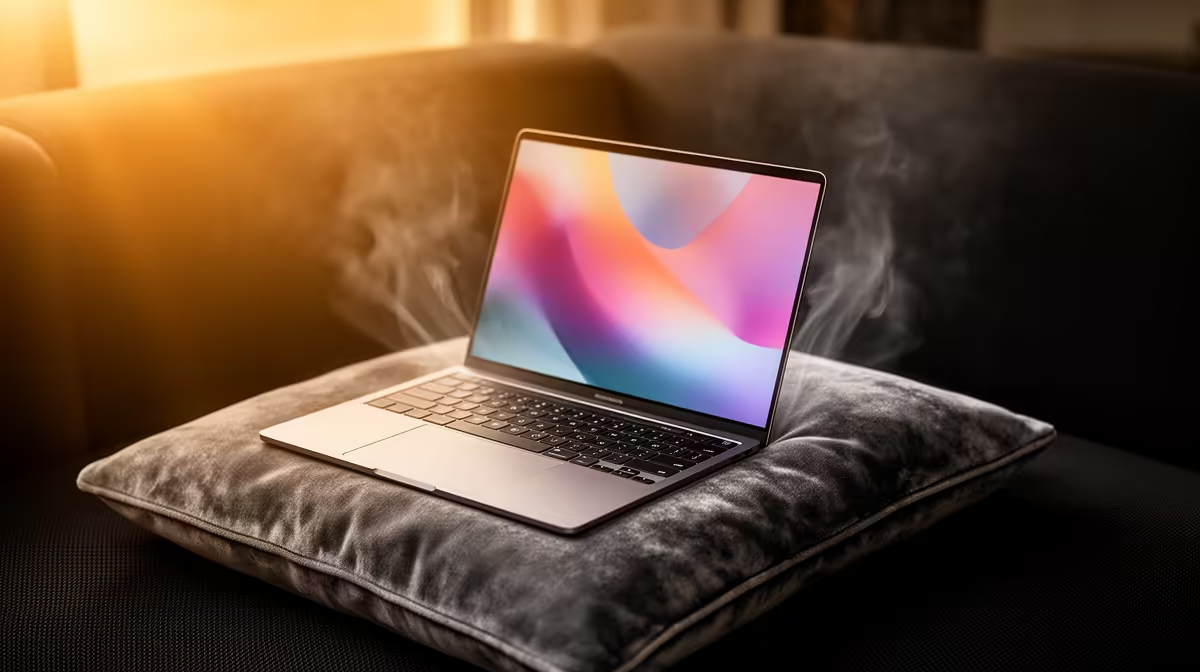
A sofa cushion and duvet can mould around a laptop's underside, blocking the intake just when a game asks for sustained cooling. The fans spin harder while receiving less air, then processor clocks fall to control heat. A rigid lap desk fixes the surface problem without asking you to abandon the couch.
Quick Answer
Put the gaming laptop on a hard, flat board or lap desk large enough for all four feet. Keep the rear and side exhaust beyond the edge. Never rest the chassis on loose fabric during a game. If temperatures remain poor on the rigid surface, inspect internal dust, fan operation and the selected power mode.
Evetech's current laptop best sellers show how vent layouts differ by chassis. The gaming notebook deal selection helps compare cooling designs when portable use away from a desk matters.
Why Soft Surfaces Cause Trouble
Most gaming laptops stand on small rubber feet that create an intake gap. Fabric fills that gap and can sit against the grille. Dust and fibres are also drawn towards the fans.
The result is not a fixed temperature rise. Fan control, game load and vent area decide how fast heat builds. A powerful laptop can throttle within one session when its intake is sealed.
Your legs can block vents too. The chassis may also become uncomfortable before the sensors reach a hardware limit.
Build a Safe Couch Base
Use a rigid lap desk wider than the laptop. Rubber stops prevent sliding. A raised rear edge can increase intake clearance when it remains stable and does not strain the hinge.
A laptop sleeve works only when it contains a rigid insert and stays flat. A soft padded sleeve can block air as badly as the couch. Never game with the laptop half inside it.
Keep drinks away from the board and leave exhaust air a clear path. Do not aim a rear vent into a cushion or another person at close range.
Know What a Cooling Pad Adds
A pad can supply more air when its fans line up with the laptop intakes. It cannot compensate for its own base sinking into fabric. Place the whole pad on a rigid support.
Test the lap desk first. If raising the machine restores clocks and reduces fan noise, active fans may add a smaller benefit. Measure the same warm scene before deciding.
Check for an Existing Cooling Fault
If the laptop overheats on a desk, the couch did not create the whole problem. Check vents for dust, confirm both fans run and restore the supported Balanced profile.
Record CPU and GPU power as well as temperature. A new game or Turbo mode may run the hardware at higher power than your old reference.
FAQ
Is a lap desk enough for couch gaming?
Yes, when it is rigid, stable and large enough to leave every intake and exhaust clear.
Can a cooling pad solve a blocked couch intake?
Only if the pad itself sits on a hard base. Fans cannot work well when fabric blocks their intake.
How quickly can a laptop heat up on a bed?
There is no safe universal time. Load and cooling design vary, so move it to a hard surface before gaming begins.
Put the entire laptop or cooling pad on a rigid lap desk, clear every vent and compare one warm game scene with the old soft-surface result.