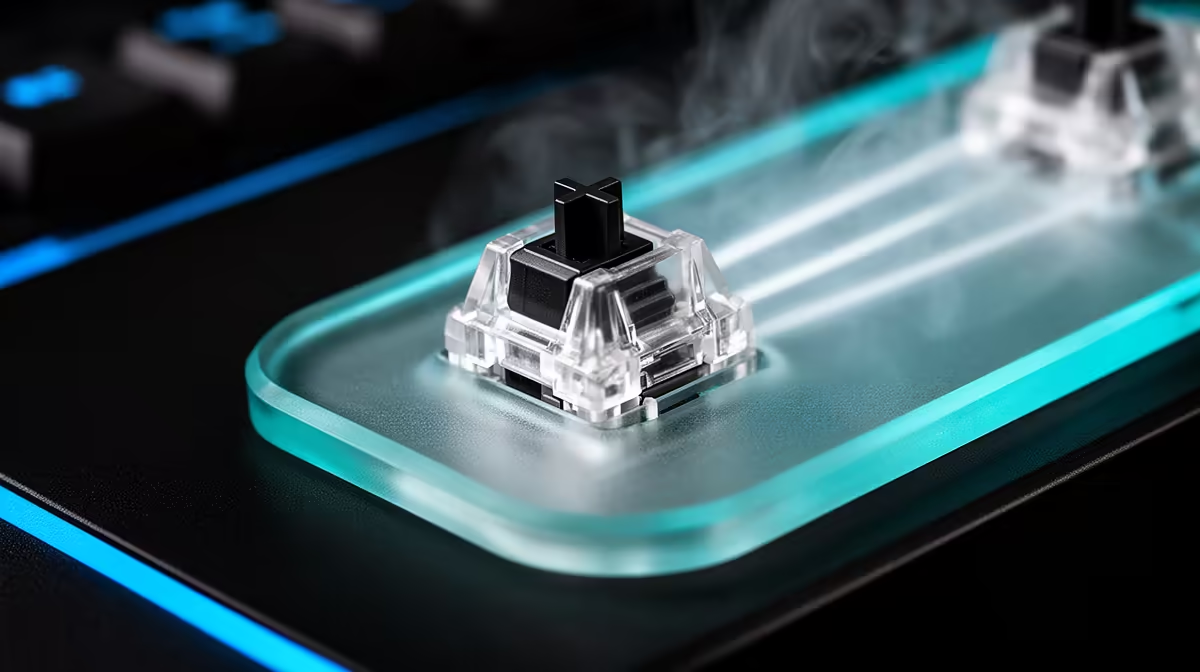
Before the switch fires, a mouse button may travel through a gap and ask a distinct amount of finger pressure. Button pre-travel and click force shape control, fatigue and accidental inputs more directly than a lifetime rating.
Quick Answer
Pre-travel is button movement before the switch actuates. Click force is the force needed at a defined point, while post-travel follows actuation. Together with button shape, hinge, switch and shell tolerance, they determine whether a click feels immediate, deliberate, heavy or loose. These figures are rarely standardised across mouse reviews, so compare measured methods and test with your own grip.
Use the peripheral best-seller range to identify current mouse and desk options. The broader gaming accessories category gives you another place to compare named products. Product pages may omit click travel, making hands-on testing valuable.
Pre-travel affects the first movement
Very low pre-travel can make a button feel immediate. It can also register when a heavy resting finger or grip flexes the shell. More pre-travel can feel controlled and may become distracting when the button rattles before every click.
Check both main buttons. Manufacturing tolerance and shell assembly can make left and right feel different.
Force needs a measurement point
Reviewers may measure near the front, centre or rear of the button. Leverage changes the result. A force figure without position and method cannot be compared cleanly.
Spring tension, optical or mechanical switch design and button hinge shape all contribute. A high switch rating does not tell you the force or travel in the assembled mouse.
Lighter clicks can suit rapid repeated input and create accidental presses for some grips. Firmer clicks can feel deliberate and tire another hand. Use a full session, not ten shop clicks.
Adjustment carries risk
Some enthusiast mice expose screw or spacer adjustments; most do not. Bending plastic, adding tape inside or replacing switches can damage the shell and affect warranty.
Check the authorised support and exact design before modifying. Grip position and keybind choices can solve accidental clicks without opening the mouse.
Test rapid and held input
Use a click test only to compare feel and consistency, not to chase a score. Perform slow deliberate clicks, short bursts and a long hold-drag. Watch for an actuation before the shell visibly moves, missed releases or a button that scrapes its surround.
Then play a familiar session. A very light click can feel brilliant during single shots and become tiring when your finger hovers above it to avoid mistakes. A firmer click can feel slow in a shop and settle into a comfortable rhythm.
Record grip and click position. Pressing near the front gives more leverage than pressing near the hinge, which changes force and travel. Compare mice from the place your finger actually lands.
Watch post-travel and rebound
Post-travel is movement after actuation. Too much can feel mushy or slow to reset, while some movement cushions a hard stop. Spring and shell rebound influence repeated clicks.
Listen for rubbing or a button that returns at an angle. Those are assembly symptoms, not a switch-rating feature. Test another unit when possible before deciding the model is designed that way.
FAQ
Is lower pre-travel always better?
No. It feels immediate, while grip pressure and shell flex can create unwanted clicks. Consistency matters.
How is click force measured?
With a force gauge at a stated point and method. Results without those details are difficult to compare.
Which matters more?
Pre-travel, force, post-travel and button shape work together. Test the complete click under your normal grip.
Compare both main buttons from your real grip, check how the review measured force, and choose consistent clicks over one isolated low number.