Smooth walls and bright shifting highlights depend on different parts of the print process. Galaxy PLA filament settings should therefore be tuned around layer formation first and decorative appearance second. A measured setup protects the shape that carries the shimmer instead of chasing a dramatic surface while the underlying extrusion remains uneven.
Quick Answer
Use the printer's normal PLA guidance, run a short calibration model and adjust only the setting connected to the defect you can see. The ELEGOO Galaxy spool costs R499 for 1kg of 1.75mm material and creates a glossy, dynamic space effect. There is no sensible universal temperature or retraction value for every printer, nozzle and model.
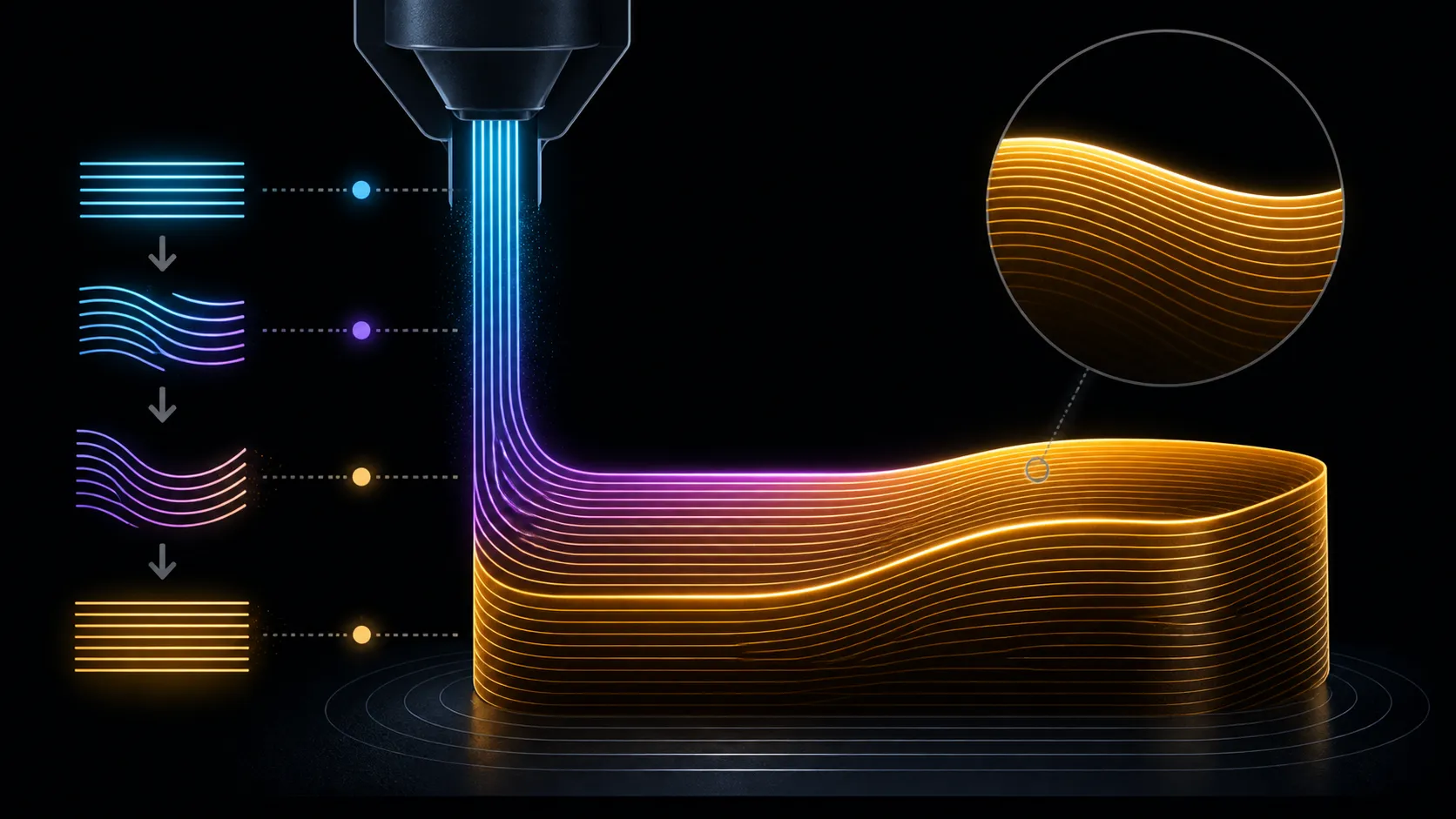
🧪 Separate smoothness from shine
Layer smoothness comes from consistent material placement. Look for regular walls, joined lines and corners that hold their intended shape. The galaxy effect is an optical finish: it changes as the print and viewer move. Treating those outcomes as one problem makes diagnosis harder.
Begin with a test object that has one broad wall, one curve and a few travel moves. It shows whether the surface is regular, whether wisps appear between features and whether directional highlights suit the model. Keep the first result beside later attempts rather than relying on a photograph taken under different light.
A scan through Evetech's 3D printer filament selection can also help distinguish finish-led materials from ordinary utility choices.
🎛️ Match each change to visible evidence
If layers look uneven, concentrate on steady feeding and the relevant PLA profile controls. If fine threads bridge open spaces, investigate travel-related behaviour. If the object is geometrically clean but the shimmer feels muted, rotate it under a consistent lamp before altering extrusion settings. The same glossy surface can appear stronger or weaker from a new direction.
Write down the original value, the change and the observed result. This turns calibration into a short experiment rather than a chain of guesses. Return to the last sound baseline when a change makes more than one feature worse.
🧱 Protect the profile that works
Save a successful configuration with a name tied to the printer, nozzle and layer goal. The profile is a starting point, not a promise for every object. A tall narrow display piece may expose different movement problems from a low, broad ornament even when both use the same spool.
Machine design still matters, so compare the filament plan with the Evetech 3D printer range. Use the instructions for the actual printer when loading material or changing hardware. With a stable baseline in place, the glossy colour shifts can be assessed without confusing them with avoidable layer faults.
📊 Use a simple defect log
A short table in a notebook can keep calibration honest. Give each trial a number, note the visible problem, write the single change and describe what improved or worsened. Add a quick lighting note for the Galaxy surface so a reflection change is not confused with a layer change.
Stop the sequence when the remaining imperfection no longer matters at the intended viewing distance. Endless tuning can consume material without improving the actual model. Save the accepted test beside the record and return to it whenever maintenance, a long storage interval or a new nozzle makes the printer feel unfamiliar. The log turns one successful setup into a reusable method instead of a set of values detached from their evidence.
Include one unchanged control print after several adjustments. If the original baseline now looks different, something beyond the recorded setting may have shifted, such as spool feeding, machine condition or the inspection light. A control keeps the investigation from crediting the newest value for an improvement caused elsewhere. It also provides a sensible point at which to pause and restore known conditions.
The Galaxy formulation is intended to keep the approachable printing behaviour associated with traditional PLA while adding a richer decorative surface. That matters when smooth layers and shimmer are both goals: the profile still has to produce even walls, but the material contributes deep-space lustre, high gloss and moving reflections once those walls are clean.
Frequently Asked Questions
Which adjustment deserves attention first?
Start with the control most directly linked to the visible fault. An irregular wall and a fine travel string require different investigations.
Is there one fixed nozzle temperature for this spool?
Use the PLA guidance for the actual printer and profile, then refine through a small test. A single number cannot cover every machine and setup.
What shows that the layers are smooth enough?
Look for even wall texture, joined lines and consistent corners on the representative sample. Compare it with the original baseline under the same light.
Does shimmer make calibration harder for beginners?
The filament is beginner and professional friendly. New makers can simplify the process by changing one variable and keeping written notes.
Ready to build a repeatable Galaxy PLA profile?
Browse Evetech's filament and 3D printer categories, then start with a small model that exposes the surface details you care about.