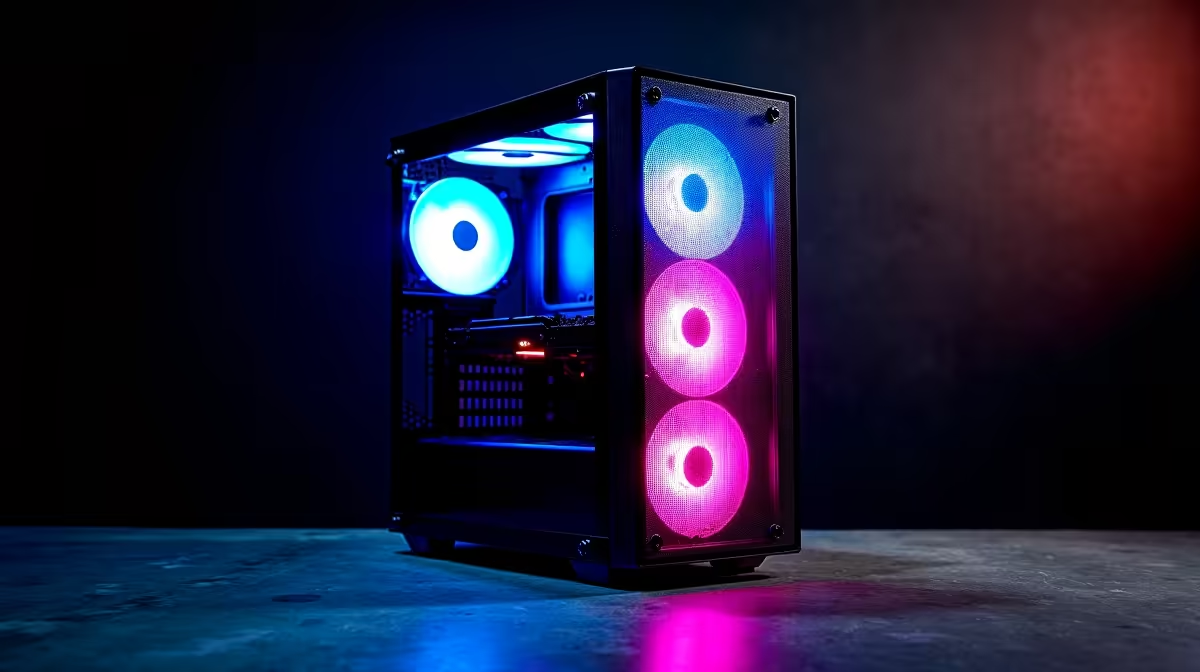
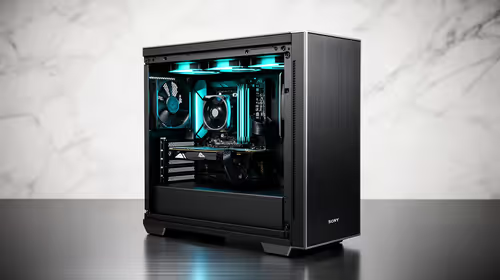
The Palit RTX 5060 at R4,800 suits a creator who wants a gaming pc for editing TikToks without turning the whole desk into a cramped heat box. Yes, a mid-tower case is worth it when the build needs space for a proper graphics card, easier airflow, and room to service cables after upgrades.
Quick Answer
A Ryzen 5 5500 at R1,100 is the sensible starting point for short-video edits, captions, thumbnails, browser tabs, and basic timeline work. Its Ryzen 5 class keeps the build affordable while leaving budget for the graphics card, which matters more once exports, effects, and preview playback start to pile up.
The ASUS RX 7600 8GB at R4,650 is a strong fit when the edit stack needs an 8GB graphics card but the total spend still has to stay disciplined. In a mid-tower case, that RX 7600 has breathing room, and the extra case space makes the setup easier to keep tidy than a cramped small-form build.
For a higher-end route, the Ryzen 7 7800X3D at R4,800 gives the build a faster Ryzen 7 platform feel for heavier multitasking, while the Palit RTX 5060 at R4,800 keeps the graphics side modern. The MSI A520M-A Pro at R700 base works better for a budget Ryzen 5 5500 build than for chasing the most premium creator setup.
Creator desk in a shared flat
A mid-tower makes practical sense on a creator desk where the PC may sit beside a monitor, mic arm, phone stand, and external drive. The case is not just about size, it gives the Ryzen 5 5500 at R1,100 and ASUS RX 7600 8GB at R4,650 enough internal space to stay accessible when you clean dust, reseat cables, or add storage later.
Ready to choose the right gaming pc?
Keep Ryzen 5 5500 at R1,100 on the list for tower case editing tiktoks; its listed spec is the detail to test against that brief.