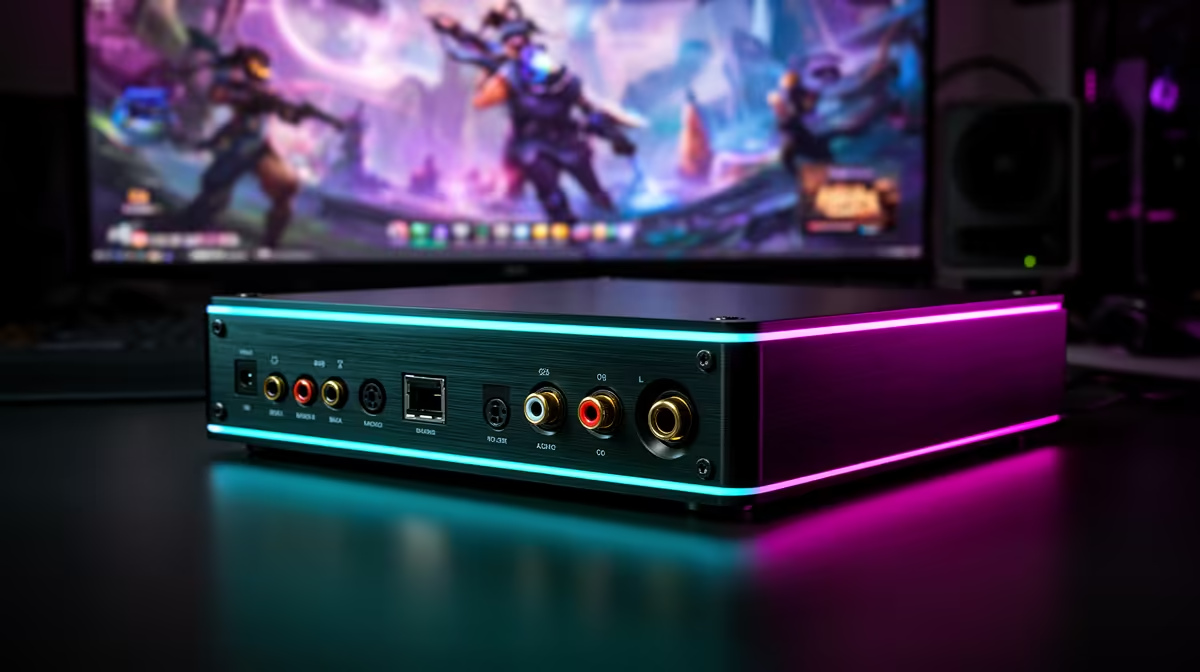
A USB DAC is worthwhile for live streaming only when headphone or speaker playback from the current computer is noisy, weak or incompatible with the equipment. It does not improve the microphone signal, encoder or upload connection. The supplied factpacks do not verify a USB DAC, so driver support and current pricing need a live check.
Separate input from output
Draw the audio path from microphone into OBS and from the PC to headphones or speakers. A DAC handles digital-to-analogue playback. An audio interface is needed when the goal is XLR input or hardware microphone gain. USB microphones connect independently: the HyperX SoloCast 2 is verified at R690, and the NearStream USB/XLR microphone is R676.
Test the current headphone output with a local recording and a private stream. Listen for hiss, distortion, low level and delay. Some apparent DAC problems come from incorrect sample rates, duplicate monitoring or ground noise elsewhere in the setup. Select the correct devices explicitly in OBS and keep a simple headset fallback.
Check headphone impedance, output connection, volume control and operating-system drivers before buying. A DAC that sounds excellent for music may add no value to a basic streaming headset. Spend first on microphone position, room acoustics and stable capture. Buy the DAC only when a controlled comparison proves the existing playback output is the limiting link, then test it through sleep and a full live rehearsal.
Improving stream audio? > Compare verified microphones and suitable PCs with Evetech while checking DACs against the headphones.