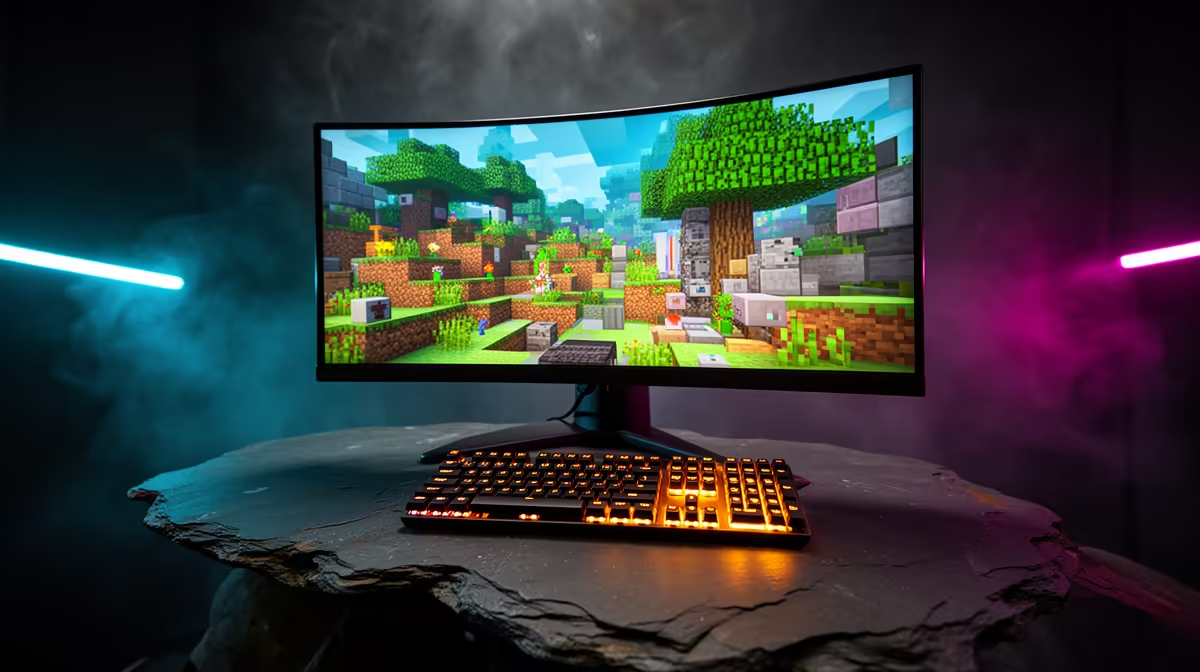
Minecraft's familiar blocks hide two editions with different mods, servers and cross-platform behaviour. Choosing Minecraft Bedrock vs Java becomes easier once you know who you will play with and which devices host the world.
Quick Answer
Minecraft Bedrock is the edition used on current consoles, while Java Edition runs on PC. They differ in servers, mods, redstone details, controls and how worlds move. Bedrock supports cross-play among its supported devices through the required accounts. Java does not join a Bedrock world by default. Choose the edition used by the child's friends and school community.
If console players need another input, check the gaming controller catalogue. The peripheral best-seller range can help with a headset or PC inputs. Confirm support for the exact platform and age-appropriate setup.
Ask which edition the group uses
Get the server address or invite method, device and edition from the people the child wants to join. "Minecraft on PC" is ambiguous because a Windows computer can access different editions under current purchase terms.
Check the official Minecraft store for what one purchase includes in your region and platform. Do not assume a console purchase grants a PC copy or that every PC store package contains both editions.
Treat worlds as edition-specific
A Java world and a Bedrock world use different formats and behaviour. Third-party conversion tools can lose blocks, entities, redstone behaviour or settings. Back up the original before attempting any conversion and test the copy.
Community server software can sometimes bridge editions, but that is an administrator choice with compatibility and security work. It is not default cross-play. Parents should use a trusted server and current safety settings.
Mods and marketplace content differ
Java has a broad community mod ecosystem and manual server options. Install only from trusted sources, check versions and back up worlds. Bedrock uses its own add-on and marketplace systems across supported devices.
Content bought for one edition or account may not move to the other. Read the exact item terms. Avoid downloading unofficial packages promoted through chat links.
Set up controls and safety
Bedrock has built-in controller support on consoles. Java keyboard and mouse are the usual base on PC, with controller solutions needing separate checking. Choose the edition first, then the input.
Create the child's own age-appropriate account, configure multiplayer and communication controls, and keep adult account credentials private. Review server rules and who can invite the player.
Updates can reach the editions on different schedules or change behaviour in different ways. Back up a favourite world before a major update and check the server's supported version. Do not update one family device minutes before a shared session unless every player can join the same supported release.
For school projects, ask the teacher which edition and export format is required. A world that works at home may not open on the classroom setup without a planned transfer.
FAQ
Can a Java world open on console?
No direct default route exists. Conversion can be incomplete and needs a backed-up copy plus testing.
Can Bedrock and Java players join each other?
Not by default. Some managed server tools bridge them, but the administrator must support and maintain that setup.
Which edition should a family choose?
Choose the edition used by the real friends or server, then confirm device, account, safety and content needs.
Ask the group for its exact Minecraft edition and server route, then choose the device, account and controls around that confirmed answer.