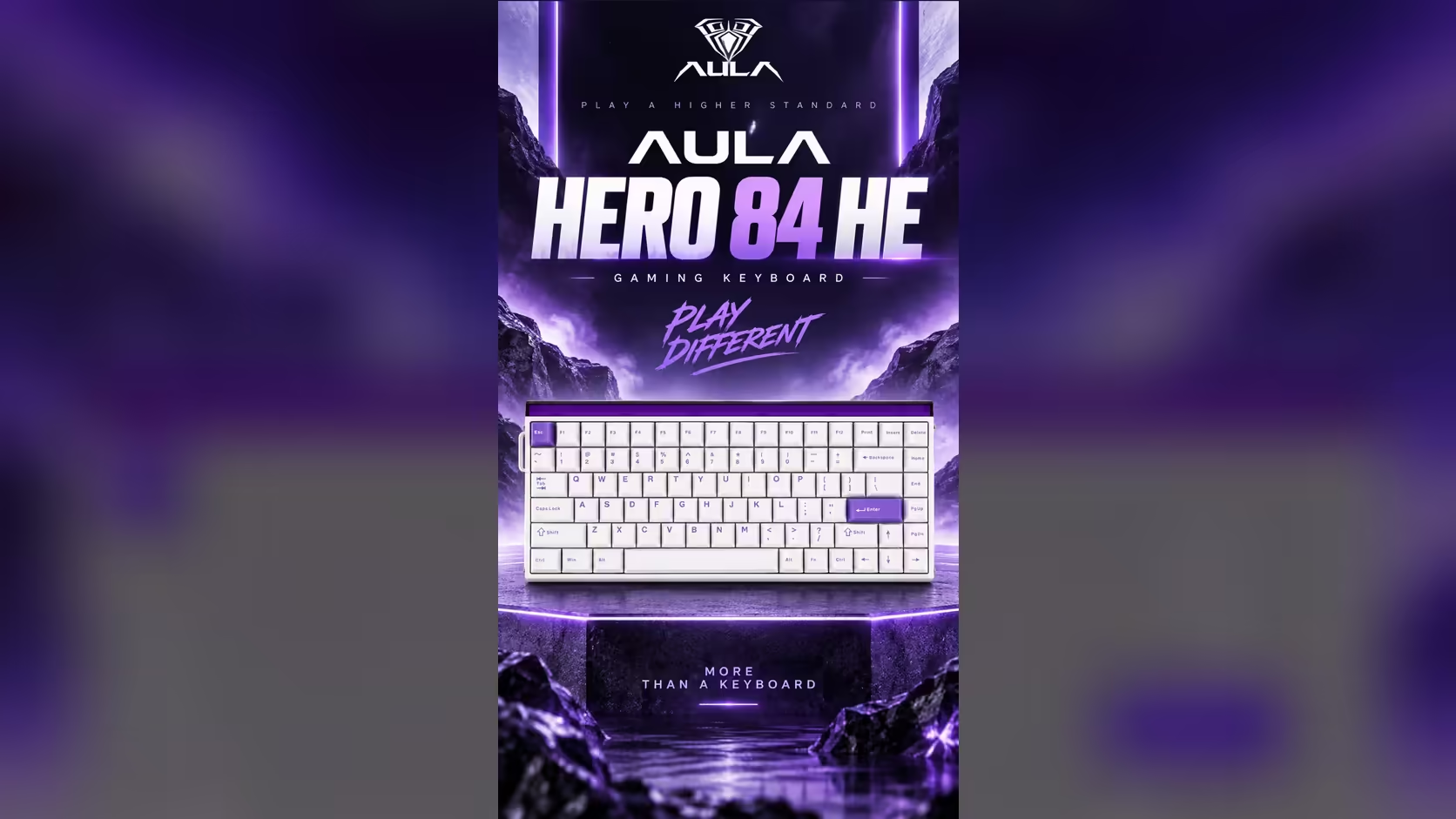
A 75% board saves space by cutting keys, and sooner or later you miss one. The HERO 84 HE offers a way around that: make some keys do two jobs. It does this in two different ways, and they are easy to confuse. Mod-Tap and Dynamic Keystrokes both turn one key into two actions, but one splits the press by time and the other by depth.
Quick Answer
The AULA HERO 84 HE gets two actions from a single key through Mod-Tap and Dynamic Keystrokes (DKS), both set in AULA's web driver. Mod-Tap separates a quick tap from a hold, so a key can type one thing when tapped and act as a modifier when held. DKS separates a press by how deep it goes, assigning different actions to different points in the key's travel. The board, listed at R719 by Evetech, runs these on its magnetic switches over a cable at 8000Hz.
⏱️ Mod-Tap: tap for one thing, hold for another
Mod-Tap watches how long you hold a key. Tap and release quickly, and the key sends its normal character. Keep it pressed, and the board treats it as Ctrl, Shift or Alt until you let go.
This suits a compact board because modifiers are exactly what a 75% layout tends to squeeze. Good candidates on the HERO 84 HE include:
- Caps Lock: tap for Caps Lock, hold for Ctrl, so shortcuts sit under your little finger.
- A rarely used key near the arrows: tap as normal, hold for Alt.
- Space-adjacent keys: tap for their usual job, hold for Shift, if you like shifting with a thumb.
Mod-Tap takes a little adjustment. A slow typist may trigger the hold action by accident, so start with one key and see how it fits your rhythm before adding more.
📏 Dynamic Keystrokes: one press, several depths
DKS leans on something only an analogue switch can do: report position. Timing does not matter here; depth does. You can assign one action to a light press, another as the key reaches deeper, and actions on the way back up as well.
Because the HERO 84 HE reads key position through Hall Effect sensors and lets you place actuation at any hundredth of a millimetre from 0.1mm down to 3.4mm, it has the precision that DKS depends on. A gaming example: a shallow press starts walking, a deeper press adds a sprint. A work example: a light press sends one shortcut, a full press sends another.
AULA's page for this board does not list how many depth points DKS allows, so explore the options in the driver rather than planning around a fixed number.
🧩 Setting them up and living with them
You will find both in AULA's browser driver; plug the board in and load it in Chrome, Edge or a similar Chromium browser, on Windows or macOS. Some practical advice:
- Change one key at a time and use it for a day before adding another.
- Keep a note of what each key now does, because two-action keys are easy to forget.
- Check how Rapid Trigger behaves on any key you give DKS, since both work on key travel.
- Before using either in a competitive game, read that game's rules on input automation. Each developer sets its own policy and may revise it, so go by the game's published rules rather than forum hearsay.
Evetech carries the HERO 84 HE in its gaming keyboards category under a 2 Years Local Warranty. Should you tire of the Black Kings, they can be exchanged for a different feel through the keyboard switches range, provided you stay with a compatible magnetic family. Check the Evetech product page for pricing.
Frequently Asked Questions
What separates Mod-Tap from DKS?
Mod-Tap splits a key by how long you hold it. DKS splits it by how far down you press it.
Where is a good Mod-Tap key on a 75% board?
Caps Lock is a popular choice: a tap keeps Caps Lock, and a hold becomes Ctrl.
How many depth steps does DKS allow here?
AULA's page for the HERO 84 HE does not give a number, so check the options in the web driver.
Are these allowed in competitive games?
It depends on the game. Read each title's published rules before relying on these features in ranked or tournament play.
Can I set them up from a Mac?
Yes. The web driver runs in a Chromium browser on Mac as well as Windows.
Does Rapid Trigger still work alongside them?
Rapid Trigger is part of the board, but test it on any key using DKS, since both respond to key travel.
Want more actions from fewer keys?
See Evetech's gaming keyboard range for the HERO 84 HE and other magnetic boards with programmable keys.