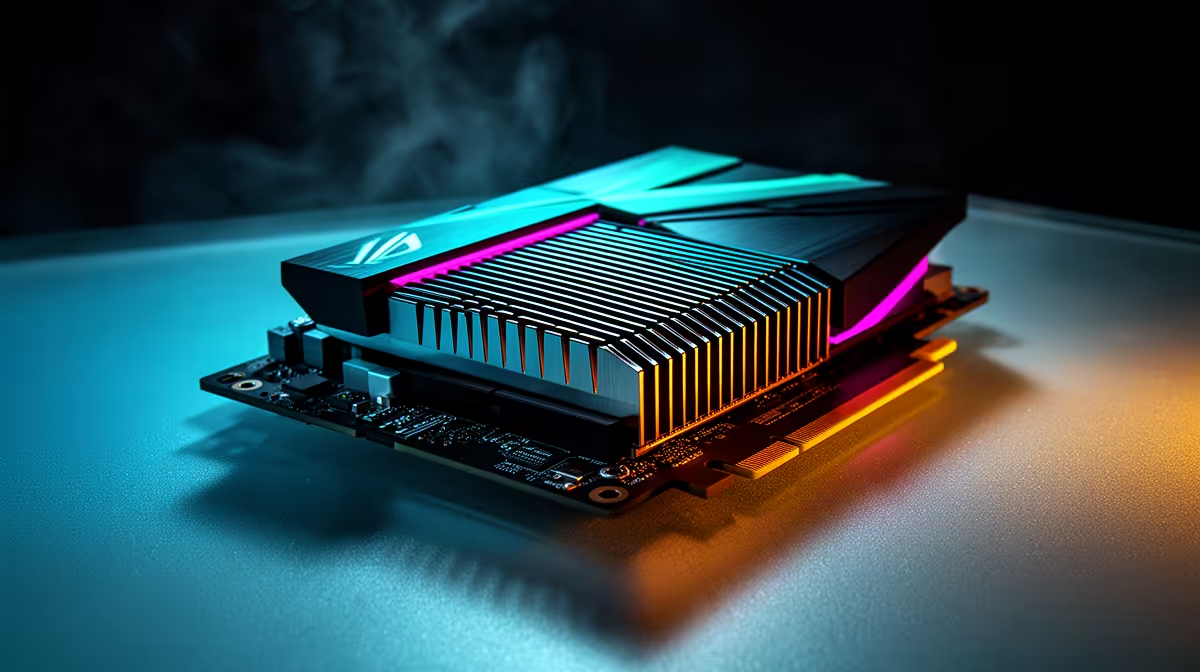
A laptop RTX 5060 should not be expected to match a desktop RTX 5060. The mobile and desktop parts operate within different power, cooling and physical limits, and their internal configurations differ. The shared family name describes a tier, rather than identical performance.
Quick Answer
Use laptop-specific benchmarks for the exact chassis. A desktop offers more sustained performance, upgrade options and cooling. A laptop trades some of that for a built-in screen, battery and portability. Choose on the job the complete machine must do.
Compare portable systems in the laptop best-seller selection and gaming laptop deals. Use the desktop RTX 5060 range only as a separate desktop comparison, not as evidence for a laptop frame rate.
Same Badge, Different Hardware Context
The laptop GPU has fewer active processing resources than the desktop card and runs inside a much tighter power envelope. Laptop makers can configure graphics power differently, so two mobile RTX 5060 machines can also land at different speeds.
Cooling is shared with the processor in many chassis. A benchmark burst may look strong before temperatures settle. Long gaming loops reveal sustained clocks, fan noise and surface heat.
Compare at the Same Settings
Match game version, resolution, graphics preset, ray tracing and DLSS mode. A laptop's 2560 x 1600 screen renders more pixels than desktop 1080p, which can widen the apparent gap unless the test is normalised.
Frame generation should be reported separately from raw rendering. It improves visual smoothness but does not give each generated image a fresh input sample. For competitive play, base frame rate and latency remain central.
Count the Complete Systems
A desktop can accept a later graphics card, more storage and broader cooling changes. A laptop brings portability and all core parts in one chassis. Check screen quality, battery, charger size, ports, RAM upgrade access and the connection between the discrete GPU and display.
Record named prices as of July 2026 for both complete options. Comparing a laptop total with the price of a desktop graphics card leaves out the desktop's monitor and other components.
External Displays Can Change the Result
Some laptop outputs connect straight to the discrete GPU, while the internal screen may route frames through integrated graphics. A MUX or direct external path can remove that extra step. Check the manual, test the exact port and compare with the same power profile.
Dock bandwidth can become another limit. For a high-refresh monitor, a direct HDMI, DisplayPort or suitable USB-C connection is safer than assuming every hub carries the full mode.
FAQ
Is a laptop RTX 5060 the same chip as the desktop card?
They belong to the same generation and tier, but configuration and operating limits differ.
Can a high-power laptop close the gap?
It can perform better than a low-power mobile configuration, while the desktop still has a larger cooling and power budget.
Should I compare at native resolution?
Use both native-use results and a matched resolution. The second test isolates more of the hardware difference.
Match resolution and settings, read sustained laptop-specific tests and compare complete-system prices before choosing mobile or desktop RTX 5060.