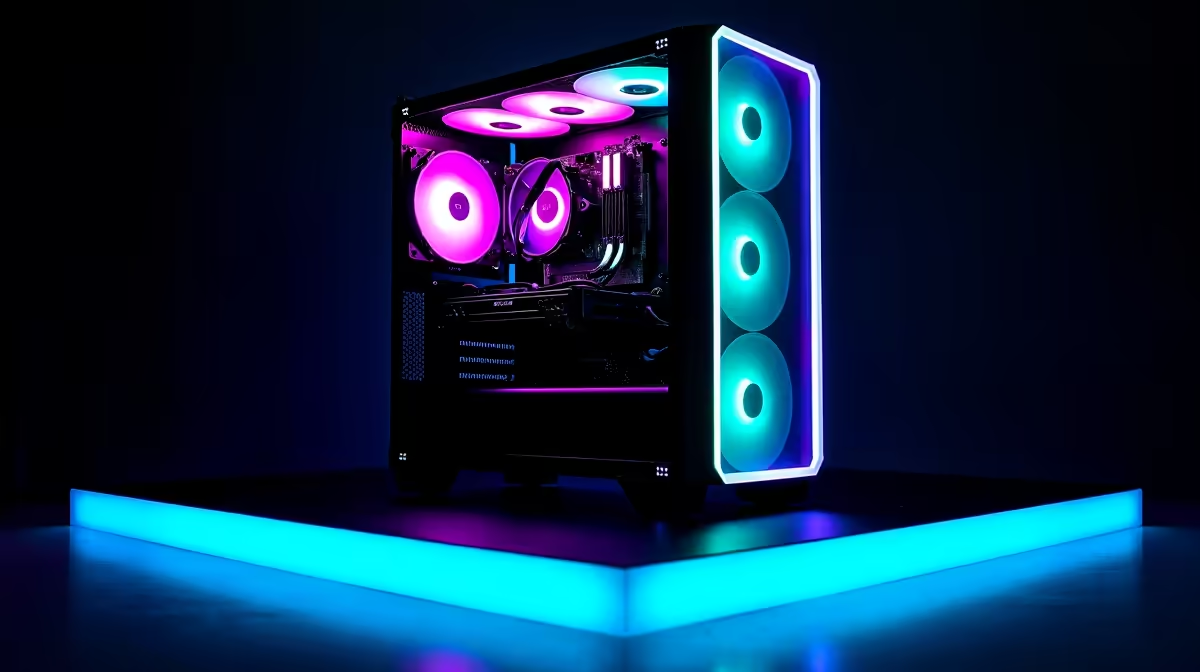
A music-production PC can support competitive esports when it also meets the games frame-rate, latency and graphics requirements. Quiet cooling and stable audio drivers are useful for production, but a machine built around low graphics demand may not deliver the intended competitive display rate.
Benchmark audio and gaming independently
Open the largest normal project with instruments, effects and recording inputs, then measure CPU, memory, storage and audio-buffer stability. For the game, set the exact resolution and refresh target and test sustained frame times. Check whether audio interfaces or anti-cheat software create driver conflicts.
Verified product evidence includes the Palit RTX 5060 8GB at R4,800, but this graphics card is neither a complete dual-purpose PC nor a frame-rate promise. The TEAMGROUP VULCAN 32GB DDR5-6000 kit at R1,460 and WD Blue SN5000 2TB SSD at R1,684 are confirmed component references requiring a compatible platform. Verify software support, PSU capacity, motherboard, cooling, ports and warranties.
Keep recording projects on versioned backups and preserve a known stable driver configuration before tournament days. Use safe monitoring levels and separate game voice chat from production routing. A quieter fan curve must still keep components stable during a long match or export.
Buy one machine when both rehearsals pass without compromises. If a production environment depends on delicate drivers or uninterrupted sessions, separate systems may reduce risk and make maintenance easier.
Balancing music and esports? > Compare Evetech gaming PCs against both project and frame-time tests.