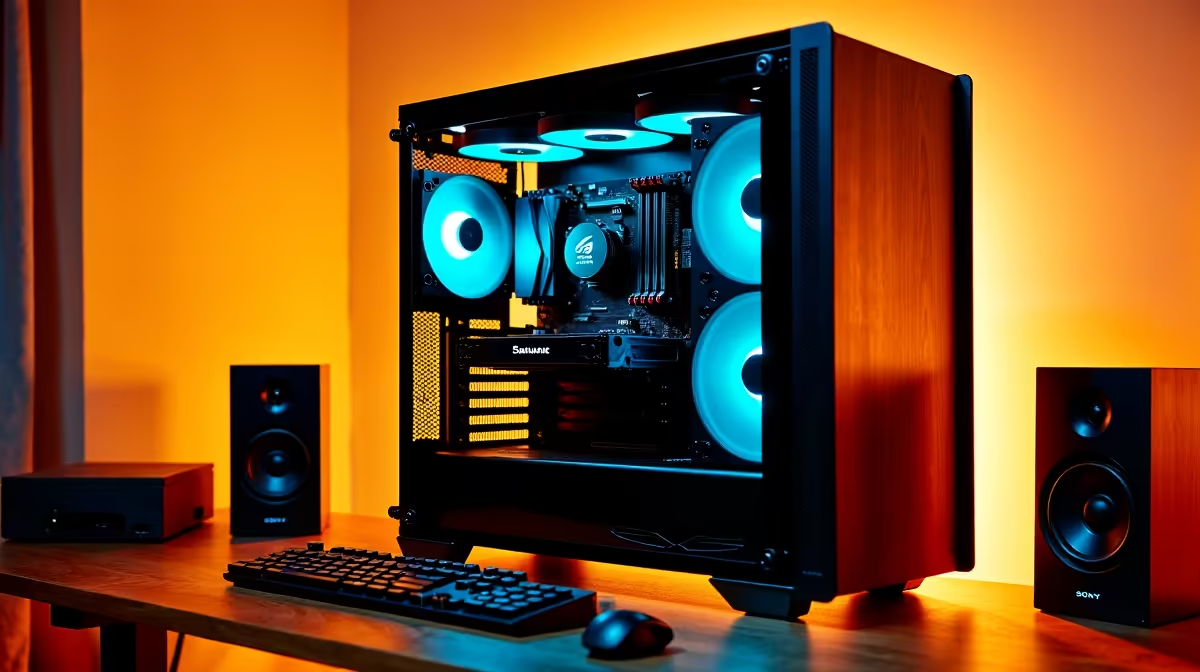
A music-production PC is worth placing in a kids learning corner only when music recording, composition or audio editing is part of the weekly learning plan. For school documents, coding and browsing, specialist audio hardware is unnecessary. A quieter, supervised family computer may be easier to manage.
Start with the learning activities
List school platforms, creative apps and any instruments or microphones. Confirm whether children need a low-latency audio interface or simply a USB microphone for voice and music exercises. Test a lesson from login through file export under a child account.
The Minisforum UM750L with Ryzen 5 7545U, 16GB memory and 1TB storage is a verified compact-PC reference at R4,600. It may suit a fixed shared desk, subject to operating-system, display, webcam and application checks. The NearStream USB and XLR microphone is verified at R676 for selected audio learning, subject to connection and supervision needs.
Use child accounts, keep administrator credentials private and review camera or microphone permissions together. Secure cables, keep drinks away and set volume limits. Maintain approved backups of schoolwork and recordings. If the production PC already exists, separate adult plugins and client sessions from the learning profile. Buy specialist music hardware only when a named activity repeatedly needs it. For a first corner, spend on a clear display, comfortable input devices and dependable software support used across subjects. Audio capacity should expand with real projects rather than arrive as an expensive collection of unused studio features.
Building a family learning corner? > Compare verified mini PCs and microphones with Evetech around the planned activities.