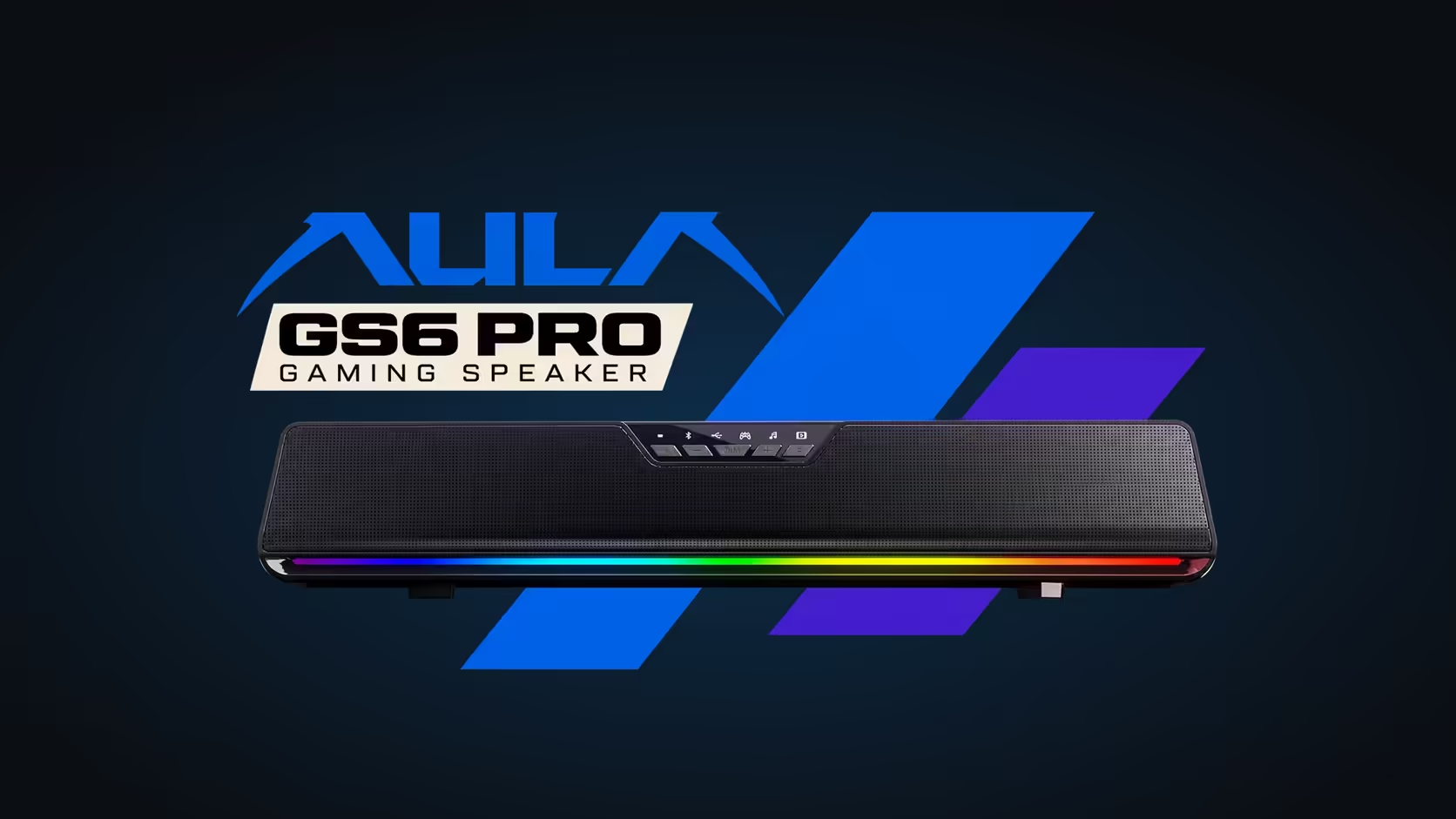
Lighting that reacts to sound usually comes with a catch: a companion app that has to stay open in the background, eating memory and occasionally forgetting your settings after an update. The AULA GS6 Pro takes a different approach. Its AULA GS6 Pro RGB is a strip of 15 LEDs along the base, and AULA states that every one of its effects, music rhythm included, runs without a driver.
Quick Answer
The AULA GS6 Pro has 15 RGB LEDs along its base with four kinds of effect: solid, fast or slow flowing, breathing and music rhythm. AULA says these work without a driver, so the lighting keeps going even where its Windows software is not installed, including when a phone plays over Bluetooth 5.4. Evetech prices the GS6 Pro at R349.
🌈 The four effects
Each effect suits a different mood on the desk.
Solid
One steady colour. This is the calm choice for a work setup or a video call, where movement in the corner of the frame is a distraction. It also suits a desk themed around a single accent colour.
Flowing, fast or slow
Colour travels along the strip. The slow version drifts gently; the fast version sweeps quickly. Flowing effects give the bar a sense of motion while you are not playing anything.
Breathing
The light fades in and out. It adds a little life without the constant motion of a flowing pattern, which makes it a good middle ground.
Music rhythm
The LEDs react to the audio the bar is playing. Beats and loud moments pulse through the strip, so the lighting tracks whatever is coming out of the speakers, from a game soundtrack to a playlist.
AULA's page lists the effects but not the exact control sequence for cycling through them, so keep the quick guide from the box nearby while you learn it.
🧩 Why "no driver needed" matters
Plenty of RGB gear depends on software that has to be running for the lighting to do anything beyond a default pattern. With the GS6 Pro, the lighting effects are handled by the bar itself.
That has practical benefits:
- The lighting works on a computer where AULA's driver is not installed.
- It keeps running when a phone or tablet is the source over Bluetooth 5.4.
- There is no extra background process to trim from startup.
AULA's driver software still has a role, on Windows 10 and above, for EQ, AI noise cancellation, a voice changer and a 7.1 surround effect. The lighting simply does not need it.
🖥️ Where the LEDs sit on the bar
The 15 LEDs run along the base, below the metal mesh front that covers the six drivers. The ABS body measures 410 x 80 x 76mm and tilts up 10 degrees towards you, so the light sits low on the desk, beneath the screen, rather than shining into your eyes.
Lit and unlit designs sit side by side in Evetech's desktop speakers section, while the overall speakers page adds everything else. If the LED strip fails through a manufacturing fault, the GS6 Pro's 1 Year Local Warranty with Evetech takes care of it.
Frequently Asked Questions
How many LEDs does the GS6 Pro have?
Fifteen RGB LEDs, running along the base of the bar.
Does music-rhythm lighting need an app open?
No. AULA says all the lighting effects run without a driver.
Will the lights react to audio from my phone?
The music-rhythm effect follows what the bar plays, and it needs no driver, so a Bluetooth source works too.
Which effect is best for video calls?
Solid. A single steady colour adds nothing distracting to the frame.
Is the front of the bar lit?
No. The lighting sits along the base; the front is a metal mesh over the drivers.
Ready for lighting that keeps time with your music?
Music-reactive lighting adds life to a setup; find RGB speaker designs for your desk in the speakers section at Evetech.