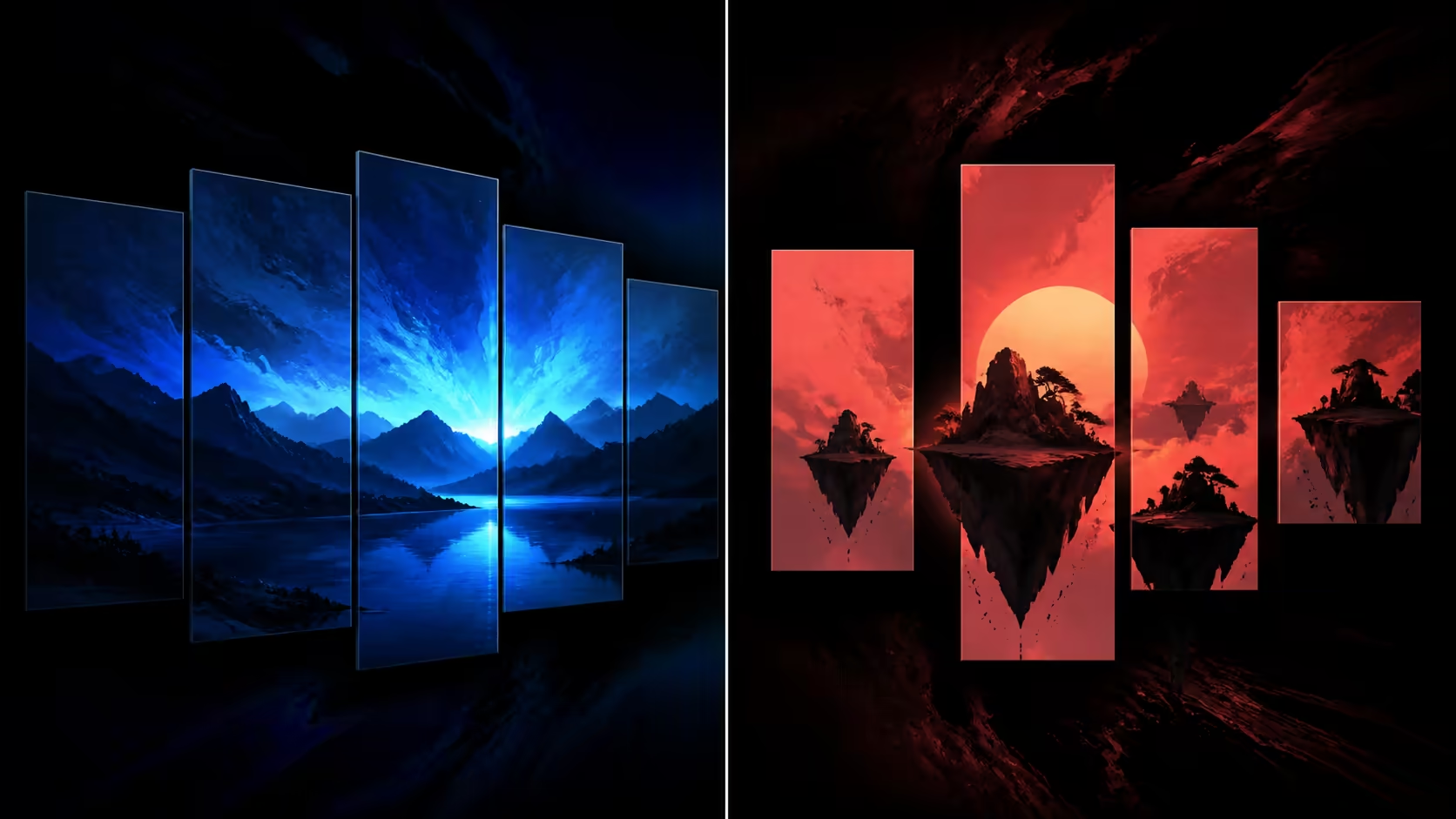
An extended desktop gives each screen ordinary workspace, while NVIDIA Mosaic is aimed at a broader arranged visual surface. The better choice depends on how content should behave, not on which name sounds more advanced. A NVIDIA Mosaic vs extended desktop decision should begin with the user's movement between screens and the need for coordinated presentation.
Quick Answer
NVIDIA Mosaic is the relevant RTX PRO Sync capability when separate outputs must form one planned display canvas rather than remain independent desktop spaces.
Choose extended desktop for separate windows and task zones; consider Mosaic when several outputs must form a planned multi-display canvas. PNY's R19,599 synchronization card adds Genlock and Frame Lock to Mosaic. In this comparison, its outer scale is 32 screens served by eight RTX Pro GPUs or fewer.
🗂️ Favour extended space for separate tasks
An extended desktop fits work where each monitor has a distinct job: tools on one screen, a preview on another and communications elsewhere. The user moves windows between areas, but the displays do not need to read as one continuous visual surface.
This approach can suit a workstation even when it has several monitors. Compare PC monitor options with desk distance, panel roles and application placement already decided. There is little value in buying a wall-oriented function for independent task zones that never act as a single canvas.
🧱 Pick Mosaic for an arranged canvas
Mosaic belongs on the shortlist when content should span or occupy an intentionally arranged multi-screen field. It solves the canvas side of the problem. Timing and frame coordination remain separate considerations, which is why the PNY card also carries Genlock and Frame Lock.
The PNY RTX Pro Sync product is R19,599. Its 32-display allowance is paired with an eight-GPU maximum for NVIDIA RTX Pro hardware. Use those numbers as design limits rather than reasons to enlarge the wall.
🎯 Compare the user experience
Build two simple storyboards. In the extended-desktop version, show where each application lives and how the operator moves between it. In the Mosaic version, show how a single visual field crosses panels and where important content meets a bezel.
Test both with real working material. A command centre, presentation space and individual analyst desk can reach different conclusions even with the same screen count. The correct mode is the one that makes the intended task clearer and easier to inspect.
Relevant GPUs can be reviewed through Evetech's workstation graphics cards page after the mode and application load have been selected.
🧾 Price only the chosen architecture
The synchronization card is one R19,599 component, not the whole visual environment. A Mosaic design may also require professional graphics processors, panels and project work. An extended workstation may have a different cost structure and no reason to use the card.
Once the architecture has earned its place, compare the surrounding graphics card accessories. Keep each addition tied to a requirement from the approved storyboard.
Consider how layouts change during the day
The same screens may serve one operator in the morning and a shared presentation later. Document each important use rather than forcing one mode to represent all of them. An extended desktop could suit detailed preparation, while an arranged canvas may be relevant when the output becomes a room-wide presentation.
Test the transition as well as both final states. Record the expected application placement, active processors and visual arrangement so operators can recognise whether the change completed correctly.
Mosaic scale reaches 32 screens or projectors in an individual system. Behind that canvas, the architecture can hold up to eight NVIDIA professional GPUs and two synchronisation cards. This creates a defined ceiling for a large wall rather than an open-ended desktop extension. The card's support for current Windows versions and Linux also lets installers choose the operating platform around the wider application stack.
Frequently Asked Questions
Is Mosaic automatically better for more monitors?
No. Screen quantity alone does not decide the mode. Mosaic is relevant when the monitors need to form an arranged visual surface.
Can the PNY card support an extended desktop?
Its named multi-display capability is NVIDIA Mosaic, accompanied by Genlock and Frame Lock. Choose a working mode from the project's content behaviour rather than the feature list alone.
What is the supported wall scale?
The synchronization architecture can include up to 32 displays and eight NVIDIA RTX Pro GPUs.
Does the R19,599 price cover a complete Mosaic wall?
No. It applies to the PNY sync card; other graphics hardware, screens and installation costs remain separate.
Can one set of screens switch between the two modes?
An installation can be planned around more than one approved layout, but each state and the transition between them needs its own operating procedure and observation. Save where applications belong in the extended workspace and how the Mosaic canvas should appear, then test both with the same physical panel arrangement.
Ready to choose between workspace and canvas?
Use Evetech's monitor and professional graphics categories to cost the mode that best matches how people will actually use the screens.