


Quick Answer
For OBS recording, case fans matter when you record gameplay and encode at the same time, since that loads both GPU and CPU and raises case temperatures; two or three good 120mm fans (around R150-R300 each) keep a Ryzen 7 7700 and RTX 4070 cool enough to hold boost. For voice-only or screen-capture recording, the heat is low and stock fans are fine.
When case fans earn their place
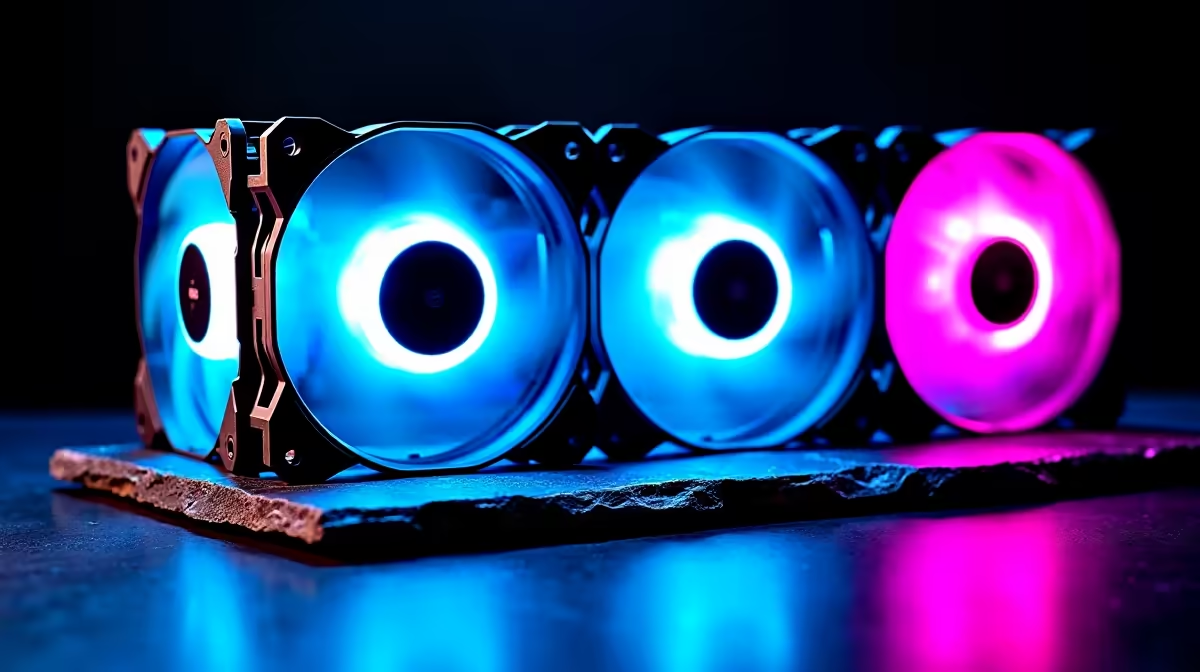
Recording gameplay in OBS while the game runs means the GPU renders and the encoder (GPU NVENC or CPU x264) works at once, pushing more heat into the case. Good airflow, two intake and one exhaust 120mm fan, keeps a Ryzen 7 7700 and RTX 4070 from heat-soaking, which would drop the GPU's boost and your in-game frame rate below 100fps at 1440p. Under this dual load, case fans directly protect recording quality and performance, so they matter and are worth the small R150-R300 each spend.
When they do not matter much
For light OBS use, voice-only podcasts, screen-capture tutorials or recording a webcam, the system barely warms up, so the stock fans that came with the case handle it. Adding extra fans there changes nothing useful. The rule is to match airflow to thermal load: heavy game-plus-encode recording needs good case fans, while talking-head or slideshow recording does not. Use the GPU's NVENC encoder rather than CPU x264 to keep CPU heat and load lower during gameplay capture.
FAQ
Do I need extra case fans for OBS recording?
Only for heavy use. Recording gameplay while encoding loads the GPU and CPU and raises case heat, so two or three 120mm fans help. Voice-only or screen-capture recording stays cool on stock fans.
Does poor airflow hurt recording quality?
Yes, under game-plus-encode load. Heat-soak drops the GPU's boost and your frame rate, which shows in the recording. Good case airflow keeps a Ryzen 7 and RTX 4070 holding 100fps-plus at 1440p while capturing.
Should I encode with NVENC or CPU for OBS?
Use the GPU's NVENC encoder for gameplay capture. It offloads encoding from the CPU, lowering heat and load, so the system stays cooler and the game runs smoother than with CPU x264.
For gameplay-plus-encode OBS recording, fit two intake and one exhaust 120mm fan and use NVENC encoding; for voice-only capture, stock fans are enough.











