


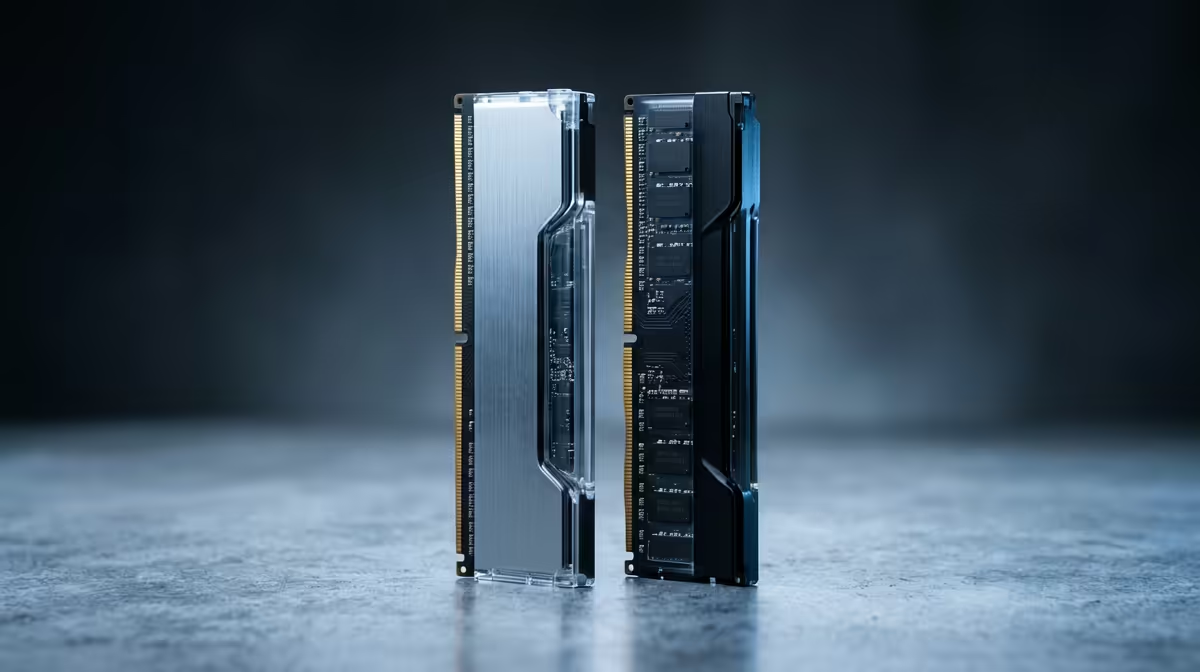
A home podcasting hardware plan revolves around clean audio, reliable recording, and enough computing to edit, so DDR5 RAM kits matter at a specific point, not always. For pure recording the mic and interface lead; RAM becomes important once you edit, run effects, and multitask. Knowing when to spend on RAM keeps the plan balanced.
Quick Answer
For home podcasting, DDR5 RAM kits matter when you edit multi-track audio, run plugins, or multitask, where 16GB to 32GB keeps editing smooth. For plain recording, the microphone, interface, and a quiet room matter more, so put DDR5 spend where multi-track editing actually demands the memory.
Where DDR5 RAM Earns Its Place
Recording a single voice needs little RAM; the audio interface and mic do the heavy lifting. RAM becomes important in editing, where multi-track sessions, noise reduction, and effects plugins load into memory. A 16GB DDR5 kit handles typical podcast editing, and 32GB gives headroom for many tracks, heavy plugins, and editing while a browser and notes are open. Faster DDR5 also helps your editing software feel responsive during these tasks.
Building The Rest Of The Plan
Prioritise audio quality first: a good USB or XLR microphone, a clean interface, and a treated or quiet space do more for podcast quality than any RAM. A fast SSD speeds project loading and exports. Then size your DDR5 to your editing complexity, 16GB for simple two-host shows and 32GB for multi-guest, multi-track productions with effects. Spending on RAM at the editing stage, after the audio chain is solid, gives the most balanced and effective home podcasting setup.
FAQ
How much RAM does podcast editing need?
16GB of DDR5 handles typical podcast editing well, while 32GB suits multi-track, multi-guest shows with heavy plugins. Plain recording needs far less, so size RAM to your editing complexity.
Does RAM improve recording quality?
No. Recording quality comes from the microphone, interface, and room. RAM matters at the editing stage for smooth multi-track sessions and plugins, not for capturing clean audio.
Is DDR5 worth it over DDR4 for podcasting?
On a new build, DDR5 is the current standard and helps editing responsiveness. The bigger gains for podcast quality, though, still come from your mic, interface, and recording space.
audio chain first with a good mic, interface, and quiet room. Add 16GB to 32GB of DDR5 once you start editing multi-track sessions, which is where the memory truly pays off.











