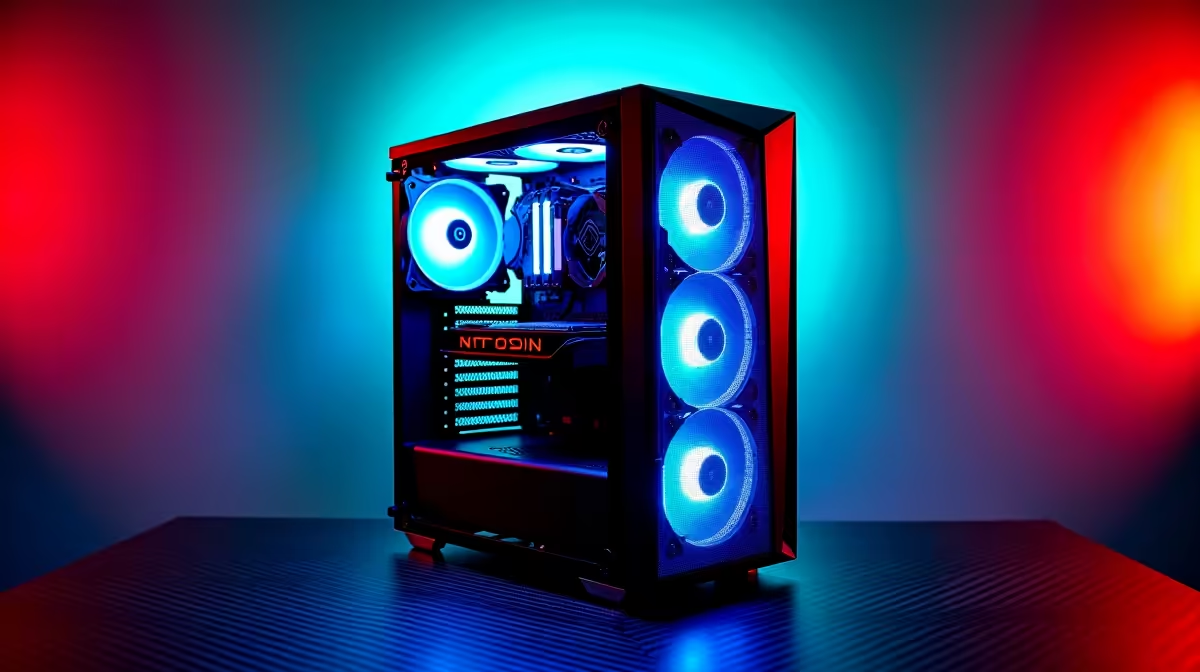
A reception PC is rarely worth using for racing simulation unless the machine is retired from business duty and separately proven capable. Reception systems prioritise reliability, quiet office work and small footprints. Simulation may need stronger graphics, many USB ports and dedicated floor space.
Protect the business role
Do not install games, drivers or unsigned control software on the live bookings or point-of-sale machine. Test simulation on a separate user-owned computer with the intended wheel, pedals and display. Check frame times, USB stability, mounting and noise after a full session.
Reception data, passwords and customer information should never share a casual gaming environment. If an older office PC is repurposed, erase business data correctly and reinstall a supported operating system first. Confirm that the chassis accepts any required graphics card and PSU.
A reception machine often connects to printers, scanners and payment peripherals that game drivers could disrupt. Photograph the business cable layout and document installed software before repurposing any retired unit. The simulation setup should have its own accounts and no path to customer databases or live business credentials.
If the old office chassis uses proprietary connectors or a weak PSU, a fresh gaming build is safer than forced modification.
The Palit RTX 5060 8GB is verified at R4,800. Confirm case clearance, power connectors, processor balance, display outputs and current stock before pairing it with any repurposed system.
Building a separate racing setup? > Compare Evetech PC hardware by game and control requirements.