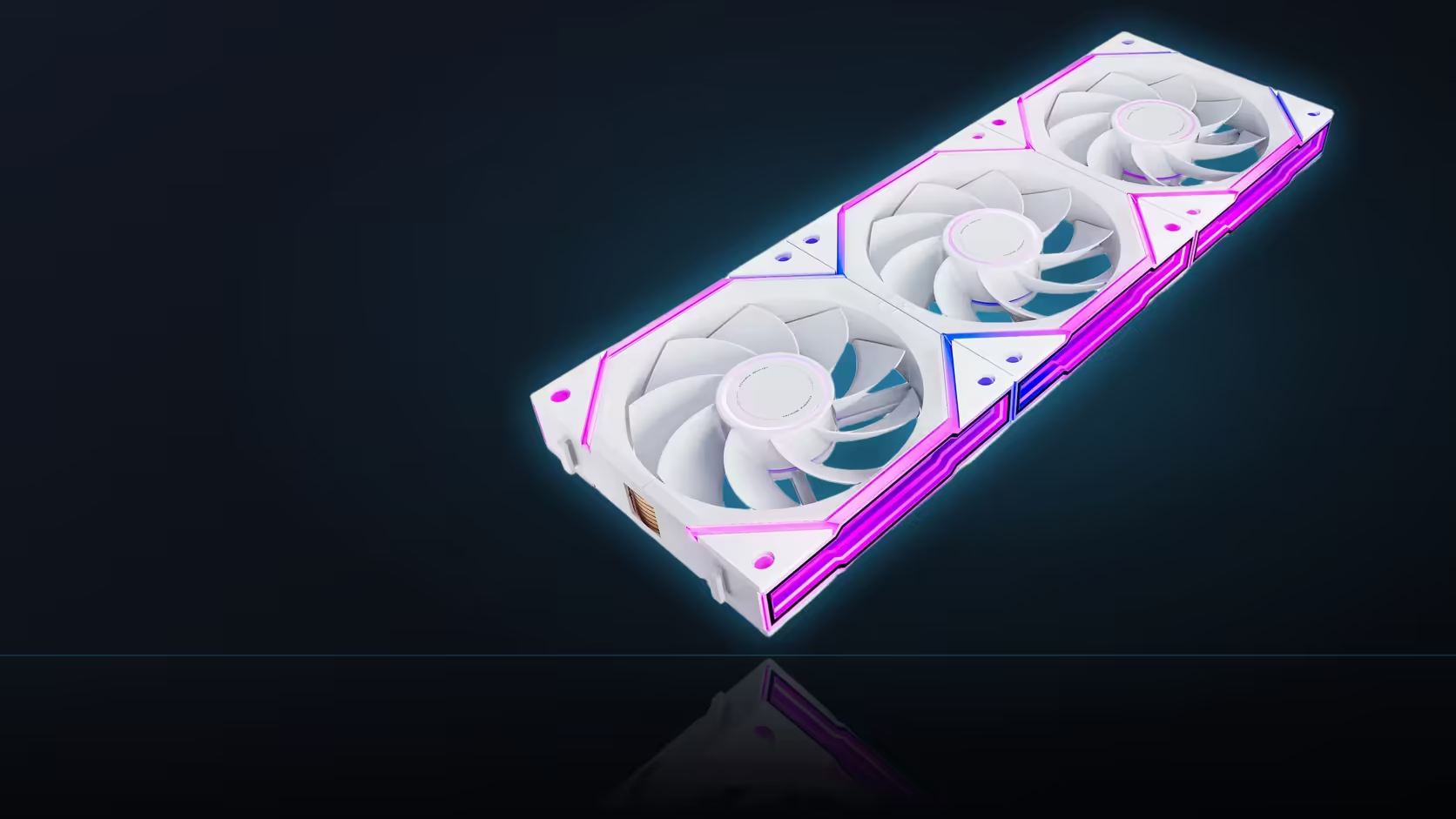
A word doing double duty in the same product description is a reliable way to end up confused, and "reverse" is exactly that word here. The Nyota Ultra range sells reverse-blade fans, and its lighting software can also run a reversed animation, and those two unrelated uses of the same term are worth untangling before either one gets blamed for the other.
Quick Answer
Running a lighting effect in reverse changes nothing about where a Nyota Ultra fan's air actually goes; airflow follows the blades and how the fan is physically mounted, not any software setting. The two uses of "reverse" describe entirely separate things, one visual and one mechanical, and confusing them is an easy mistake given both terms appear around the same product.
🌬️ What actually decides airflow direction
Airflow direction is set purely by physical mounting: which way the fan faces in the case, and which way its blades push air once powered on. Turning the fan itself around is the only thing that reverses this. Nothing in software, including a reversed lighting animation, has any influence over which way air actually moves through the case.
💡 What a reversed lighting effect actually does
A reversed effect setting in ARGB software changes the direction an animation travels visually around the ring, for instance making a colour chase sweep clockwise instead of anticlockwise. That is a purely cosmetic setting inside the lighting control software, entirely separate from anything mechanical happening inside the fan itself.
🔀 Why this particular mix-up is so easy to make
The Nyota Ultra range also sells genuine reverse-blade fans, a hardware variant built for positions where the standard fan's rear face would otherwise be visible. That means "reverse" legitimately appears twice around the same product family, once describing a physical blade orientation and once describing a software lighting setting, and it is entirely reasonable for the two to get tangled together in conversation.
✅ Confirming which kind of reverse actually applies
A reverse-blade fan does not blow air backwards when mounted the same way a standard fan would be; the only difference is which face looks finished once installed. To confirm actual airflow direction on any fan, most frames carry small directional arrows, and holding a light strip of paper near a running fan shows plainly which way air is moving. Whether a lighting effect direction can be set per fan, rather than across a whole chained row, depends on the specific board software in use, since a daisy-chained row generally follows one shared lighting scheme. Neither setting has any bearing on temperatures; only the physical airflow does. Browse the case fan range for both blade orientations, and case accessories for the ARGB controllers that manage lighting effects.
Frequently Asked Questions
What actually decides which way a fan's air moves?
Physical mounting orientation, meaning which way the fan faces and how its blades push air once installed.
What does a reversed lighting effect setting actually change?
The direction an animation travels visually around the ring, a cosmetic software setting with no mechanical effect.
Why does this confusion happen so easily on this range?
Because the Nyota Ultra also sells genuine reverse-blade hardware, so the word "reverse" applies to two unrelated things around the same product.
Does a reverse-blade fan physically blow air backwards?
No, it moves air the same way as a standard fan mounted identically; only the finished face differs.
How can I confirm actual airflow direction on a fan?
Check the small directional arrows on the frame, or hold a light strip of paper near the running fan to see which way air moves.
Does either kind of reverse affect temperatures?
Only physical airflow direction affects temperatures. A reversed lighting effect has no bearing on cooling performance at all.
Ready to tell blade direction and lighting direction apart for good?
Browse Evetech's case fan range and check the frame arrows on whichever fan you choose.