You just spent a solid chunk of your hard-earned ZAR on a shiny new GPU. You slot it in, boot up... and nothing. Seeing your RTX 5070 Ti not detected by PC systems is enough to make any South African gamer sweat. Don't panic just yet. Before you assume it is a dead unit, let us walk through the most common fixes to get your rig running perfectly. 🚀
Checking Your Power Connections
The 50-series cards are absolute beasts, which means they demand proper power delivery. If your PC does not detect the GPU, the very first culprit is usually the power cable. Make sure the connector is pushed all the way in... there should be zero gap between the cable and the port. When you upgrade your graphics card, using a high-quality power supply is non-negotiable. If your PSU is underpowered, the system simply will not initialise the hardware.
Motherboard BIOS and Compatibility
Sometimes the physical hardware is fine, but the software is lagging behind. If you are running an older motherboard, it might not know how to communicate with Nvidia's latest architecture. This is especially true if you are upgrading an older pre-built desktop PC. Head over to your motherboard manufacturer's official website and download the latest BIOS update. Flashing the BIOS can instantly resolve compatibility issues and help your system recognise the new card.
Reseating the GPU Properly
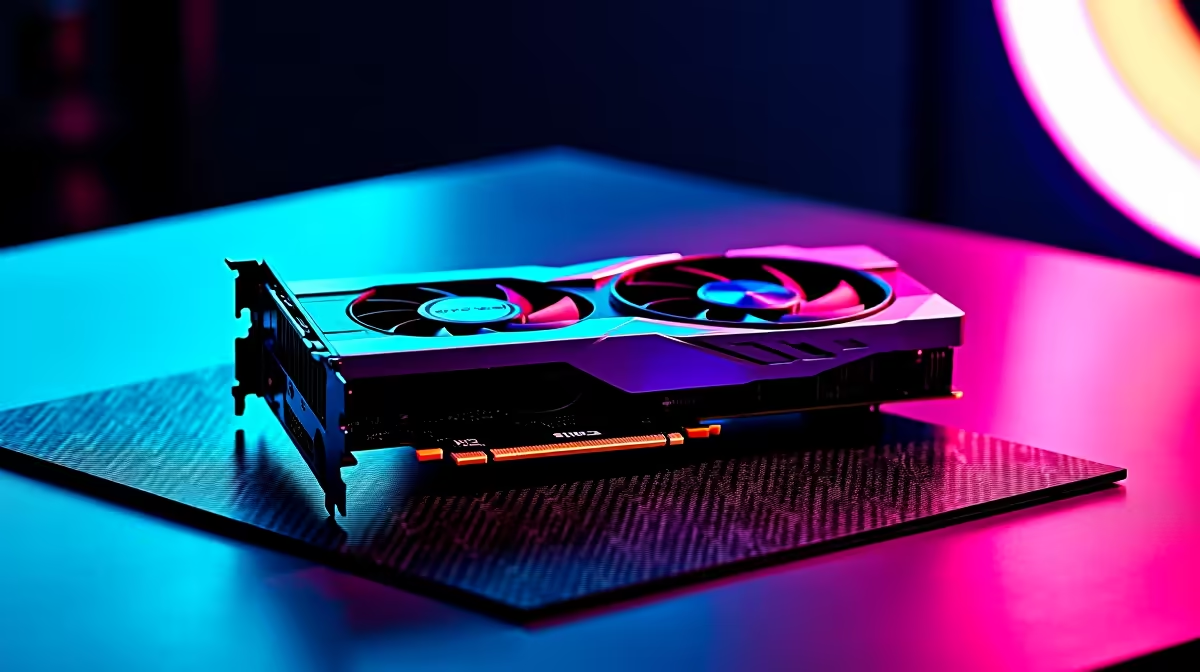
Did you hear the click? We assemble countless custom gaming PCs every month... and we know that a GPU that is slightly loose will not show up in Device Manager. Turn off your power supply, ground yourself, and carefully remove the graphics card. Blow out any dust from the PCIe slot, then push the card back in firmly until the retention clip snaps into place. 🔧
Driver Cleanup Tip ⚡
If your system sees the card as a 'Microsoft Basic Display Adapter', use Display Driver Uninstaller (DDU) in Safe Mode. This wipes all old Nvidia or AMD drivers, giving your new RTX 5070 Ti a completely clean slate to install the latest drivers without conflicts.
Is It Time for a Bigger Upgrade?
If you have tried different cables, updated the BIOS, and reseated the card, you might be dealing with a faulty motherboard PCIe slot. Before you spend more ZAR on replacement parts, weigh your options. Sometimes patching up an aging desktop is more frustrating than starting fresh. You might even find that modern high-performance gaming laptops offer the exact plug-and-play convenience you are looking for without the troubleshooting headaches.
Inspecting for Physical Damage
As a last resort, check the gold contact pins on the bottom of the graphics card. Any deep scratches or missing contacts could explain why your RTX 5070 Ti not detected by PC setups remains an ongoing issue. Always ensure your display cable is plugged directly into the GPU... not the motherboard. Before you browse our latest tech specials for a brand new system, test the GPU in a friend's computer. If it works there, the issue is definitely isolated to your machine. ✨
Ready to Power Up Your Setup?
Troubleshooting hardware can be stressful, but upgrading your gear shouldn't be. Whether you need a stronger power supply, a new motherboard, or a completely new rig, Evetech has the best deals in South Africa. Explore our massive range of PC components and get back in the game today.