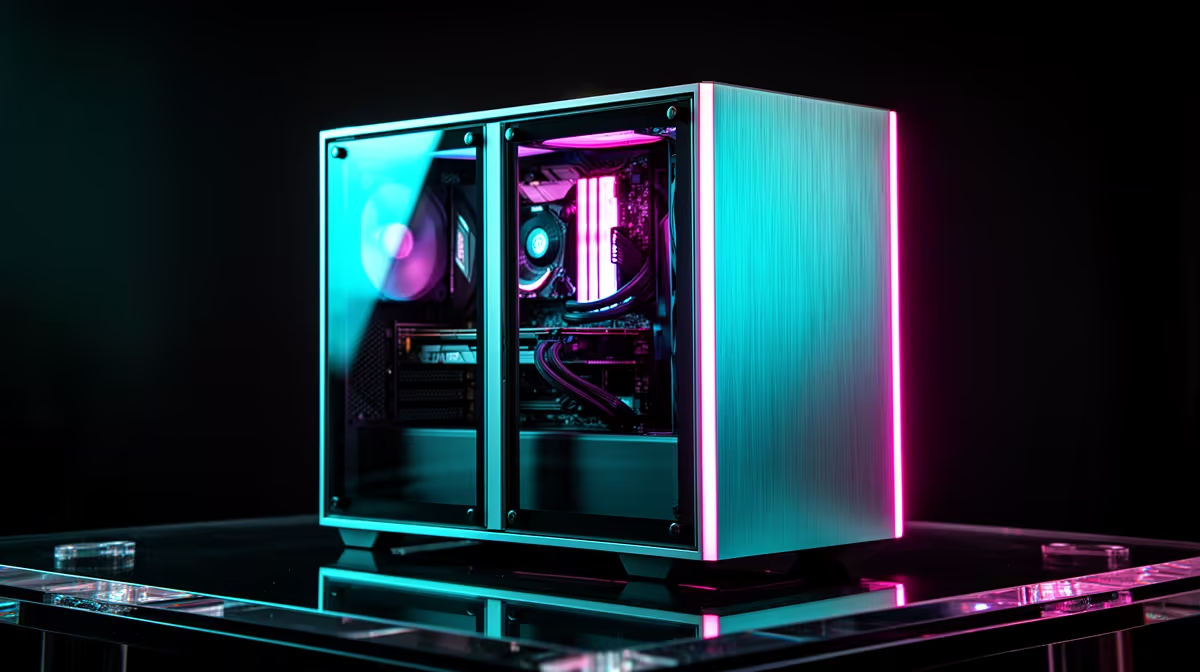
A used gaming PC can be a sharp buy in 2026, especially when the case, power supply and platform still have years left. The trap is a low sticker price attached to 8GB of RAM, a single module or an old drive. Price the machine after the upgrades it needs, then test the parts in front of you.
Quick Answer
Ask for the full specifications before travelling. For a current gaming setup, 16GB can serve a focused workload, while 32GB gives more room for new games, voice chat, browser tabs and capture. Confirm module count and upgrade slots. Add the cost of a matched replacement kit, storage and any power-supply work to the asking price.
Compare that finished total with Evetech's gaming PC deals and best-selling PCs, using the complete specifications rather than the tower name.
Verify the RAM Properly
Open Task Manager or CPU-Z and confirm total capacity, module count and speed. One 16GB stick leaves a simple expansion path, but it gives up dual-channel bandwidth until matched. Two 8GB sticks use both channels and may need replacement on a two-slot board.
Check whether the motherboard uses DDR4 or DDR5. The generations do not mix. Photograph the module labels and look up the full part numbers.
Run MemTest86 at the current settings and require zero errors. Used memory does not wear like a fan, but heat, voltage, bad contacts and damage can still create faults.
Inspect the Rest of the PC
Check CPU and GPU temperatures during a sustained game or benchmark. Listen for pump, fan and drive noise. Look for corrosion, heavy dust, damaged ports and missing expansion-slot covers.
Confirm the power-supply model, wattage and age from its label. A vague "gaming 700W" description is not enough. Look for the correct graphics power leads rather than adapters.
Check SSD health and capacity. A tiny system drive can turn a cheap PC into an immediate storage purchase.
Price the Finished Machine
Add the used asking price, necessary RAM, SSD, cooler or power-supply replacement. Include a clean Windows setup and the time needed to test.
Compare performance at your monitor resolution. A fancy old CPU cannot rescue a weak GPU in a graphics-limited game, and a strong GPU can be held back by a four-core platform in high-refresh play.
Do not count cosmetic RGB as upgrade value. Put money against parts that change stability, capacity and frame time.
Ask for Evidence
Request a cold boot, a photo of the system information and a short load test. Check that the serial labels have not been removed. Ask what was changed and why it is being sold.
A private listing has more uncertainty around history and support. Keep the price gap large enough to justify that risk. Never accept a screenshot as a substitute for testing the actual PC you will take home.
FAQ
Is a second-hand gaming PC a good deal in 2026?
It can be when the tested finished system costs less than a suitable new alternative and needs no surprise repairs.
How much RAM should it have?
Match the games and background workload. Treat 16GB as a measured entry point and 32GB as the roomier target for a broad current gaming setup.
What else should I inspect?
Test temperatures, storage health, ports, fans, graphics stability and the exact power-supply model before payment.
Test the exact used PC under load, add every required upgrade to its price and compare that finished total with a current complete system.