


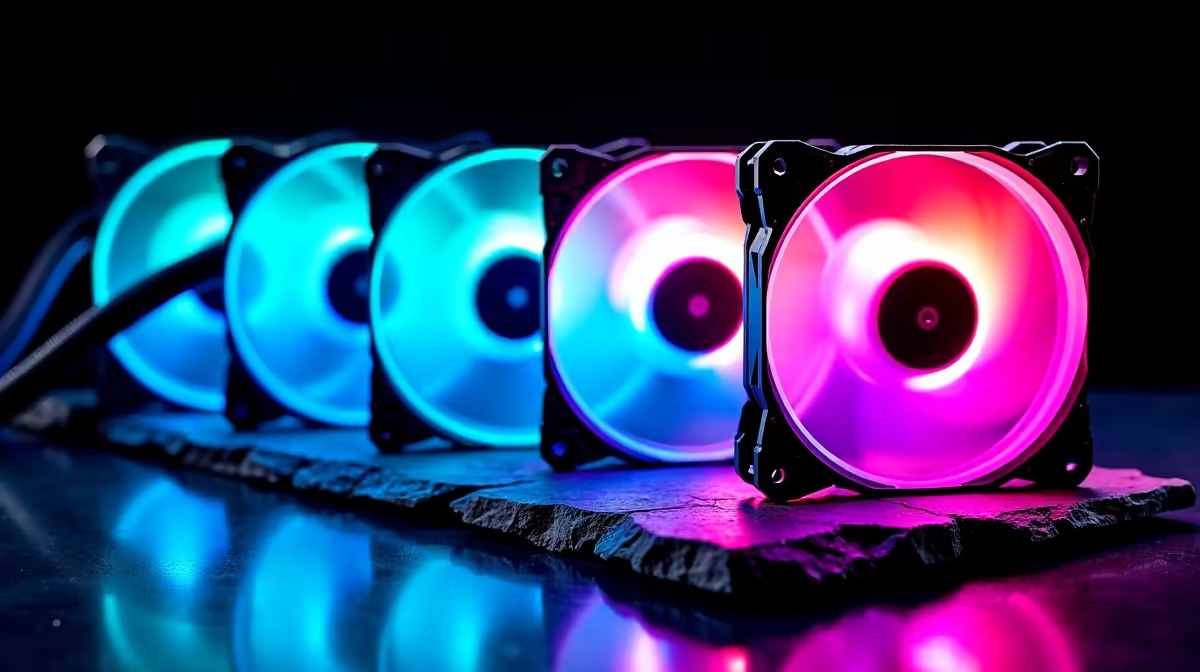
Extra case fans are worthwhile for Apex Legends only when the gaming tower shows high temperatures, throttling or unstable clocks during matches. The game does not require a particular fan count. A clear intake and exhaust path should be measured before adding noise and cables.
Record one repeatable match
Play at the intended resolution and frame-rate target while monitoring processor temperature, graphics temperature, clock speed and fan noise. Repeat after cleaning dust filters and moving cables away from intake vents. If performance remains stable within safe temperatures, more case fans may offer little benefit.
Match the enclosure hardware
Current supplied facts provide no verified case-fan SKU or price for this Apex setup. Check mounting diameter, fan thickness, motherboard headers, PWM or DC control and current limits. Plan filtered front or lower intake with rear or upper exhaust according to the case design. Do not connect more fans to one header than its rating permits.
The MSI RTX 5060 Ventus graphics card is verified at R5,950 for compatible towers and offers a gaming-upgrade comparison. Confirm case clearance, power supply and processor balance before purchase. A faster GPU may also increase heat, making complete airflow planning important.
Add the smallest number of fans that fixes the measured hot zone. Set an automatic curve that stays quiet at idle and repeat the same match to prove temperatures or clock stability improved.
Pro Tip ⚡
Cooling an Apex PC? > Ask Evetech to check case mounts, fan headers, graphics and power as one build.









