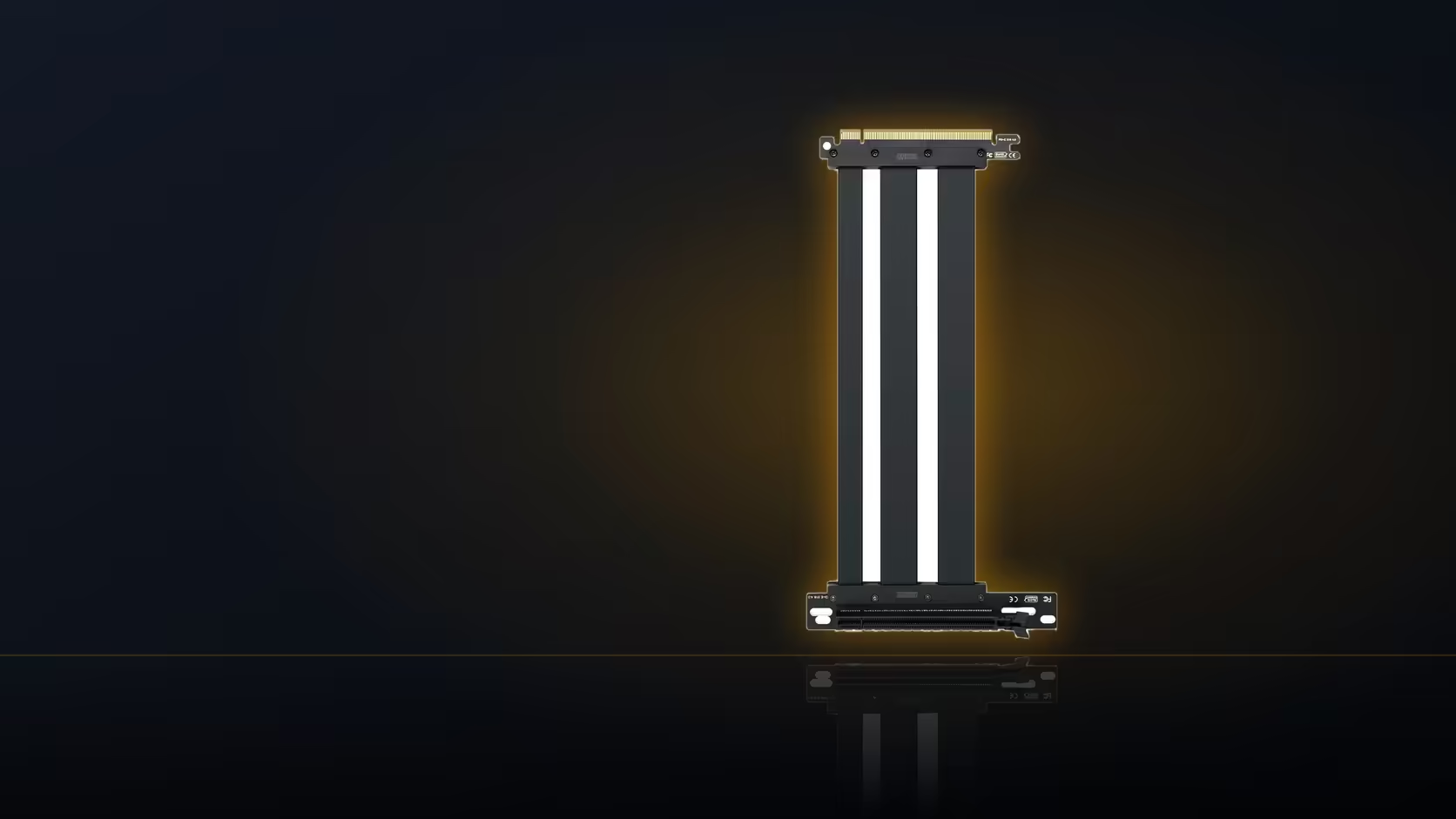
Swapping in a new graphics card does not, by itself, require anything as elaborate as a riser cable. The card slots into the board exactly where the last one did, connectors line up the same way, and the build finishes as it always has. A riser only enters the conversation if you specifically want the card mounted differently.
Quick Answer
No, a GPU upgrade does not need a riser to function. Adding one, at R1,299 including VAT for the AsiaHorse cable, is a choice about how the card is displayed, and it only becomes possible if the existing case already supports vertical mounting.
🎯 Function versus presentation
It helps to separate two things that often get bundled together during an upgrade: whether the card works, and how it looks once it is in. A new card installs and runs fine in the standard board slot, full stop. A riser changes nothing about that functional outcome. What it changes is orientation, turning the card so its face shows through the side panel instead of its edge.
That distinction matters because it means a riser is entirely optional during an upgrade. Skipping it costs nothing functionally. Adding it is purely a presentation decision, and one worth pricing out properly before committing.
What adding one actually costs
Beyond the R1,299 for the cable itself, a vertical mount usually needs a bracket too, unless the case already came with one. Depending on the case, that can add a meaningful amount to what started as a straightforward card swap. It is worth totalling that cost against the upgrade budget before deciding, rather than treating the riser as a small afterthought.
🏠 Whether the case allows it at all
This is the part that decides whether vertical mounting is even an option: does the existing case support it? Not every chassis does, and retrofitting support into a case that was not designed for it is rarely practical. Checking your case's specification, or the manufacturer's accessory list for a compatible bracket, settles this before any money changes hands on the riser itself.
🌡️ The cooling trade-off worth knowing
Turn a card vertical and it ends up nearer the glass than it ever sat in a standard slot, a gap that only shrinks further as the card itself gets physically bigger. A larger, thicker card upgrade can leave noticeably less clearance between its fans and the glass than a smaller one would, which is worth factoring in if cooling headroom matters to you. None of this is a reason to avoid the riser outright, but it is part of the honest cost of the upgrade beyond the cable price.
The good news is the arrangement is fully reversible. If a vertical mount does not work out, the card goes straight back into the standard board slot with the riser simply removed, no different from how it started.
For the riser itself, graphics card accessories is the place to check; for the bracket that will actually hold the upgraded card, case accessories is next.
Frequently Asked Questions
Does a new graphics card need a riser to work?
No. It installs in the standard board slot exactly as any previous card did, with the riser being entirely optional.
Why would someone add a riser during an upgrade?
Purely for presentation, to have the card face outward through the side panel rather than sitting edge-on.
What does adding one cost beyond the cable itself?
Usually a bracket as well, unless the case already includes one, which adds to the total upgrade cost.
Does the case need to support vertical mounting?
Yes. Without a case built or fitted for it, there is nowhere for the bracket, and therefore the card, to go.
Does mounting a card vertically affect its cooling?
It can, since the card sits closer to the side panel, drawing intake air from a more restricted space.
Can the card go back to a normal slot later?
Yes, at any time, with the riser simply removed and the card returned to the board slot as before.
Upgrading your graphics card soon?
Check Evetech's graphics card range while you decide whether a vertical mount is worth adding to the build.