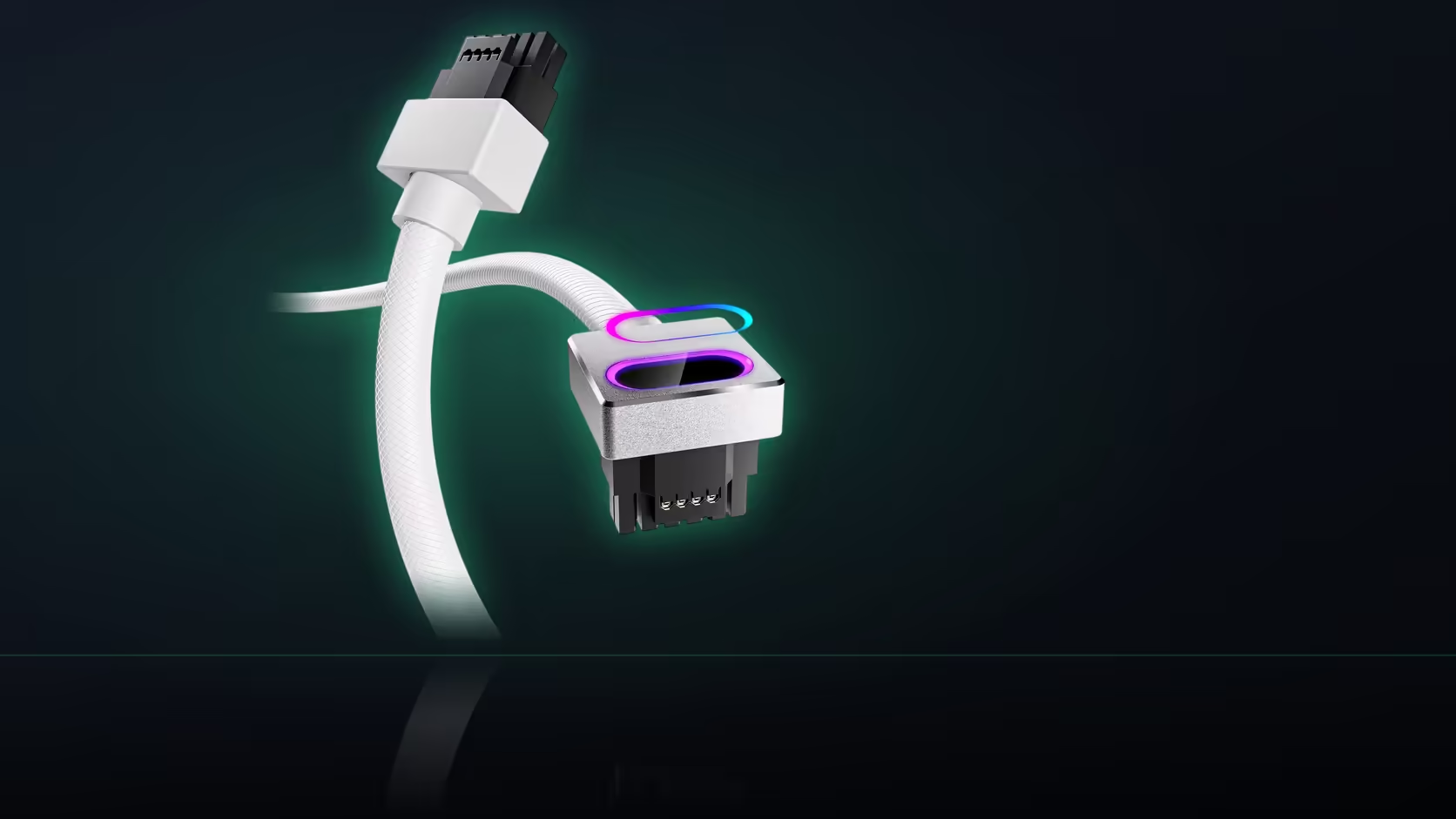
A GPU upgrade basket fills up fast: the card, maybe a new cooler, sometimes a case fan or two. The Hydrus 16-pin cable is tempting to toss in alongside them, but it is the one item on that list that answers to a part you have not touched yet - the power supply already sitting in your case.
Quick Answer
Hold this R699 AsiaHorse Hydrus 16-pin cable out of a GPU upgrade basket until you have identified your power supply's exact model. It plugs directly into a native 16-pin port that not every supply has, and AsiaHorse names two specific brands - Lian Li and Sharkoon - to avoid pairing it with. A card upgrade alone does not give you enough information to order it safely.
Why the card upgrade is not enough information
A GPU swap changes exactly one variable: the card. Your power supply stays exactly what it was before, unless the upgrade is also prompting a supply change. This cable's requirements sit almost entirely on that unchanged side - a native 16-pin socket has to already exist on the unit in your case, and that fact was true or false long before this upgrade was ever planned. Upgrading the card tells you nothing new about whether the supply can take this cable.
The brand caution that makes this urgent
There is a specific reason to check the supply model before adding this cable to a basket, rather than after: AsiaHorse reports elevated damage with Lian Li and Sharkoon power supplies when this cable is used, and recommends a different pairing for either brand. That is not a generic disclaimer - it names two suppliers directly, which means the safest move is knowing your supply's brand before the cable goes anywhere near checkout.
Finding the model without opening the case fully
The model usually sits on a label on the unit itself, typically visible once the side panel nearest the supply comes off. If that is inconvenient mid-upgrade, order records or the original packaging usually carry the same information, and it takes less time to check than to order the wrong cable and return it.
What still moves ahead regardless
None of this needs to stall the actual GPU upgrade. The card decision and the power supply question are independent of each other, so choosing and fitting the new card can proceed exactly on schedule. It is specifically this cable that should wait for a confirmed supply brand and model - everything else in the basket is unaffected.
Once the supply is confirmed
If the supply turns out to have the native 16-pin socket and is not a Lian Li or Sharkoon unit, the cable becomes a straightforward add: R699 in either black or white, rated 480W, fitting the RTX 40-series plus the RTX 5080 and 5070 (never the RTX 5090). Browse comprehensive cable solutions for the cable alongside its board and CPU siblings, and graphics card accessories for whatever else the upgraded card needs around it.
Frequently Asked Questions
Why does the power supply brand matter for a GPU upgrade cable?
AsiaHorse reports elevated damage with Lian Li and Sharkoon supplies paired with this cable and recommends a different pairing, so brand matters more here than for most accessories.
Is the caution about the cable or about those two power supplies specifically?
It names the pairing, which is why both the cable and the specific supply need to be known before ordering rather than just the card being upgraded.
Where do I find my power supply's exact model?
On the label on the unit itself, usually visible once the case panel nearest the supply is off, or in your original order records.
Does upgrading the GPU tell me anything new about supply compatibility?
No. The supply requirement was already true or false before the upgrade; changing the card does not change what the supply provides.
What if my supply is a Lian Li or Sharkoon unit?
Follow AsiaHorse's recommendation and use a different pairing, which in practice means keeping the cable that shipped with that supply.
Should the whole upgrade wait on this check?
No, only the cable. The card and any other upgrade components can proceed on their own schedule.
Is this caution stated anywhere else besides forum chatter?
It appears in the product listing itself, alongside the compatibility list and the 480W rating, as a caution from AsiaHorse.
Planning a GPU upgrade and unsure about the cable?
Confirm your power supply's brand and model first, then browse Evetech's graphics card accessories for the rest of the build.