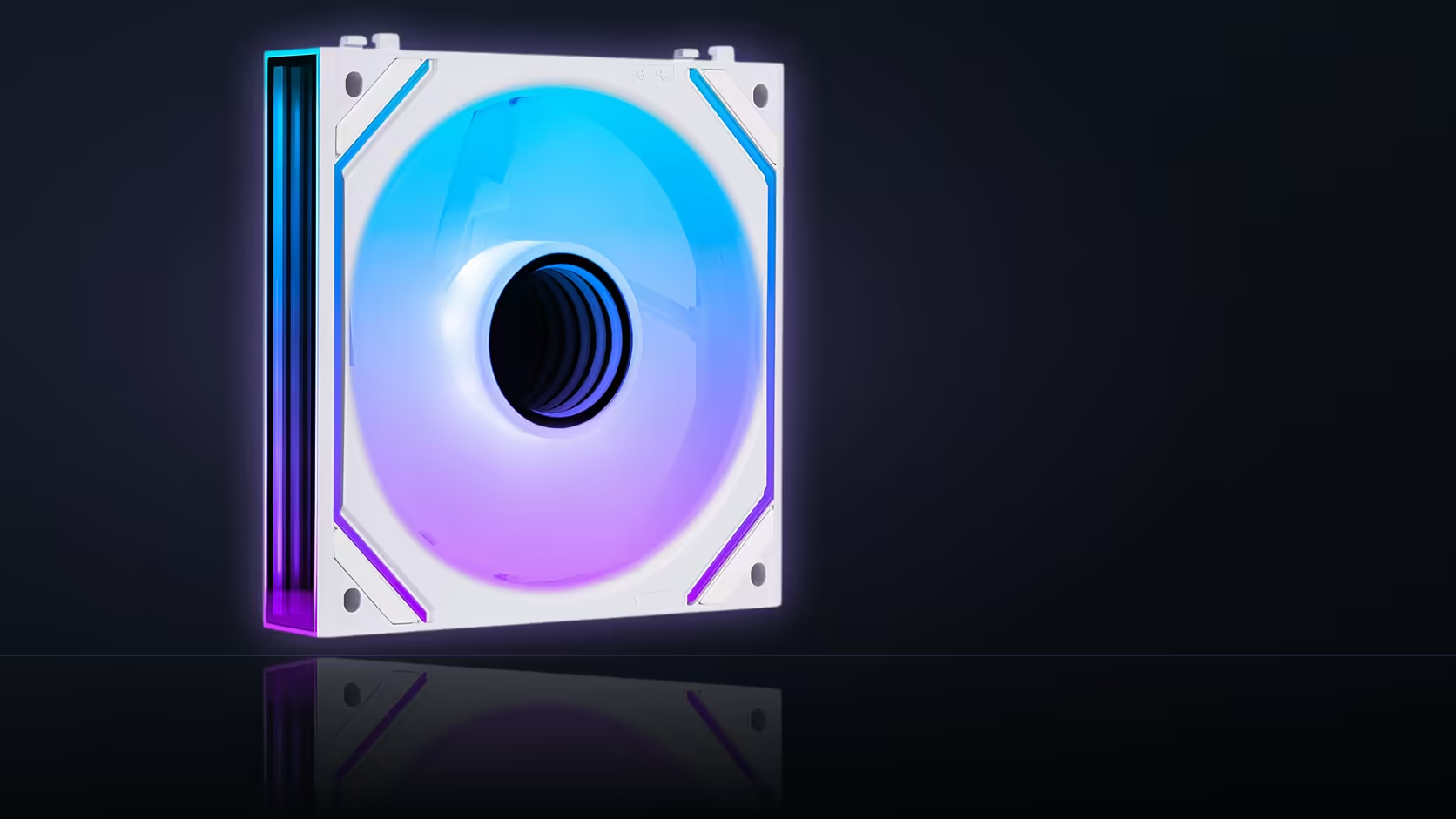
A tidy cable run looks great on install day and rarely gets thought about again until something actually needs to come out. The daisy-chain cable system AsiaHorse ships with its Dawn Pro three-packs trades a small amount of future convenience for a genuinely cleaner build, and knowing that trade exists upfront makes it easier to plan around.
Quick Answer
AsiaHorse's Dawn Pro three-packs use single-cable daisy chaining, linking all three fans into one run back to the motherboard header, which tidies installation considerably but changes how the row has to be serviced later. Reaching a fan in the middle of that chain can mean disturbing its neighbours to get there. The three-pack sells for R699 VAT-inclusive, and for most builds that trade is a fair one, though it is worth knowing before the row is permanently cable-tied into place.
🔗 What daisy chaining actually does
Instead of running three separate cables from three fans all the way back to the motherboard, daisy chaining links the fans to each other first, so only one cable makes the full journey to the header. That single run is what keeps the interior looking clean, particularly in cases without a lot of room behind the motherboard tray for cable management.
🔧 The servicing trade-off
A fan sitting in the middle of a three-fan chain is connected on both sides rather than standing alone. Pulling that fan for cleaning, replacement, or repositioning generally means disconnecting it from its neighbours first, which is a small extra step compared with unplugging a single standalone cable.
Is that worth avoiding daisy chaining altogether?
Rarely, in practice. The day-to-day tidiness benefit tends to outweigh the occasional inconvenience of servicing one fan out of a chained row, and most builds go months or years between needing to remove an individual unit at all.
🎛️ Does chaining affect how the fans are controlled?
The chain carries both power and lighting signal through the run, so the row behaves as a connected group from the header's point of view rather than as three individually addressed fans. That is generally invisible in day-to-day use, since most lighting software treats a chained row as one continuous effect anyway.
🧵 Practical cable-management tips
Start the chain at the end nearest the board's header connection, so the single outgoing cable leaves the row cleanly rather than doubling back across the fans themselves. Leaving cable ties slightly looser near the fans, rather than pulled fully tight, preserves the ability to release one unit later without needing to cut anything.
🔀 Mixing singles into a chained row
The single Dawn Pro listings describe the same daisy-chain cable management as the three-packs, so a single fan bought later can join a row that is already chained, extending the same run rather than needing its own separate cable back to the board. Browsing case fans before finalising the count helps confirm which single or pack combination actually fits the positions available.
Frequently Asked Questions
What does daisy chaining actually accomplish?
It links the fans to each other so the whole row reaches the motherboard through one cable run instead of three separate ones.
What is the real cost of using it?
A fan in the middle of the chain connects on both sides, so removing it later means disconnecting it from its neighbours first.
Is that reason enough to avoid daisy chaining?
Rarely. The tidiness benefit generally outweighs the occasional inconvenience of servicing a single fan within an otherwise settled build.
Does chaining change how the fans are controlled?
The chain carries the connections through as one run, so the row behaves as a group rather than as fans addressed individually.
Where should the chain start in a build?
At the end nearest the board's header connection, so the outgoing cable leaves the row cleanly instead of crossing back over it.
Should cable ties be pulled fully tight near the fans?
Leaving them slightly looser preserves the option to release a single fan later without needing to cut anything to get it free.
Can a single fan join a row that is already chained?
Yes, the single listings describe the same daisy-chain cable management, so a single can extend an existing chained row directly.
Planning cable routing before your fan row goes in?
Check Evetech's case fan and accessory categories to see what fits your layout.