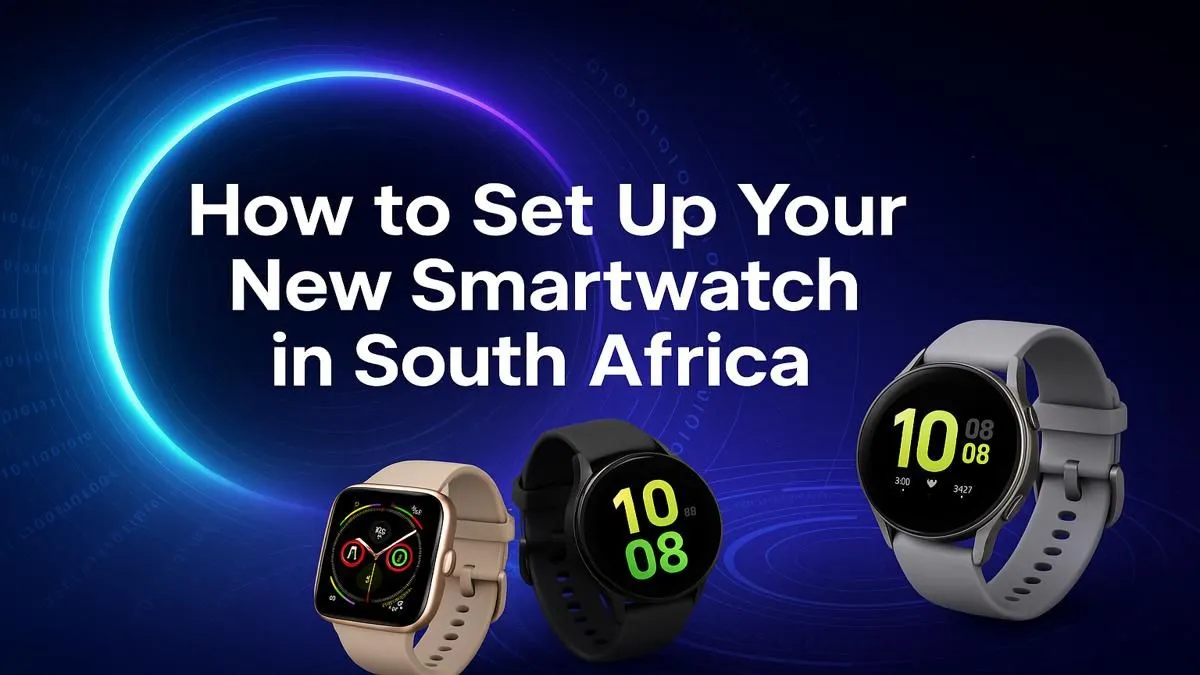
So, you’ve just unboxed a shiny new smartwatch… awesome! Before you track your first run or check notifications mid-braai, there’s a quick setup. Don’t stress. This guide makes your first smartwatch setup in South Africa a breeze, getting you from the box to your wrist in minutes. It's simpler than you think to sync up your new digital companion and start living a more connected life. Let's get started. 🚀
First Steps: The Pre-Setup Checklist
Before diving into the settings, a little prep work goes a long way. Getting these two simple things right ensures your smartwatch setup process is smooth and hassle-free.
Fully Charge Your Device ⚡
It sounds obvious, but many people skip this in their excitement. Connect your watch to its charger and let it reach 100% before you begin pairing. A full battery prevents it from dying halfway through a firmware update, which can cause major headaches. This single step is the foundation of a successful setup.
Download the Companion App
Your smartwatch is only half the equation; the other half is its app on your smartphone. Depending on the brand, you'll need a specific app.
- Samsung: Galaxy Wearable
- Google/Fossil: Wear OS by Google
- Amazfit: Zepp
- Huawei: Huawei Health
Head to the Google Play Store or Apple App Store, search for the correct app, and install it on your phone.
Your Step-by-Step Smartwatch Setup Guide
With your watch charged and the app installed, you're ready for the main event. This part of your smartwatch setup is where your new tech comes to life.
Step 1: Power On & Pairing
Turn on your smartwatch. It will automatically enter pairing mode and display instructions. Now, open the companion app on your phone, enable Bluetooth, and follow the on-screen prompts to find and connect to your watch. You'll likely need to confirm a code on both devices to secure the connection. It’s a straightforward process for the wide range of smartwatches available today.
Step 2: Customise Your Watch Face & Notifications
This is the fun part! Once paired, you can browse dozens or even hundreds of watch faces through the app. Choose one that matches your style… digital, analogue, data-heavy, or minimalist.
Next, manage your notifications. Decide which apps you want to send alerts to your wrist. A good starting point is to only allow essentials like Calls, Messages, and WhatsApp. You can always add more later.
Master Your Notifications ✨
To avoid constant buzzing, use your watch's companion app to create a custom notification profile. Disable alerts from social media or email groups that aren't urgent. This keeps your watch useful, not distracting, and significantly improves battery life. A smarter watch is a quieter watch!
Step 3: Explore Fitness & App Features
Modern wearables are incredible fitness tools. Take a moment to input your basic health data (height, weight, age) to ensure accurate tracking for steps, heart rate, and calories. Even if you're just starting out, you can find some great smartwatches under R1000 that offer robust health monitoring.
Finally, browse the watch's app store. You can add everything from weather apps to music controllers. Brands are constantly innovating, with many feature-packed Promate smartwatches offering amazing functionality right out of the box. Following this beginner's guide makes the entire smartwatch setup in South Africa a quick and rewarding experience.
Ready to Find Your Perfect Match?
From fitness tracking to staying connected on the go, the right smartwatch is waiting for you. Explore our massive range of smartwatches and find the perfect tech to level up your life.