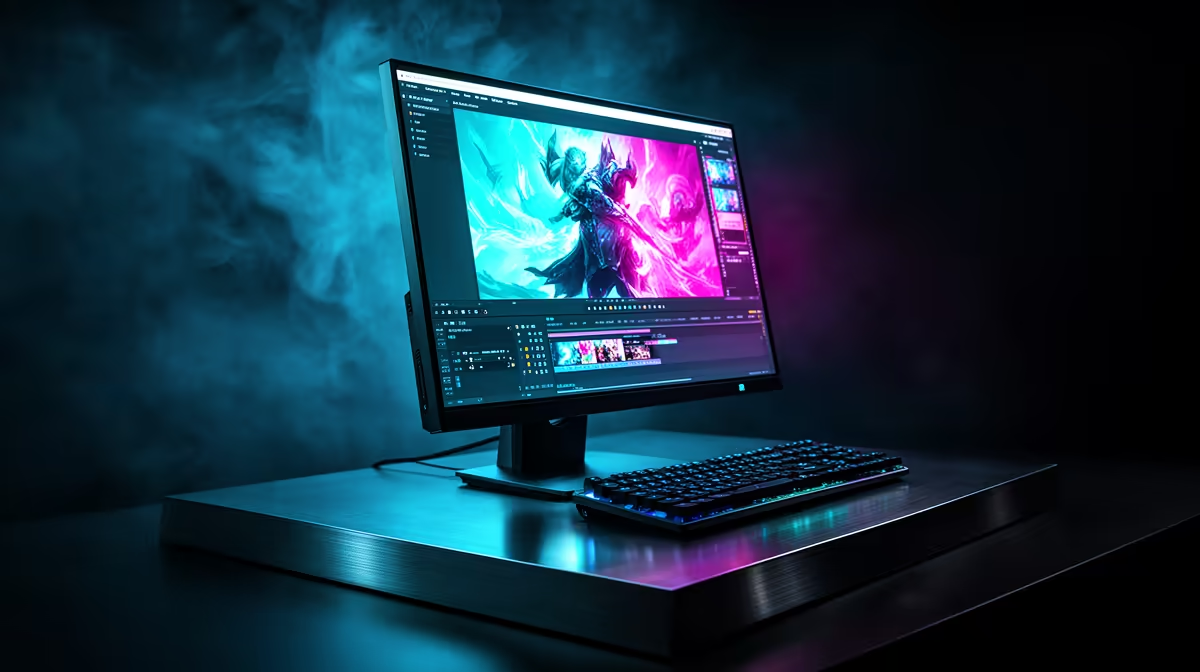
A tablet is useful for reviewing cuts, marking frames or controlling a remote DaVinci Resolve workstation, but it rarely replaces the computer that decodes footage and renders the project. The exact tablet operating system, application support and codec path must be tested. The verified facts contain no tablet SKU.
Define the tablet role
A review device needs a clear screen, accurate touch response and reliable export or remote-access software. Local editing needs enough processor, graphics memory, system memory and storage for the footage. The verified ASUS ExpertBook P5405 at R12,700 supplies Core Ultra 5 226V hardware, 16GB memory and 512GB storage as a mobile computer candidate. Confirm current Resolve requirements and the footage codec before treating it as the editing machine.
Test a complete project step
Import representative clips, create a short timeline, apply the normal colour changes and export the required format through the proposed device path. Check playback, heat, storage pressure and file handling. A tablet keyboard and adapter add to cost and desk clutter. Keep original media and project files on approved backups before syncing to any mobile app. If the tablet serves only review and notes, choose it for portability and use the workstation for final colour and delivery. Save the test timeline and media manifest outside the tablet ecosystem so the workstation can reopen the project without a proprietary transfer step.
Planning a Resolve workflow? > Ask Evetech to match a computer and storage to the footage, while comparing tablets for review only.