


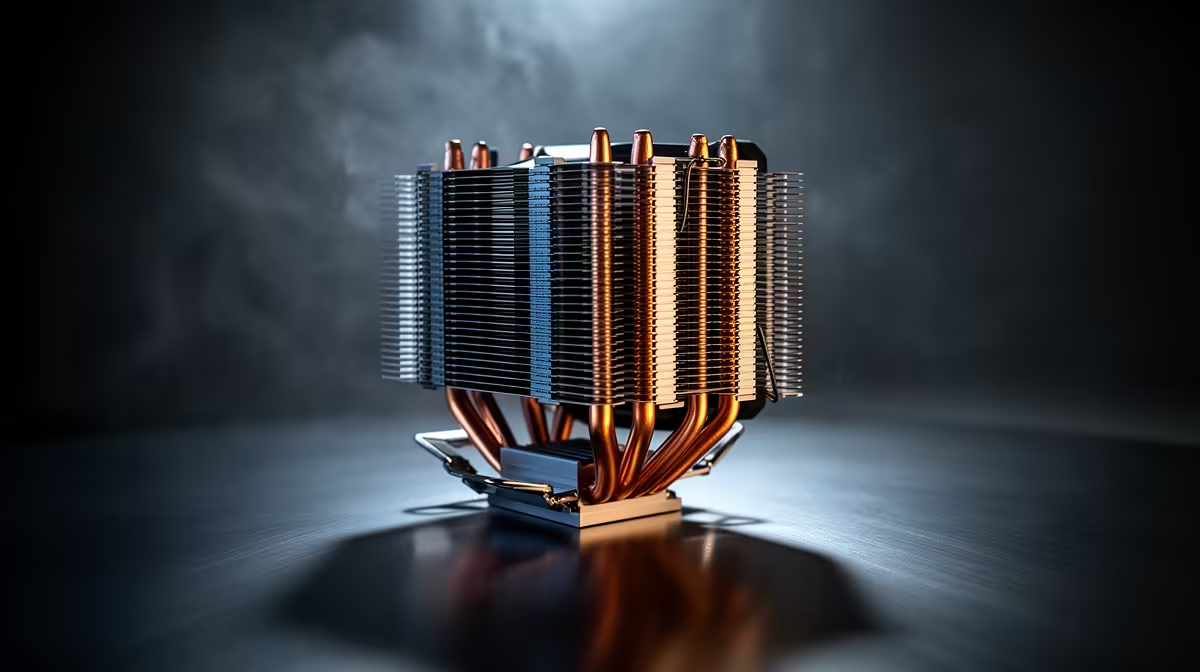
Poor airflow around a CPU cooler is the quiet killer of a build, because even a good cooler starves in a sealed case and lets the chip throttle. The hidden cost is lost boost clocks, higher fan noise and a GPU that also cooks in the trapped heat, costing you frames you paid for.
Quick Answer
Ignoring poor airflow lets a hot case throttle the CPU 5C to 12C and the GPU alongside it, dropping frames in demanding games. Spend R300 to R800 on two intake and one exhaust fan to feed the cooler, recovering boost clocks worth 5fps to 15fps in CPU-bound titles.
Why A Good Cooler Still Throttles
A capable cooler can only shed heat into the air around it, so in a sealed glass-front case with no intake the air it pulls is already hot and the CPU throttles 5C to 12C higher than it should. That trapped heat also raises GPU temperatures, so an RTX 4060 or 4070 throttles too, costing frames. The cooler is only half the system; case airflow is the other half, and ignoring it wastes whatever you spent on the heatsink.
Fix Airflow Cheaply, In Rand
Two 120mm intake fans plus one exhaust cost R300 to R800 and transform a stuffy case, feeding the cooler cool air and venting hot air past the GPU. A mesh-front case around R900 to R1,800 does even better, dropping CPU and GPU temperatures 5C to 10C versus a sealed front. With airflow sorted, a Cooler Master Hyper 212 (R450 to R650) or Deepcool AK620 (R1,000 to R1,500) finally performs to its rating instead of choking.
Set Up A Case That Breathes
Run two intakes at the front and bottom and one exhaust at the rear or top so air flows front-to-back across the cooler, and avoid more exhaust than intake, which creates negative pressure and dust. Keep cables out of the airflow path and add dust filters to maintain it over time. After improving airflow, recheck CPU and GPU temperatures under a game; a 5C to 12C drop usually restores the boost clocks and the 5fps to 15fps you were losing.
FAQ
Can poor case airflow cause CPU throttling?
Yes, a sealed case feeds the cooler hot air, so the CPU throttles 5C to 12C higher even with a good heatsink. Adding intake and exhaust fans fixes it cheaply.
How many case fans do I need for good airflow?
Two intakes and one exhaust is the practical baseline for a mid-tower. That feeds the cooler cool air and vents heat past the GPU.
Does airflow affect GPU performance too?
Yes, trapped heat raises GPU temperatures and throttles the card alongside the CPU. Good airflow keeps both cooler and recovers lost frames.
front intakes and one rear exhaust, keep intake equal to or above exhaust, and recheck temps, expect a 5C to 12C drop and recovered frames.











