


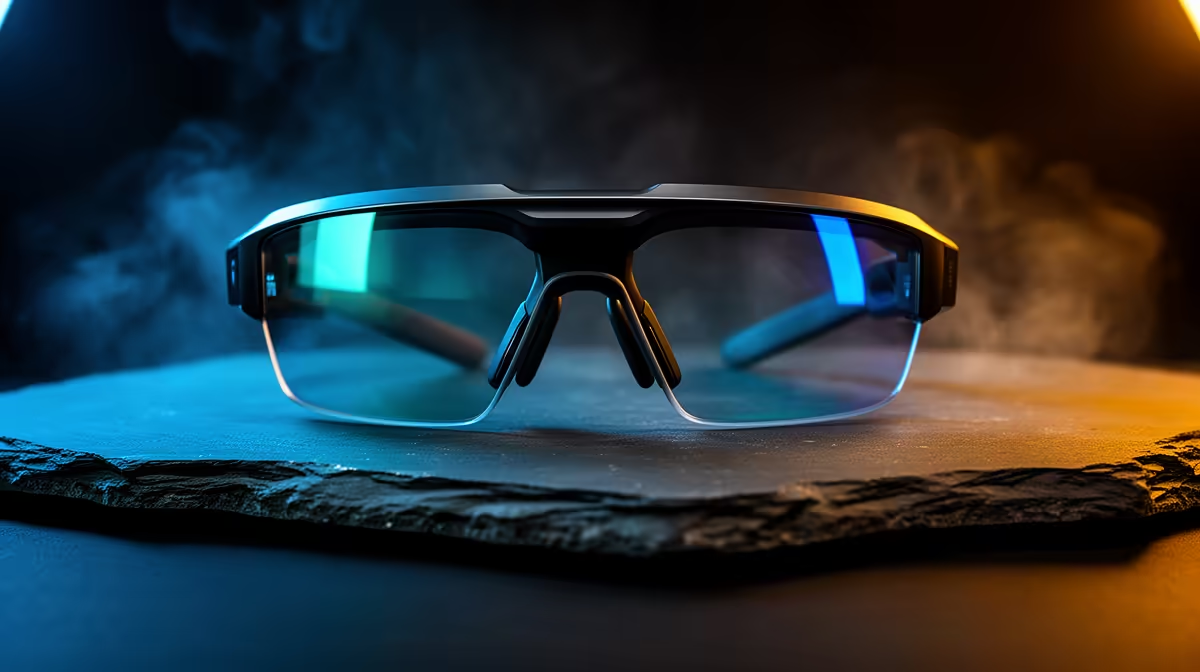
Quiet PC builders care about a calm desk, and AR glasses fit that goal as a silent, space-saving display with zero fan noise of their own. The practical floor for this use is about clean integration and comfort rather than maximum immersion.
Quick Answer
For a quiet PC build, the practical AR glasses floor is 1080p per eye, 90Hz, frames under 80g, and a single USB-C connection to keep cable clutter down. Budget R6,500 to R9,500 in SA. The win here is a big virtual screen that adds no heat and no fan noise to a silent rig.
Why AR Glasses Suit Silent Builds
A second or third monitor adds heat and sometimes a fan; AR glasses add neither. They draw modest power over USB-C and project a large display while your desk stays cool and quiet. For a build tuned for near-silence, that is a genuine advantage.
The Floor Specs For Clean Integration
A 1080p-per-eye panel keeps text sharp for work and play. A 90Hz refresh smooths motion without demanding more from a quiet, efficiency-tuned system. One tidy USB-C cable preserves the clean look that silent builders usually chase, replacing a monitor's bundle of power and video leads. Light frames under 80g round it off, since a quiet build is about a calm experience overall, not just low noise from the case itself.
FAQ
Do AR glasses add any noise to my build?
None of their own; they have no fans. They simply mirror your display, so your rig stays exactly as quiet as you built it while you gain screen space.
Will they load my quiet, low-power system?
The extra GPU demand is small since the glasses mirror an existing output. A mid-range efficient build handles the 1080p signal comfortably without ramping fans.
Can AR glasses replace a monitor entirely on a silent build?
For many tasks yes, giving you a large screen with no desk heat. For colour-critical work a calibrated monitor is still better, but for general use they fit a quiet setup well.
Use one USB-C cable to your output to keep a silent build's desk as tidy as it is quiet.











