



650W PSU Planning for RTX 5090 Builds in SA
650W for RTX 5090 needs a full-build check, not a simple yes. Review GPU guidance, CPU draw, transient load, connectors, PSU quality, and upgrade plans before deciding.
Read moreFor 4K video editing, thermal paste is worth considering when long renders make cooler contact important. This South African creator PC record includes Ryzen 5 5500 R1,100, ASUS Prime B850M-F WiFi R2,300, RM850e R1,900, and cooling from Gamemax Sigma R235 to Xigmatek Connect Ult.
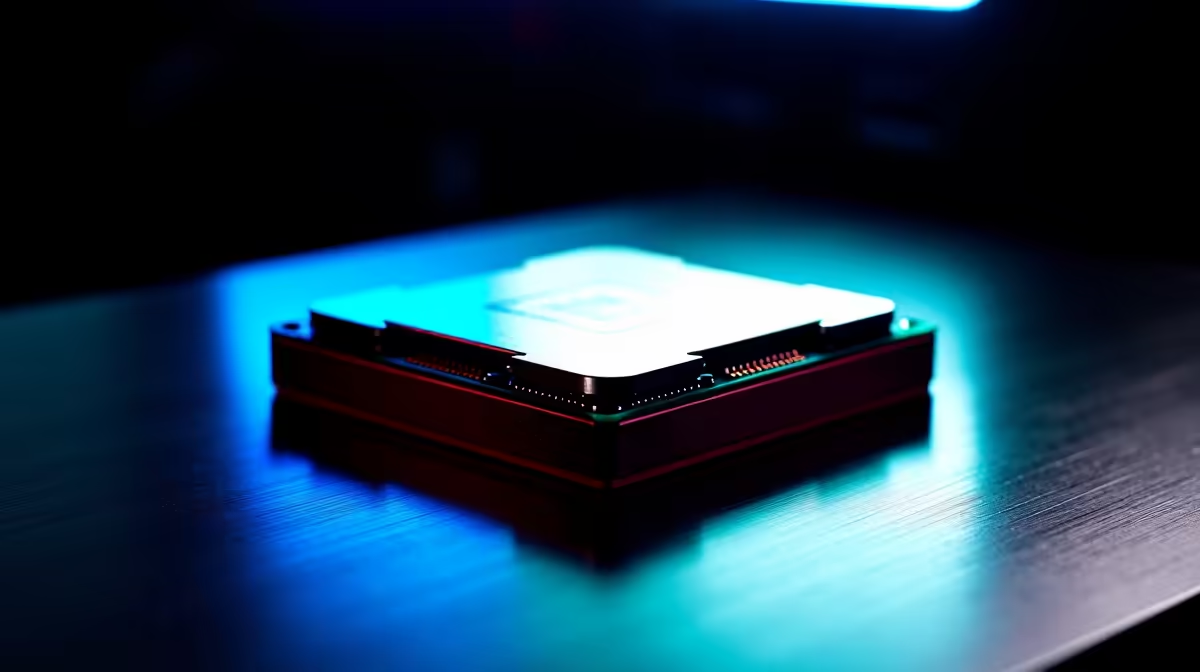
Thermal paste is worth replacing when a cooler has been removed, the existing compound is dry or temperatures remain abnormal after dust and airflow checks. It does not make 4K editing faster by itself. Its job is to fill microscopic gaps between the processor and cooler.
Run a repeatable export while recording processor temperature, clock behaviour and fan speed. Compare the result with guidance for the exact processor and cooler. Clean blocked intakes, confirm every fan turns correctly and check cooler mounting pressure before blaming the interface material.
No verified thermal-paste SKU or price appears in the supplied product facts. Review current Evetech availability and follow the processor-cooler instructions for application and cleaning. Avoid conductive compounds unless their handling requirements are fully understood. More paste is not automatically better, and excess material can spread beyond the heat spreader.
Shut down the system, disconnect power and protect the work area from static. Remove old compound with appropriate cleaning material, allow surfaces to dry and avoid scratching them. Refit the cooler evenly, reconnect its fan and inspect the mounting before starting the computer.
Repeat the same export under similar room conditions. If temperatures and sustained clocks improve, document the date and result. If not, investigate cooler capacity, pump or fan faults and case airflow instead of applying another layer.
Servicing an editing PC? > Check Evetech cooling accessories and verify current thermal-compound options.
Yes, thermal paste fits a creator PC when 4K video editing keeps the cooler under long, sustained pressure.
Compare the listed Ryzen 5 5500 R1,100, ASUS Prime B850M-F WiFi R2,300 and RM850e R1,900 against live stock.
For editing work, make sure the cooler, board and case layout suit a fresh paste job before buying extras.
Choose the lower-cost route only when editing loads are light enough for the current cooling arrangement.
The editing angle is sustained heat, so cooler contact and stable temperatures matter more than a dramatic spec change.
Upgrade cooling or core parts when fresh paste cannot control heat during repeated 4K video exports.
650W for RTX 5090 needs a full-build check, not a simple yes. Review GPU guidance, CPU draw, transient load, connectors, PSU quality, and upgrade plans before deciding.
Read more
How to fix FPS drops Windows 11 RX 9070 XT starts with GPU drivers, overlays, power plans, and frame pacing checks. For SA gaming PCs, verify chipset updates, HAGS, refresh rate, thermals, and per-game graphics settings.
Read more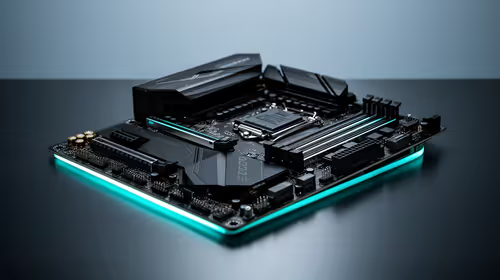
How to fix FPS drops on X870E motherboard starts with BIOS, chipset drivers, PCIe settings, and memory stability. SA gamers can check EXPO, resize BAR, thermals, display refresh, and background apps before replacing components.
Read more
RTX 5060 is popular with SA students because it can fit gaming, coursework, and creative app needs in one setup. Compare total system price, cooling, RAM, storage, and screen quality before picking a desktop or laptop.
Read more
1440p is the sweet spot for SA gamers because it balances sharp visuals, high frame rates, and GPU cost better than 4K. It is a practical monitor target for players who want smoother upgrades without the heavier hardware demands of 4K.
Read more
RAM pricing for Midrand gamers can shift with exchange rates, supply, specs, and model tier. Treat the title as a buying prompt, then compare SA warranty, timing, and build priorities.
Read more
From 1 October 2026, WhatsApp Business Platform service replies in South Africa are expected to cost about $0.0076, or 12 cents, per delivered message.

DDR5-8000 RAM Kits pros and cons depend on the build, budget, and workload. Weigh gaming needs, platform fit, power, cooling, warranty support, and South African pricing context before shortlisting it.

Wi-Fi 6E vs Wi-Fi 6 depends on AAA single-player gaming needs, platform limits, and budget fit. Compare compatibility, latency, upgrade path, and real setup constraints before choosing for an SA build.

Ryzen 9 9950X3D dead pixel checks should isolate the panel first. Run colour fills, inspect the monitor menu, test another cable or input, and capture proof before linking it to the SA CPU upgrade.

YouTube will count public views from the first frame across video formats from 24 August, while earnings and eligibility remain tied to engaged viewing.

Canonical expects Ubuntu on WSL users to outnumber native Ubuntu desktop users before the end of 2026. The software is open source and runs inside supported Windows PCs.

Telkom's daily bundles pair WhatsApp access with 10 all-network voice minutes. The R15 option includes 300MB, while the R17 option uses a fair-use threshold.

A 10,000-hour test found similar image retention across older and newer OLED TVs, while newer panels were brighter and more efficient. Local OLED monitors started at R9,999.

Windows 11 update KB5121003 is linked to crashes in several multiplayer games on versions 24H2 and 25H2. Check the build, report the fault and avoid risky file or update changes unless the problem is confirmed on your PC.

Comsol's standalone 5G network covers about one million Gauteng homes and starts commercial ISP service in September. Early packages range from R275 to R875 a month, but coverage and fair-use rules still decide the real value.

Sennheiser's Momentum True Wireless 5 adds user-replaceable batteries, 12-hour playback and a $299.95 launch price. There is no confirmed South African date, so compare longevity with live earbuds from R199 to R2,999.

AVerMedia's GC531 and GC535 are professional HDMI capture devices for continuous streaming, with RGB24 capture up to 2K30 and 4K30. South African creators should compare them with live 4K capture cards from R2,099.