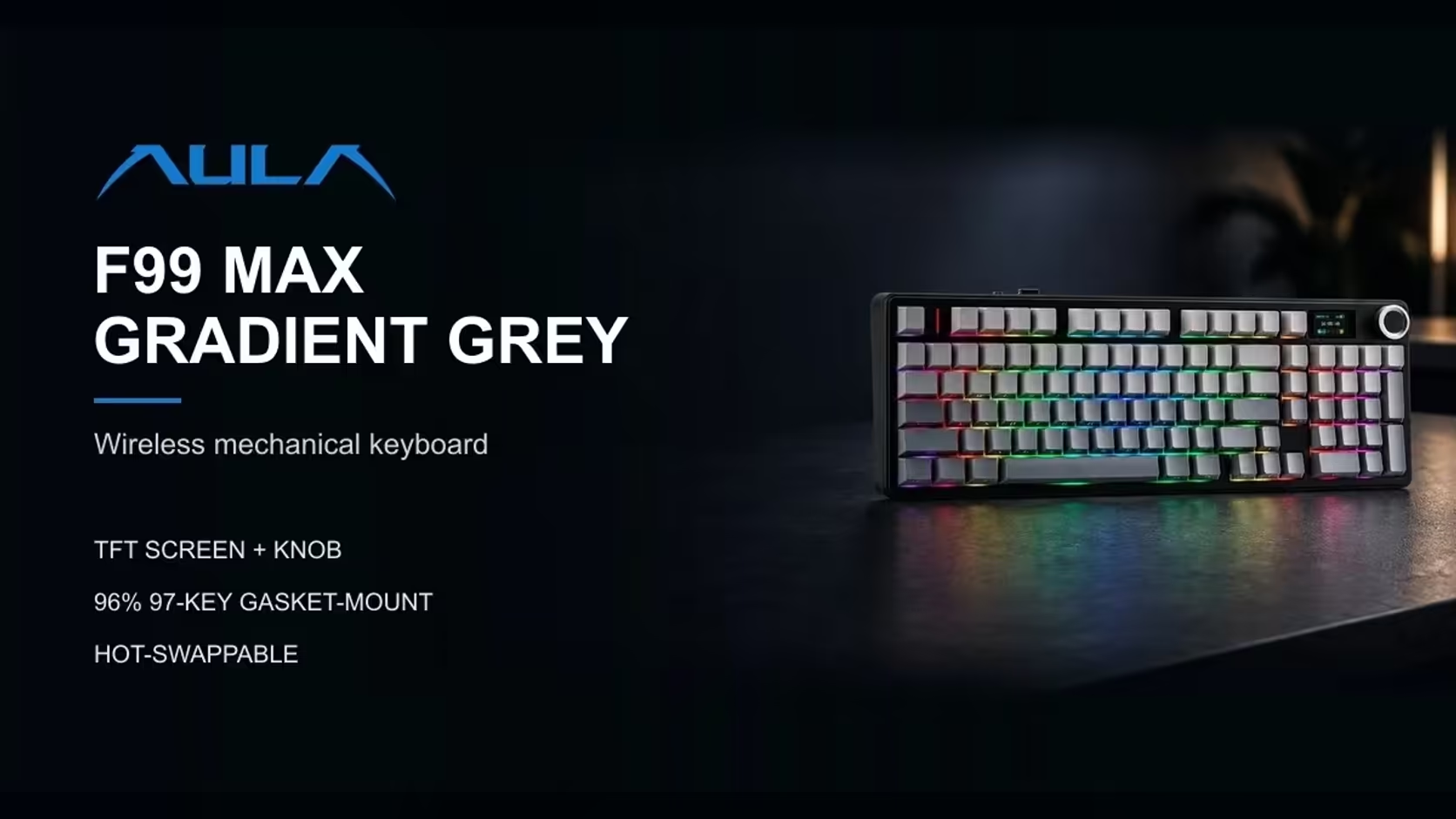
Keyboard screens used to be a novelty for show floors. Now they turn up on everyday boards, and the question has shifted from "why?" to "what is it actually good for?". The F99 Max's answer is modest and practical. Its small keyboard TFT screen does three jobs, shows you something useful at a glance, and switches off when you would rather it did not.
Quick Answer
In the middle of the AULA F99 Max sits a TFT screen that toggles between a clock, a charge readout and any GIF you load, and Fn + Backspace blanks it. Custom GIFs are loaded with AULA's software, which runs on Windows with the keyboard connected in wired mode. Switching the screen off also saves charge on the 8000mAh battery. Evetech sells the Gradient Grey F99 Max for R799.
🕒 The three things it can show
A clock
A clock on the keyboard sounds redundant when your monitor has one, but it earns its place in full-screen games and presentations, where the taskbar clock is hidden. A glance down tells you whether you have time for one more round.
The battery level
This is the most practical of the three. The F99 Max runs its 2.4GHz and Bluetooth modes from an 8000mAh battery, and seeing the charge level directly on the board means you know when to plug in before it becomes urgent, rather than finding out mid-session.
Your own GIF
The fun option. A short animation, a logo or a looping pixel scene can sit in the middle of your desk. It is purely personal, which is the point.
🖼️ Getting a custom GIF onto it
GIFs go on through AULA's customisation software. AULA is clear about two conditions:
- The software runs on Windows only.
- The keyboard must be connected in wired mode while you use it.
So the process is: plug the F99 Max in with its cable, open the software on a Windows PC, load your GIF, and then return to cordless use if you prefer. A small, simple animation tends to look best on a small screen, so crop your image tightly around the part you want to see.
Mac owners
The keyboard itself works with macOS. Because the customisation software is Windows only, loading a GIF means borrowing a Windows machine for that one step. The time and battery displays need no software at all.
🔋 When to switch the screen off
Fn + Backspace blanks the screen. It makes sense when:
- You are on battery and want each charge to go further. AULA notes that turning the screen off or lowering the backlight stretches battery life.
- You are in a meeting or on camera and would rather not have an animation moving on the desk.
- You want a dark room for a film or late-night gaming.
The rotary knob beside it helps as well, since Fn plus a turn of the dial dims the backlight and saves a little more charge.
How it compares with the L99
AULA's L99 pushes the idea much further. Its 3.98-inch touchscreen changes settings and lighting, doubles as a calculator or number pad, can stand in for a mouse and plays GIF or JPG animations you upload. The F99 Max's screen is simpler: a status and decoration display. If you want the keyboard itself to act as a command centre, look at the L99. If you want a full number pad with real keys plus a small display, the F99 Max fits.
Both boards appear in Evetech's gaming keyboards, and the F99 Max's 96% layout with a real numpad sits comfortably among the office keyboards too. The F99 Max carries a 1 Year Local Warranty, with its price on the product page.
Frequently Asked Questions
Why would I want the time on my keyboard?
It is visible when a full-screen game or presentation hides the clock on your monitor.
How do I put my own GIF on it?
Use AULA's customisation software on a Windows PC, with the keyboard connected by cable.
What is the battery readout for?
It shows the charge left in the 8000mAh battery at a glance, so you can plug in before the board runs flat.
When is it worth turning the screen off?
On battery, in meetings or in a dark room. Fn + Backspace switches it off.
Can I load GIFs from a Mac?
Not directly, because the software is Windows only. The clock and battery display work without it.
Is it the same kind of screen as the L99's?
No. The L99's is a larger touchscreen you operate with a finger; the F99 Max's is a smaller status display.
Want a keyboard with a little screen of its own?
Browse Evetech's gaming keyboard range and compare the F99 Max with other boards that carry displays.