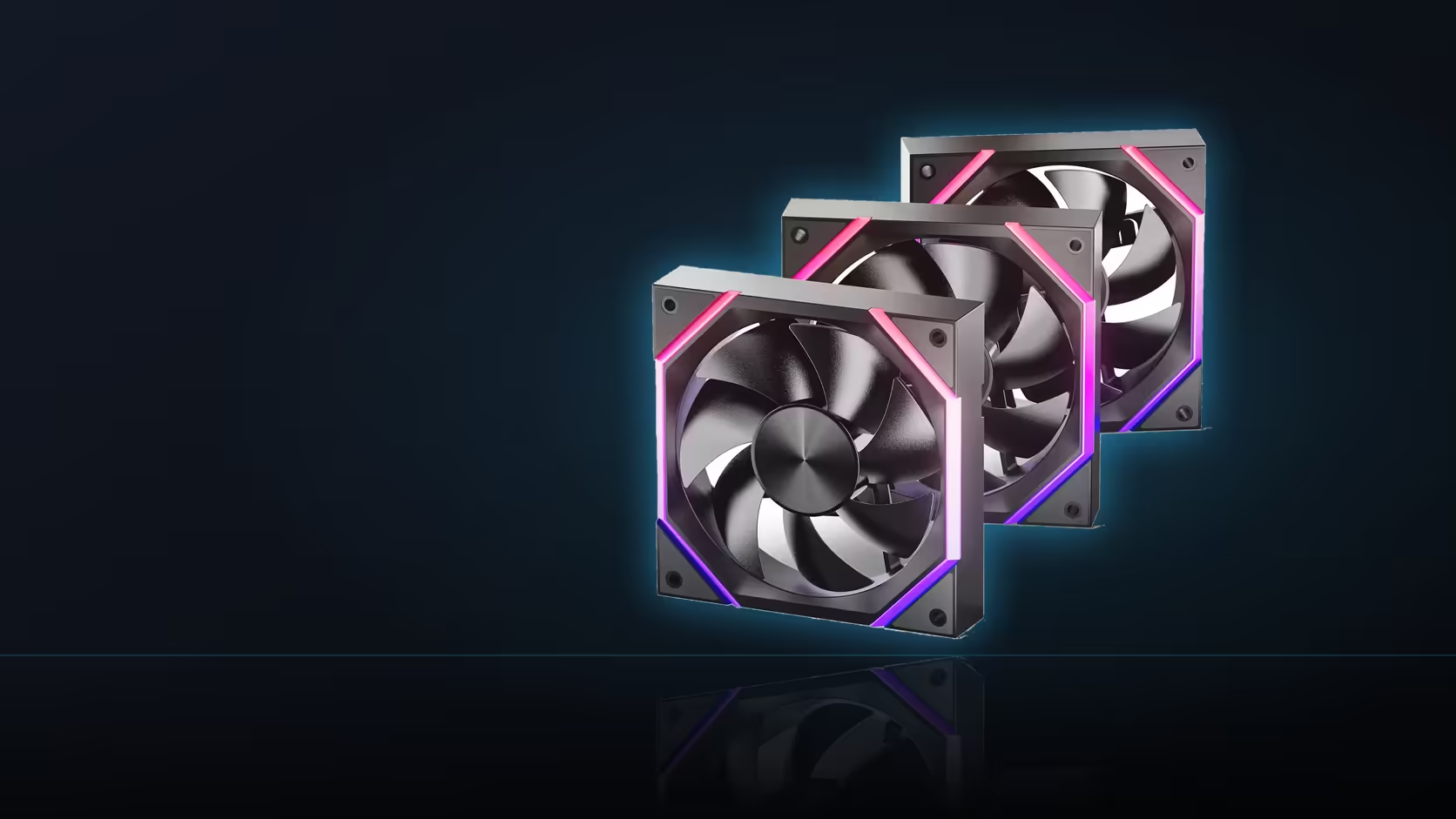
A single "under 29 dBA" figure on a spec sheet tells you the loudest the Nyota A12 gets, not how it sounds at the speed you'll actually run it most nights. Confusing the two is an easy mistake to make when shopping by spec sheet alone.
Quick Answer
The Nyota A12's under 29 dBA rating is a ceiling figure at its stated top operating point, not a full speed-to-noise curve. It doesn't describe what the fan sounds like at lower speeds, where most builds spend the bulk of their time. No published table maps RPM to noise level for this model, so listening in your own case is the only way to find the genuinely quiet setting. The three-pack costs R499.
🔇 What the rating actually bounds
Under 29 dBA describes the fan at the loudest end of its documented behaviour - the ceiling, not a curve. It says nothing directly about how the A12 sounds at 900 RPM versus 1400 RPM versus its full 2000 RPM top speed, because manufacturers typically publish only the single worst-case figure rather than a full table.
That gap matters because most real-world use sits well below the fan's top speed - a curve built sensibly keeps the fan near its 800 RPM floor for a large share of any session, and that's the noise level that actually shapes day-to-day experience, not the published ceiling.
Why no speed-to-noise table exists here
AsiaHorse's listing gives the single figure without a breakdown across the operating range, which is standard practice across most consumer case fans rather than something unusual to this model specifically. Filling that gap requires either independent measurement or, more practically, just listening.
👂 Finding the actual quiet point
The direct approach is lowering the curve step by step and listening at each stage, in your own case, in your own room - a method that accounts for panel resonance, mounting hardware, and room acoustics in a way no spec sheet figure ever could. The A12's 800 RPM floor sets the lower bound of what's achievable; where the "acceptably quiet" line sits within that range is a judgement call best made by ear.
Does the case change what you hear?
Considerably. Panel material, fan mounting hardware, and how a case handles resonance can all make an otherwise modest fan speed noticeably audible - two identical fans in two different cases can sound quite different at the same reported RPM.
A rough comparison method
A phone-based sound level app won't give a scientifically accurate reading, but it's genuinely useful for comparing two settings against each other in the same room - not as an absolute number to quote, but as a relative check that a change actually helped.
Frequently Asked Questions
What does the under 29 dBA figure actually describe?
The fan's noise ceiling at its stated top operating point - a bound rather than a description of noise at every speed.
Is a full speed-to-noise table published for this fan?
No - AsiaHorse's listing gives a single ceiling figure without breaking it down across the full RPM range.
How do I find the actual quiet setting for my build?
By lowering the curve step by step and listening in your own case and room, since no spec sheet captures that combination.
Does the 800 RPM floor set the practical quiet limit?
Yes - that's the lowest speed the fan supports, so the quietest achievable point sits there.
Can case design change how loud a given speed sounds?
Considerably - panel material and mounting hardware both affect how audible a slow-running fan actually is in practice.
Are three fans proportionally louder than one?
Several fans at the same speed do add up in combined noise, though the increase isn't a simple straight multiplication.
Is a sound-measurement app worth using?
For comparing two settings in the same room, yes - though treat the absolute reading as indicative rather than precise.
Finding your own quiet setting starts with the right fan - look through case fans and case accessories to put together something you can live with.
Looking for a genuinely quiet fan setup?
Explore Evetech's case range for panels and mounting that keep noise down at real-world speeds.