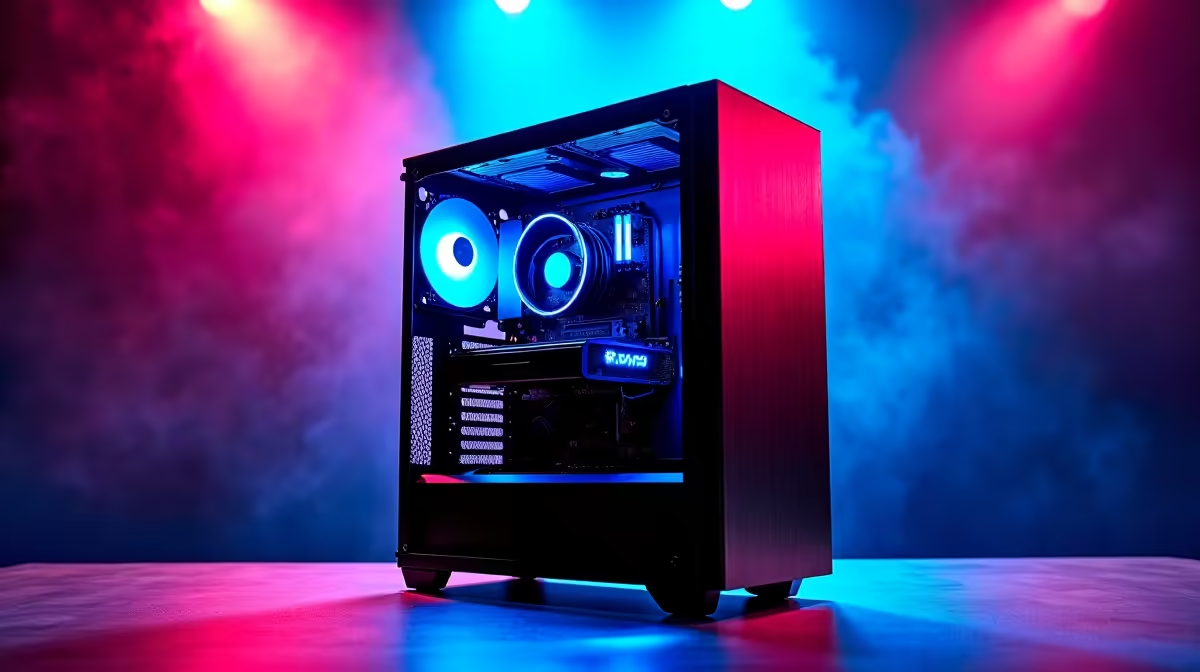
A video-editing PC can run a small business POS, but its graphics hardware may waste desk space and electricity at the counter. Transaction reliability, supported ports and account security matter more. Reuse the editor only when the business can isolate POS data from media projects and production changes.
Map the sales workflow
List the POS application, receipt printer, barcode scanner, cash drawer and payment terminal. Confirm operating system, drivers and connections. Create a restricted business account and keep editing software, client media and personal logins away from the till. A graphics-driver update should not interrupt a trading day.
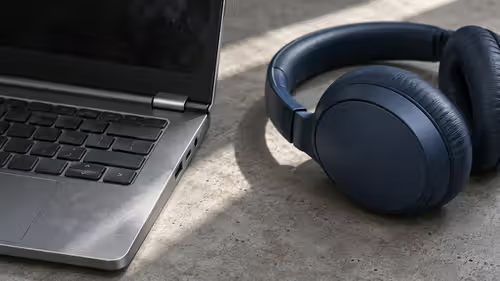
The Minisforum NAB6 Lite combines a Core i5-12600H processor, 8GB memory and 512GB storage at a verified R4,150 as a fixed compact reference. The ASUS ExpertBook P1503 offers a Core i5-13420H processor, 8GB memory, 512GB NVMe storage and Windows 11 Pro at a verified R9,858 for a portable counter option. Confirm ports and POS support.
Protect business continuity
Back up sales data under company policy and test one restore. Document a manual transaction process for computer downtime. Keep the counter clear of external editing drives and camera cards.
The editing PC is sufficient from a compute perspective. A dedicated business machine often creates simpler support, lower risk and a cleaner counter when video production happens elsewhere.
Equipping a business counter? > Ask Evetech to compare compact and portable POS computers.