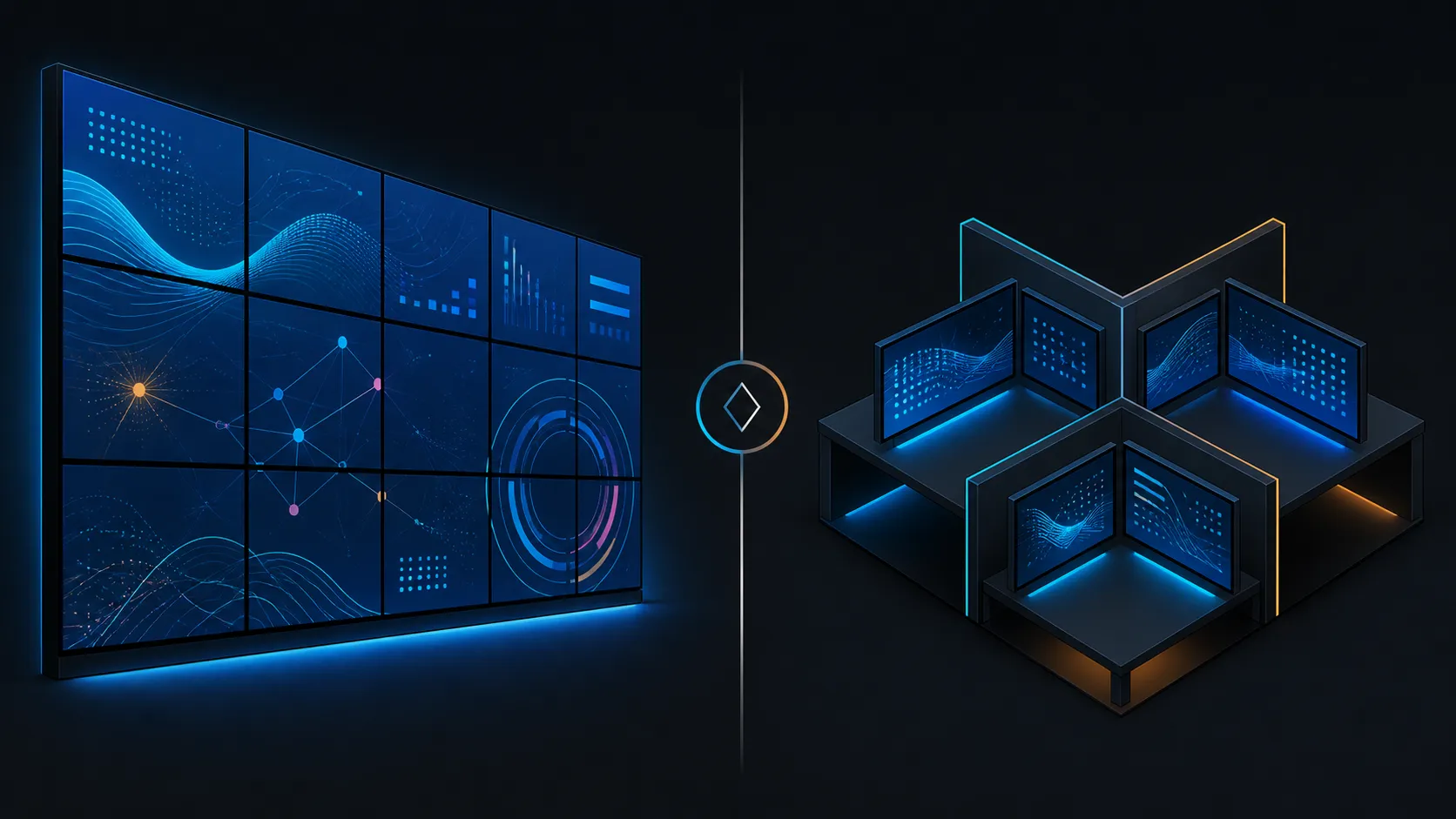
A video wall asks viewers to perceive one coordinated visual field. A multi-monitor workstation asks an operator to manage several task surfaces. That difference should guide the display configuration before synchronization hardware, graphics processors or panels enter the budget.
Quick Answer
RTX PRO Sync suits a video wall that needs one coordinated visual surface; a conventional multi-monitor workstation can keep screens independent when applications remain separate.
Choose a video wall for shared, coordinated viewing and a multi-monitor workstation for distinct applications or operator tasks. If professional coordination belongs in the selected configuration, allocate R19,599 to PNY RTX Pro Sync. It brings Mosaic and both lock functions to 32 displays at most, with eight RTX Pro GPUs as the processor limit.
👥 Begin with the viewer
A wall is usually read from a room or shared position, so content composition and continuity across panel boundaries matter. A workstation is controlled from a desk, where reach, viewing distance and rapid movement between separate applications become central.
Write one sentence describing who watches, from where and for what decision. Then compare Evetech's PC monitor range against that use rather than choosing a panel count first. The same four screens can serve very different purposes depending on their audience.
🧩 Decide how content should cross screens
NVIDIA Mosaic is relevant to the arranged multi-display canvas associated with a coordinated wall. An ordinary multi-monitor workspace can instead keep applications in separate regions. Neither pattern is universally better; the content must make the choice.
If the design also requires reference timing and frame coordination, the PNY sync card includes Genlock and Frame Lock alongside Mosaic. Its R19,599 price should appear only in the architecture that uses those roles.
🧠 Give graphics hardware a clear workload
Professional walls may distribute outputs across several processors, while a workstation may centre on one GPU. PNY sets eight NVIDIA RTX Pro graphics processors as the synchronization boundary; the matching screen allowance stops at 32.
Map applications and outputs before shopping the workstation GPU category. A maximum-capacity number cannot tell you whether the software load belongs on one processor or several; that allocation comes from the working plan.
🧪 Test the chosen configuration in context
For a wall, run motion and transitions across the complete viewing surface from the intended audience position. For a workstation, ask the operator to complete representative tasks and note window movement, glance distance and information priority.
These tests may show that the physical arrangement needs revision even when digital synchronization behaves correctly. Treat mounts, panel spacing and room layout as separate project decisions. After the architecture is stable, review graphics card accessories that serve the approved system.
Write different handover documents
A wall handover should show the approved canvas, audience test positions and content sequences that cross its critical seams. A workstation handover should show the operator's application zones, display roles and any approved alternate layouts. The two documents may contain the same hardware names, but they protect different user experiences.
This distinction also improves troubleshooting. A wall complaint can be compared with the viewing and boundary baseline, while a workstation issue can be traced through application placement and operator workflow before the graphics layer is changed.
For the wall case, Mosaic supports 32 displays or projectors and the underlying system can use eight GPUs with two sync cards. The package's mixed cable set has four 12-inch leads and two 24-inch options to help route those internal synchronisation connections. Digital signage and immersive interactive visuals are explicit uses, while an operator workstation should add this layer only when its screens truly need shared presentation.
Frequently Asked Questions
What separates a wall from a workstation most clearly?
A wall presents a coordinated field to viewers, while a workstation divides tasks for an operator. Content behaviour and audience position should decide between them.
Where does Mosaic add value?
Mosaic supports an arranged multi-screen canvas, making it relevant when the displays should act as a larger visual surface.
Are Genlock and Frame Lock limited to video walls?
They are synchronization functions. Their relevance comes from the timing and cross-GPU coordination requirements, not simply the label applied to the installation.
What does PNY's card cost?
The sync component is R19,599. It can take part in a system with eight RTX Pro GPUs and 32 synchronised displays at most.
What should the user test reveal?
For a workstation, the operator should complete realistic tasks and show whether application zones remain readable and efficient. For a wall, representative content should cross key panel boundaries while viewers observe from normal positions. The results determine configuration fit more reliably than counting monitors or copying one layout into both settings. Record the test from the user's perspective so later changes can be judged against the same experience.
Ready to choose a configuration around its users?
Browse Evetech's displays and professional graphics hardware after defining the audience, content movement and synchronization need.