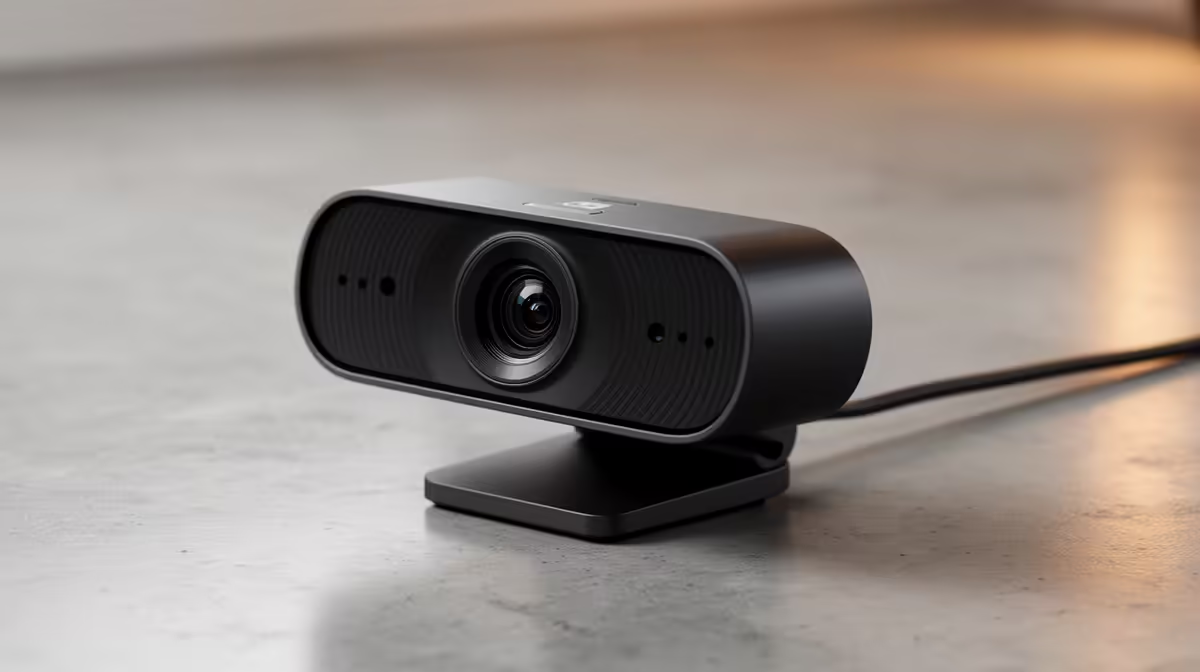
Yes, the Logitech Brio 100 FHD R458 is worth it for a creator who wants a clearer face-cam, intro shot, or voiceover recording setup without spending much on a webcam. For editing YouTube videos in South Africa, the point is not only live streaming. A dedicated camera can help with talking-head inserts, tutorial intros, reaction clips, and cleaner reference footage when a laptop camera looks flat or noisy.
Webcam picks for creator desks
The Logitech Brio 100 FHD R458 is the best first pick for most editors because its FHD spec gives a sharper image than basic laptop cameras while staying sensible for a compact desk setup. It suits students, side-hustle creators, and small business channels that need a more polished on-camera presence.
The Logitech C270 HD R252 makes sense if the camera is only for occasional face-cam clips or calls during editing feedback. Its HD spec is basic, but the lower R252 price keeps it practical when the main investment is still the PC, monitor, microphone, and lighting around the desk.
Creator desk reality in South Africa
A creator desk often has mixed lighting, a monitor glow, and limited space, so the NearStream V08AF 4K R678 is the stronger choice when image detail matters. Its 4K spec gives more room to crop or frame a tighter shot, which is useful when recording explainers, product notes, or short commentary segments from the same desk.
For most creators, a webcam is worth buying when it improves the parts of the video where trust matters: your face, your explanation, and your setup. Pick the Logitech C270 HD R252 for basic use, the Logitech Brio 100 FHD R458 for a cleaner everyday creator setup, or the NearStream V08AF 4K R678 when you want the sharpest listed option.
Ready to choose the right webcam?
Compare the listed webcam range and match the camera to your creator desk, recording style, and budget.