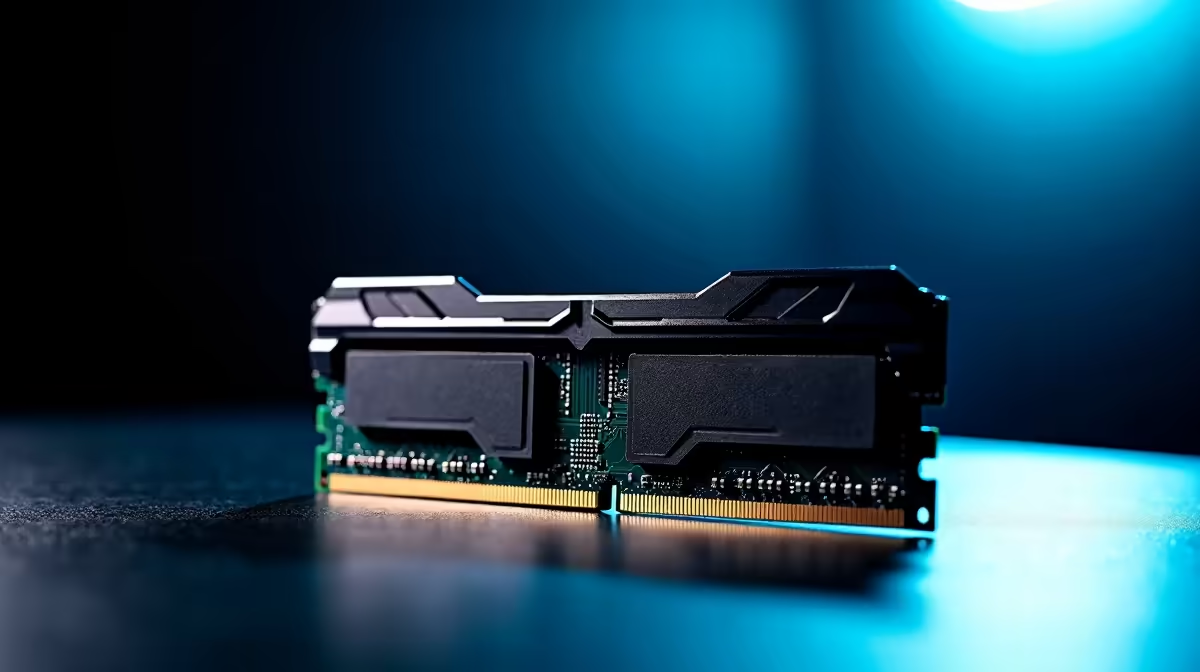
Memory channels are the independent lanes that carry data between your RAM and the CPU. The more channels your system runs, the more data moves in a single clock cycle, which is why two sticks of RAM almost always feel faster than one of the same total size. It is one of the cheapest ways to lift real world performance, and it costs nothing extra if you simply populate the right slots.
Quick Answer
Memory channels are separate data pathways between RAM and the CPU, and more channels mean more data transferred per clock cycle. Running dual channel, two matched sticks, roughly doubles memory bandwidth over a single stick. The newer CAMM2 standard doubles the per module bus to x128, matching dual channel throughput from a single module.
Why Channels Beat Raw Capacity for Speed
Think of a memory channel as a lane on a road. A single channel is one lane, and all data between the CPU and RAM queues through it. Add a second channel and you have two lanes running in parallel, so twice as much data flows each cycle. This is why a kit of two 8GB sticks outperforms a single 16GB stick despite having identical total capacity.
The CPU's integrated memory controller talks to RAM over these channels, and on mainstream desktop platforms it supports two. To actually use both, you need to install RAM in pairs and place them in the correct slots, which your motherboard manual marks clearly. Leave a system on a single stick and you are running half the bandwidth the platform can deliver.
Where Memory Bandwidth Actually Helps
Not every task is sensitive to this, but plenty are. Integrated graphics lean heavily on system memory bandwidth, so a laptop or budget build running single channel will show noticeably lower frame rates than the same machine in dual channel. Content creation, large spreadsheets, virtual machines and games with heavy asset streaming all benefit too. For a basic office machine the difference is smaller, but for anything that moves a lot of data, populating both channels is close to free performance. You can browse current kits on the DDR5 memory page and buy them as a matched pair to get it right the first time.
How CAMM2 Changes the Picture
CAMM2 is a newer memory module format aimed largely at laptops and compact systems. Where a traditional SO-DIMM gives you a 64 bit bus per module, CAMM2 widens that to a x128 bus on a single module. In practice that means one CAMM2 module can deliver the bandwidth that previously needed two SO-DIMMs in dual channel.
For thin laptops this is a real advantage, since it frees up internal space while keeping full memory bandwidth. It also simplifies upgrades, because a single module behaves like a dual channel pair. As CAMM2 spreads into more designs, the old rule of always buying RAM in pairs starts to bend, at least on the platforms that adopt it. For best sellers across both formats, the memory best sellers list shows what local builders are choosing.
Frequently Asked Questions
Is dual channel really faster than single channel?
Yes. Dual channel roughly doubles the memory bandwidth available to the CPU compared to a single stick of the same total capacity. The gain is most noticeable in integrated graphics, content work and games that stream a lot of data.
Do I need matched RAM sticks for dual channel?
For best results, yes. Two sticks of the same capacity and speed, ideally from the same kit, ensure the system runs cleanly in dual channel. Mismatched sticks can still work but may run at the slower stick's settings.
What does CAMM2's x128 bus mean?
It means a single CAMM2 module carries a 128 bit data path, double the 64 bit bus of a standard SO-DIMM. That lets one module deliver the bandwidth that used to require two modules in dual channel.
Will single channel hurt gaming performance?
It can, especially on systems using integrated graphics, where memory bandwidth directly affects frame rates. On systems with a dedicated graphics card the impact is smaller but still present in memory heavy titles.
Want the full bandwidth your CPU can deliver? Pick up a matched dual channel kit on the Evetech DDR5 memory page and populate both channels from the start.