Quick Answer
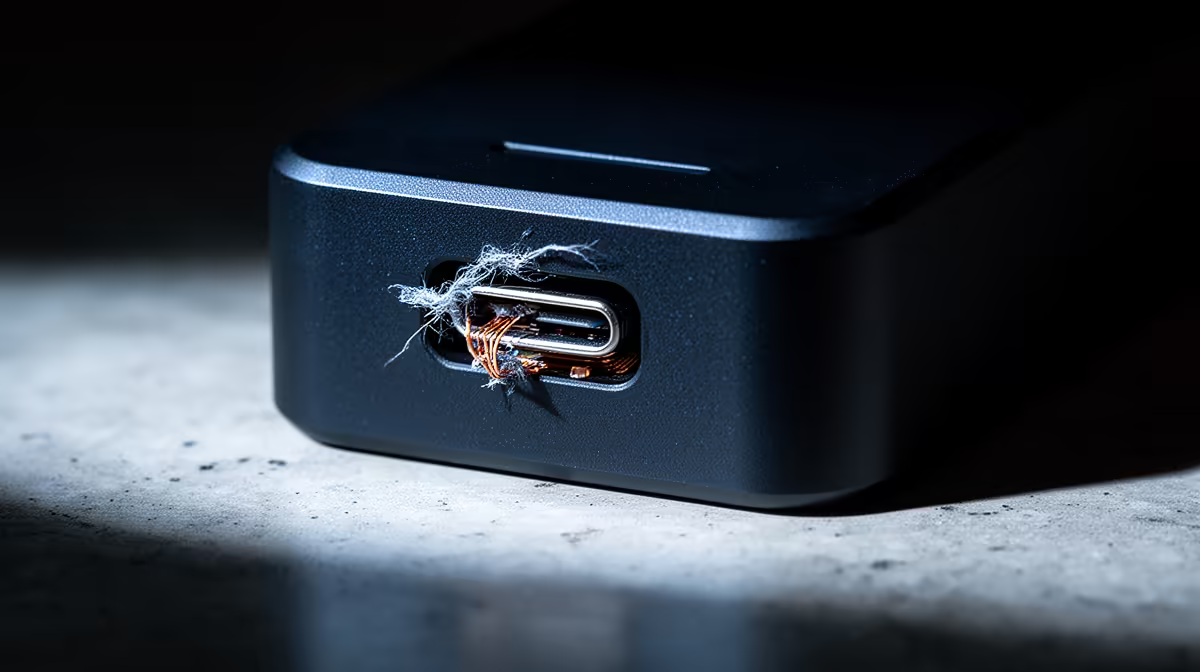
In cheap docking stations used for the matric-to-varsity jump, the first failures are predictable: build and connectors give out before the core ever does. Spending a little more inside the R900 for a basic USB-C hub to roughly R6,500 for a Thunderbolt 4 dock band buys parts that survive a kit that survives the move from high school to first year. The cheapest unit is rarely the cheapest over a year.
What to actually check on a docking station
For the matric-to-varsity jump, the specs that change your day are 100W Power Delivery, two video outputs, and at least Gigabit Ethernet. The fuller picture covers 85W to 100W USB-C Power Delivery, Thunderbolt 4 at 40Gbps, dual 4K 60Hz display output, and Gigabit Ethernet, but you only pay for the parts your workload touches. Read the spec floor as a filter that removes bad matches: if a unit misses 100W Power Delivery, two video outputs, and at least Gigabit Ethernet, skip it regardless of price; if it clears the floor, extra numbers rarely justify the jump.
Picking for the matric-to-varsity jump
Map the choice to a kit that survives the move from high school to first year. Reasonable options span the R900 for a basic USB-C hub to roughly R6,500 for a Thunderbolt 4 dock band: a value pick around the lower end, a balanced middle, and a serious tier with Thunderbolt 4 bandwidth (40Gbps) and dual 4K 60Hz outputs at the top. Useful reference points are UGREEN Revodok Pro, Lenovo USB-C Dock Gen 2, Dell WD19S and CalDigit TS4, compared on fit rather than badge. Confirm current Evetech stock and warranty route before checkout, since prices and availability shift; treat any figure here as a planning band, not a live quote.
The mistake to avoid
The common error for the matric-to-varsity jump is letting dropped monitors, throttled charging, or a 1Gbps cap on a fast line slide, or overspending on Thunderbolt 4 bandwidth (40Gbps) and dual 4K 60Hz outputs that the task never uses. Both waste money. Write down the one problem the docking station must fix and the spec that proves it; if that note is vague, the upgrade is not ready. For SA buyers, factor in warranty turnaround and after-sales support, which matter more than a small price gap when a part fails.
FAQ
How much should I budget for a docking station for the matric-to-varsity jump?
Plan around the R900 for a basic USB-C hub to roughly R6,500 for a Thunderbolt 4 dock band and start at the tier that clears 100W Power Delivery, two video outputs, and at least Gigabit Ethernet. For the matric-to-varsity jump the value pick is usually enough, so only move up once dropped monitors, throttled charging, or a 1Gbps cap on a fast line proves itself in a normal session.
Which models are worth shortlisting?
UGREEN Revodok Pro, Lenovo USB-C Dock Gen 2 and Dell WD19S cover the budget-to-serious range and all clear the practical floor. Compare them on fit, ports or size for your space, then confirm current Evetech stock before you decide.
Do I need the premium tier?
Only if dropped monitors, throttled charging, or a 1Gbps cap on a fast line is your real bottleneck. If your current setup feels stable for the matric-to-varsity jump, put the extra rand toward a part you will notice daily instead of Thunderbolt 4 bandwidth (40Gbps) and dual 4K 60Hz outputs you may never use.
Before you checkout
Write down the one problem this docking station must fix for the matric-to-varsity jump and the spec that proves it. If the note is vague, hold off and upgrade the clearer bottleneck first. Then confirm the current Evetech price and stock before you pay.