Quick Answer
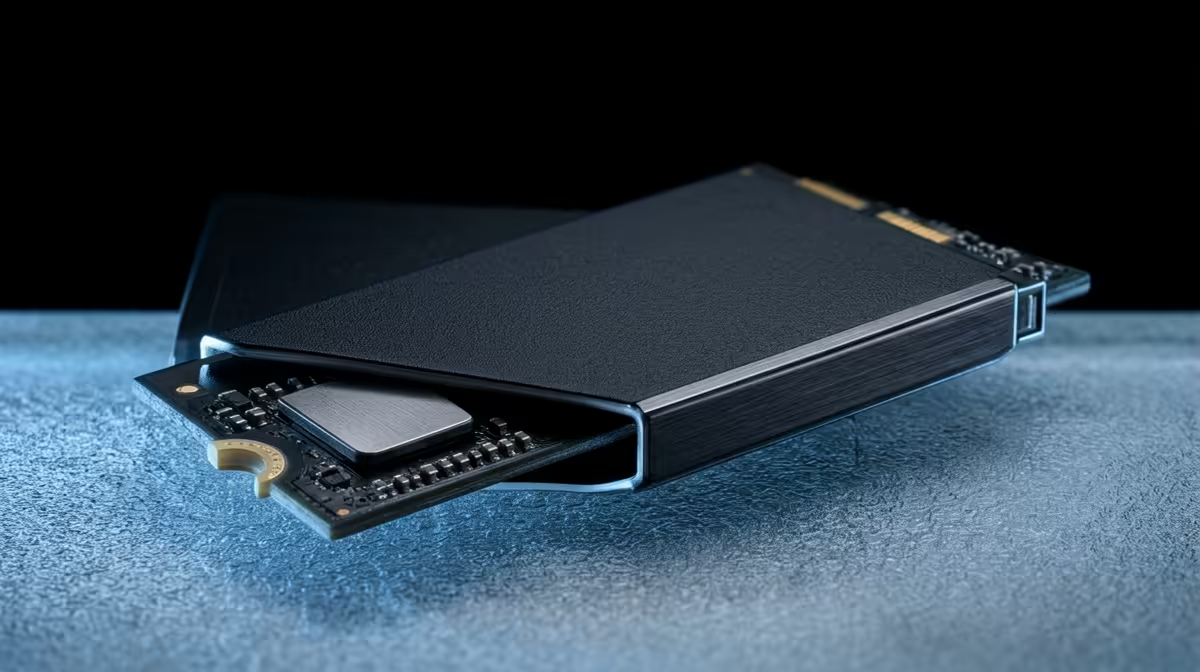
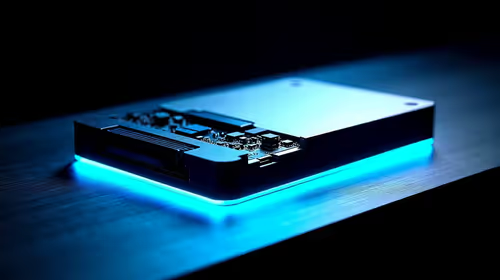
For this buyer scenario, the first failure point is usually heat, weak controllers, poor cables or undersized support hardware rather than the main headline spec. A practical SA shortlist should start around R1,000 to R2,000 for a sensible 1TB Gen4 drive, R2,000 to R4,000 for 2TB, and more for premium Gen5 models, using examples like Kingston NV2, WD Blue SN580, Lexar NM790 and Samsung 990 EVO as comparison anchors. Windows 11 feels better with a clean SSD and enough RAM. Boot and update work improves, but a premium drive will not fix an old CPU or 8GB memory limit.
The failure point to watch
On cheap drives, sustained writes can exhaust cache, QLC models can slow after long copies, and bare drives can run hot under a GPU. Look for endurance around 300TBW or better on 1TB drives and do not run the SSD nearly full. Do not pay for a premium label until the current limit is clear. In many builds the better result comes from enough capacity, quieter cooling, a cleaner cable path or a monitor that matches the GPU, not from buying the most expensive version of one component.
Where the cheap option stops being cheap
Use numbers to keep the choice honest: 5,000MB/s to 7,400MB/s reads and 300TBW to 1,200TBW endurance are more useful than a headline speed alone. For gaming or creator setups, think in real outputs such as 100fps at 1080p esports, 60fps to 90fps at 1440p AAA, 32GB RAM for editing, or 2TB storage for a large game library. Those targets help SA buyers avoid paying for a feature that will be hidden by the rest of the PC.
The SA shortlist filter
Check stock, warranty handling and physical fit before comparing extras. The better pick is the one that fits the current machine and leaves a clean next upgrade.
FAQ
What is a sensible SA budget for this nvme ssd?
Use R1,000 to R2,000 for a sensible 1TB Gen4 drive, R2,000 to R4,000 for 2TB, and more for premium Gen5 models. Spend above that only when the extra feature solves a measured limit such as capacity, refresh rate, wattage or coverage.
Which specs should I check before buying?
Check 5,000MB/s to 7,400MB/s reads and 300TBW to 1,200TBW endurance are more useful than a headline speed alone. Also confirm compatibility with your current PC, laptop, fibre router, desk space or case before comparing cosmetic features.
Which models are safe shortlist examples?
Start with Kingston NV2, WD Blue SN580, Lexar NM790 and Samsung 990 EVO. Treat these as examples of the class to compare, then choose the stocked option with the clearest warranty and fit for your setup.
Shortlist the matching Evetech category before checkout.
Use the price band, the named spec floor and your current setup limits to choose the option that will still make sense after the first week.