


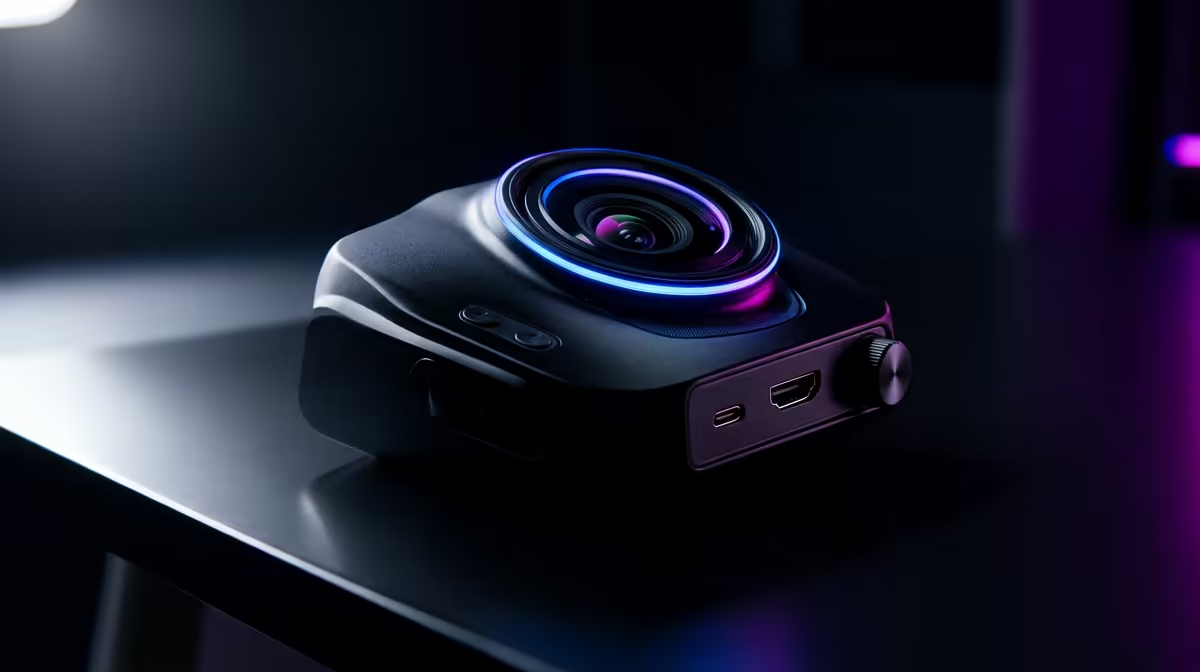
A cheap webcam survives a video call but falls apart under the demands of low-latency online gaming, where you run it for hours beside a hard-working PC. Knowing what fails first tells you where to spend so a stream does not die mid-match.
Quick Answer
In cheap webcams used for low-latency online gaming, the autofocus motor and USB cable fail first, usually within a year of daily use. A fixed-focus 1080p 60fps webcam around R1,200 to R2,200 at Evetech avoids the failing motor entirely and holds a sharp image through long sessions.
What Breaks First
The autofocus motor is the usual first casualty: cheap cameras hunt constantly under the changing light of a gaming setup, wearing the tiny motor until it sticks or buzzes. Next is the USB cable, where a thin soldered lead frays at the strain relief after months of repositioning. Cheap sensors also struggle in the mixed lighting of a gaming room, producing grain and a laggy 30fps feed that undercuts the low-latency feel you are chasing.
What To Buy Instead
A 1080p 60fps webcam with reliable fixed focus or a good autofocus (R1,200 to R2,200) removes the weak motor and delivers the smooth 60fps that suits fast gameplay overlays. Look for a detachable or thick braided USB cable and a sensor that handles the contrast of a lit room without grain.
Lighting Beats Megapixels
The cheapest reliability upgrade is light. A small R250 key light lets a mid-range webcam run at a lower gain, which sharpens the image and reduces the autofocus hunting that wears cheap motors. Spend on light before chasing a higher-resolution camera.
FAQ
Why does autofocus fail first on cheap webcams?
Cheap autofocus motors hunt constantly under the changing light of a gaming setup, and that continuous movement wears the small motor until it sticks or buzzes. A fixed-focus camera or a quality autofocus avoids this common early failure.
Is 60fps worth it for a gaming webcam?
Yes if your face cam matters on stream, because 60fps stays smooth during quick movement while 30fps looks choppy next to high-refresh gameplay. For a static call-only webcam, 30fps is fine and cheaper.
How can I make a budget webcam last longer?
Add a small key light so the camera runs at lower gain with less autofocus hunting, and route the USB cable so it is not repeatedly flexed. Both steps cut the wear that kills cheap webcams early.
R250 key light beside the camera so a mid-range webcam runs at low gain, sharpening the image and sparing the autofocus motor that fails first.









