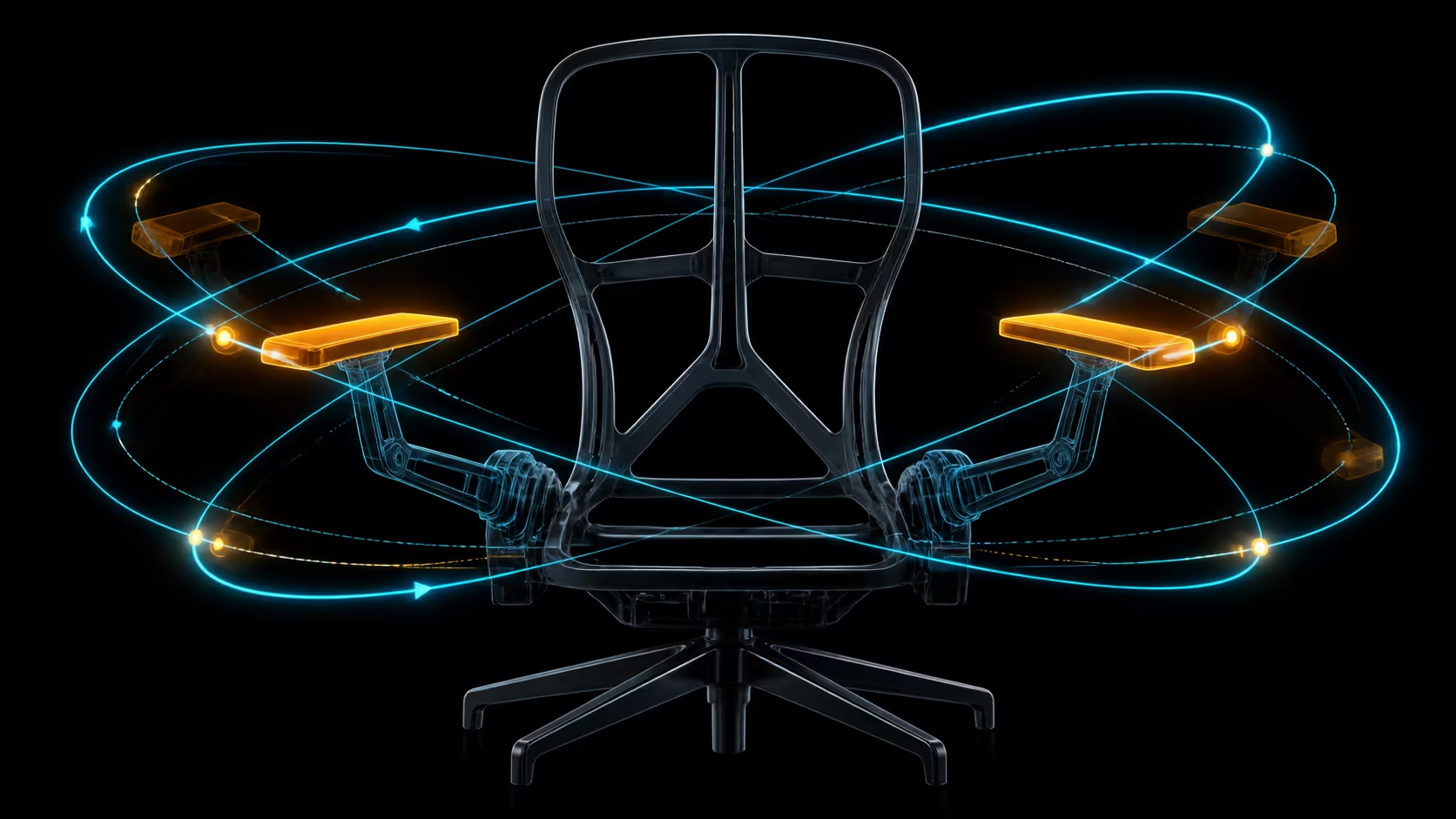
720-degree omni-adjustment armrests change how precisely forearm support can be placed around the desk. The important result is not maximum movement; it is a position that relaxes the shoulders, clears furniture and follows each input task.
Quick Answer
The E3 Ultra's 720-degree armrests add five practical controls: pad rotation, body swivel, height, front-back travel and tilt.
Omni range can let users reposition support for typing, mouse work, calls or a closer desk approach. Set the two sides independently and retest after moving the chair. The HBADA E3 Ultra costs R9,599 and includes armrests with 720 degrees of omni adjustment.
⌨️ Support typing without lifting
Bring the keyboard within easy reach and place the arm support beneath a relaxed forearm. It should not raise the shoulder or force the wrist into an awkward angle. Try ordinary shortcuts and longer text, not a static pose.
If the armrest hits the desk, first explore its range rather than rolling backward. Losing backrest contact to gain clearance defeats the support goal.
🖱️ Give mouse work a separate setting
The pointer side often needs a different relationship. Keep the device close and ensure the forearm can move without being pinned to one track. Matching left and right positions is optional when the tasks differ.
Evetech's HBADA office seating options provide comparison designs. Treat the E3 Ultra's 720-degree description as range, not a complete explanation of pivots, releases or undocumented directions.
📐 Coordinate chair and desk
Armrest usefulness depends on desk height, edge shape and distance. Test clearance while entering and leaving the workspace as well as during input. A support that fits the arms but prevents a sensible chair position needs another solution.
Check whether the chosen position remains stable through normal movement. Learn the actual controls before applying force, because broad range does not describe operation.
🔁 Reset for each task pattern
Calls, handwriting, drawing and reclined reading can change where the arms rest. Save only a few recurring positions rather than adjusting continually. Visible reference points can make restoration faster.
Use Evetech's office-chair collection to compare range against your measured desk. The omni system earns value when it reaches useful positions cleanly, not simply because its figure is large.
If several users share the workstation, ask each to restore their arm positions without assistance. Note reset time and whether the broad range creates confusion. A system that supports distinct bodies but remains understandable can justify complexity more clearly than maximum travel alone.
Observe whether sleeves, desk accessories or a bag hanging nearby interfere with the chosen movement path. Practical obstructions can reduce usable range even when the control itself works correctly.
Include equipment changes in the saved-position notes. A wider keyboard, nearer pointer or drawing device can move the ideal contact point even when chair height stays unchanged. Rebuild the task setting instead of forcing an old armrest reference onto new hardware.
Watch contact while using shortcuts at the edge of the keyboard. A support that feels correct on home-row typing may restrict the elbow during wider reaches, which deserves its own task note.
End the comparison by returning both armrests to a neutral starting place. The ease of leaving an advanced setting can matter as much as reaching it, especially where users change frequently.
That lets the forearm support move closer for typing, angle for a mouse, rotate away for desk access or reposition for recline. Use the 4.33-inch reach and 1.97-inch height ranges before fine-tuning rotation, so the shoulders remain relaxed.
The two sides can be set differently when keyboard and pointer positions are clearly not symmetrical.
Frequently Asked Questions
Which practical positions can an omni range support?
It offers broad omni-positioning around the arm supports. Practical benefit depends on reaching the forearms while preserving relaxed shoulders and desk access.
How should typing support be arranged?
Place support below the forearms with elbows near the body. Type across the keyboard to ensure the position assists movement rather than restricting it.
What changes for mouse use?
The pointer side may need another angle or contact point to keep the device close. Judge reach, shoulder tension and freedom to move together.
Which chair uses these omni armrests?
The white HBADA E3 Ultra includes the 720-degree omni-adjustment design. Its local reference price is R9,599.
Can the range replace correct desk height?
No. Armrests cannot fully correct a work surface that forces the shoulders up, creates poor leg clearance or keeps input devices too distant.
When should armrests be repositioned?
Revisit them after changing chair distance, desk height, input device or primary task. Any of these can alter useful forearm contact.
Ready to map separate armrest positions for every recurring task?
Browse Evetech chairs with keyboard reach, mouse movement and desk clearance tested as distinct support problems.