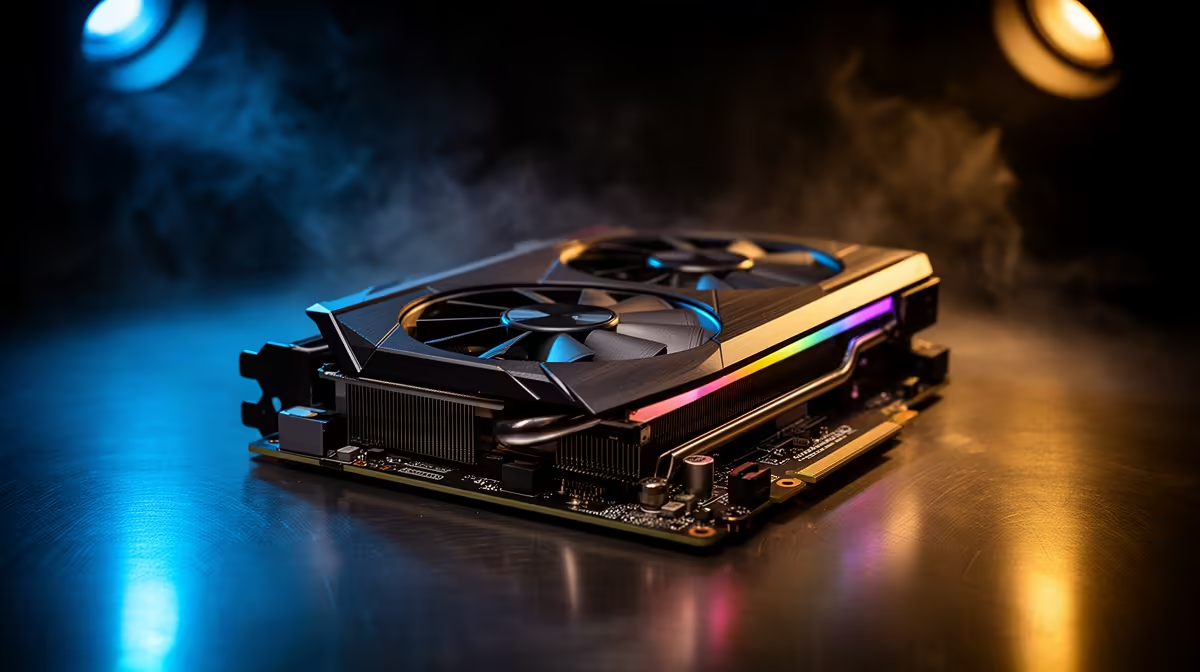
A 32B coding model running on your own machine is the point where a single high-end consumer GPU starts to sweat. At 4-bit quantisation the model weights alone want roughly 20GB before you have loaded a single line of context, which puts a 24GB card like an RTX 5090 right on the edge rather than comfortably inside it.
Quick Answer
A 32B model quantised to Q4 needs about 20 to 24GB of VRAM for the weights, so a single 24GB GPU can run it, but only just. Once you add a real coding context window the card fills up, and either you accept slower speeds as it spills into system RAM or you step up to a second GPU or a card with more memory.
What actually eats the VRAM
Two things consume memory when you run a local model, and people usually only budget for the first.
The weights are the obvious cost. A 32-billion-parameter model at full precision would need over 60GB, which is why nobody runs it that way at home. Quantising to Q4_K_M shrinks each weight to roughly four bits and brings the footprint down to around the 20GB mark. That alone is what makes the model fit on a 24GB card at all.
The second cost is the KV cache, the running memory of the conversation, and it scales with how much context you feed the model. A 32B model at Q4 burns through roughly 1.5 to 2GB for every couple of thousand tokens of context. For coding that matters enormously, because pasting a few files plus your prompt can push the context past 8,000 tokens quickly, and that cache stacks on top of the 20GB of weights.
The 24GB reality for coders
On a 24GB card the maths is tight. Twenty gigs of weights leaves only about 4GB of headroom, which covers a modest context but not a generous one. The moment you exceed it the runtime offloads layers to system RAM, and tokens-per-second drops sharply because the model now waits on the slow path across the PCIe bus. It still works, it just crawls.
There is a quality angle too. Q4 is fine for general chat, but for code where a single wrong token breaks a function, many people prefer Q8 for near-lossless output. Q8 roughly doubles the weight footprint, and a 32B model at Q8 simply will not fit on one 24GB card. That is the line where dual-GPU setups or a workstation card with 32GB or more stop being overkill and start being the sensible answer. If a local AI box is what you are building toward, the AI PCs section at Evetech is the cleanest place to see configurations sized for exactly this kind of workload.
Frequently Asked Questions
Can a 24GB GPU run a 32B coding model?
Yes, at Q4 quantisation it fits, because the weights land around 20GB. The catch is the small remaining headroom for context, so you can run it but you will hit a wall on long coding prompts before a card with more memory would.
Is Q4 good enough for code generation?
Q4 produces usable code for most everyday tasks, but it loses some precision, and in code a small error has an outsized cost. If accuracy matters more than speed, Q8 is closer to lossless, though it needs roughly double the VRAM and pushes a 32B model beyond a single 24GB card.
When does a dual-GPU setup make sense?
Two GPUs help once you want Q8 precision on a 32B model, or you want a long context without spilling into system RAM. Splitting the model across two cards gives you the combined memory, at the cost of a more involved setup and a chunkier power budget.
What slows a model down when VRAM runs out?
When the model no longer fits in VRAM the runtime moves some layers into ordinary system RAM. Every token then waits on data crossing the PCIe bus, which is far slower than on-card memory, so generation speed can fall by a large margin.
Does context length really change the hardware I need?
It does. The KV cache grows with context, so a coding session that feeds the model several files needs noticeably more memory than a one-line question. Budgeting only for the weights is the most common mistake people make sizing a local rig.
Building a machine to run coding models on your own hardware? The PC best sellers at Evetech show what local-AI buyers are actually pairing with these cards. Match a 24GB-plus GPU to your VRAM budget and you can run a 32B model at home without watching it crawl.