


The jump from running a 7B or 14B model on a single graphics card to hosting a full 70B model locally is where the hardware bill suddenly gets serious. A 70B model at a sensible quantisation does not fit on one consumer GPU, full stop. Knowing the real VRAM figure, and what sits behind it, saves you from buying a card that can never load the model in the first place.
Quick Answer
A 70B model at Q4_K_M quantisation occupies roughly 43GB to 45GB of VRAM for the weights alone, before any context overhead. That exceeds any single 24GB consumer card, so the standard answer is two 24GB GPUs running together for about 48GB total. Two RTX 3090s in tandem will run a 70B model at roughly 16 to 21 tokens per second.
The VRAM number that decides everything
Quantisation is the lever that makes a 70B model loadable at home. At full 16-bit precision the weights alone would demand around 140GB, which is data-centre territory. Q4_K_M compresses each weight to roughly four bits while preserving most of the quality, dropping the requirement to about 43GB to 45GB. That is the figure to plan around.
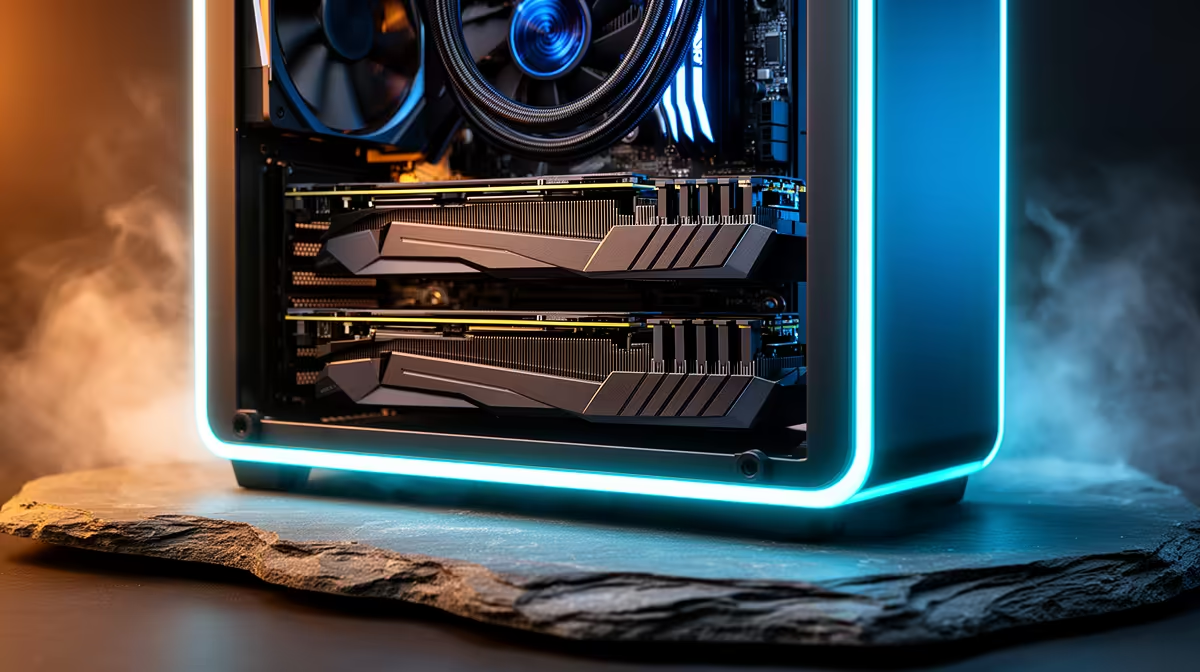
Because no single 24GB card holds that, the model has to be split across two GPUs. Two 24GB cards give you 48GB combined, which clears the weights with a small margin left for context. This is why dual RTX 3090 builds remain the practical entry point for local 70B inference: the 3090 offers 24GB at a far lower price than newer 24GB cards, and two of them land you exactly where you need to be. Cards capable of this kind of work live in the AI PC components range at Evetech.
Beyond VRAM: the rest of the build
VRAM gets the model loaded, but a few other parts decide whether inference runs smoothly or stutters. The motherboard needs two PCIe x16 slots, or at least an x16 and an x8, so both cards have enough bandwidth. The power supply matters more than people expect: two 3090s under full inference load can pull over 700W between them, so a 1000W or larger unit with good headroom is sensible rather than optional.
System RAM should be fast DDR5, and you want enough of it to handle model loading and any layers that spill out of VRAM without choking. An NVMe SSD is the last piece. A 70B model file is tens of gigabytes, and loading it from a slow drive every time is painful, so a quick NVMe keeps startup snappy. Good airflow rounds it off, because two large cards packed together generate real heat.
Is two 24GB GPUs always the right call?
Not necessarily, and it is worth challenging the assumption before spending. A single 24GB card cannot run a 70B model at Q4 with usable context, but it comfortably runs a 32B model like Qwen 3 32B at Q4. That smaller model fits on one GPU, runs three to four times faster, and matches the 70B on a surprising number of tasks. If your goal is fast, capable local AI rather than specifically a 70B model, one strong 24GB card may serve you better and cheaper.
The dual-GPU 70B route makes sense when you genuinely need the larger model's depth, are comfortable managing a higher-power build, and want longer context windows. For those cases, the Evetech PC best sellers show which chassis, cooling, and power configurations are holding up under demanding dual-GPU loads.
Frequently Asked Questions
Can I run a 70B model on a single 24GB GPU?
Not at a useful quantisation. The weights at Q4_K_M need around 43GB to 45GB, so a single 24GB card falls well short. You can offload some layers to system RAM, but that slows inference dramatically. Two 24GB cards are the realistic minimum.
What does Q4_K_M actually mean for quality?
Q4_K_M is a four-bit quantisation that keeps most of the model's quality while cutting the memory footprint by roughly three quarters versus full precision. For most local use the quality loss is small and hard to notice, which is why it has become the common standard for running large models at home.
How fast will a dual 3090 setup run a 70B model?
Expect roughly 16 to 21 tokens per second on two RTX 3090s at Q4_K_M, which reads at a comfortable conversational pace. Longer prompts and large context windows will pull that figure down, so budget extra VRAM headroom if you work with very long inputs.
Do I need DDR5 RAM and an NVMe SSD specifically?
Fast DDR5 and an NVMe drive are strongly recommended. The SSD speeds up loading the large model file, and fast RAM helps when any layers offload from VRAM. Neither replaces sufficient VRAM, but both keep the system from bottlenecking around the GPUs.
Would a 32B model be a smarter starting point?
For many people, yes. A 32B model fits on one 24GB GPU, runs several times faster, and matches a 70B on a lot of everyday tasks. If you do not specifically need the larger model, a single-card 32B build is cheaper, simpler, and quicker.
Local inference lives and dies on VRAM. If you are spec'ing a machine for 70B models or smaller, start with the AI PC components at Evetech and build around the graphics cards that hold the model you actually want to run.











