


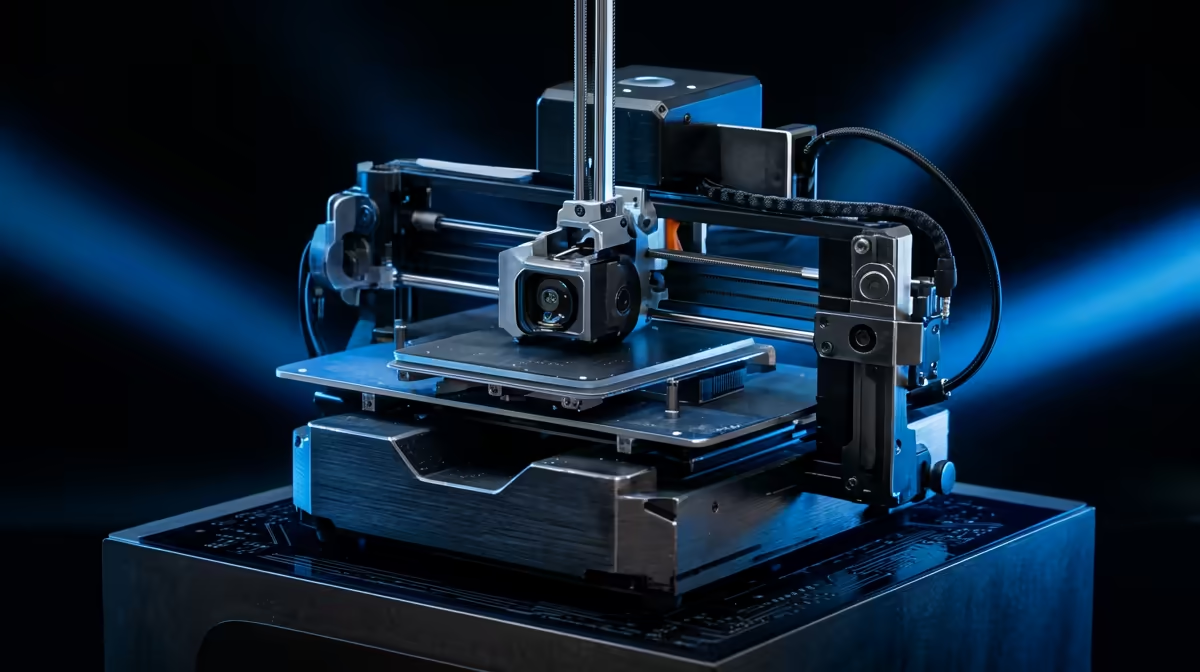
Drop a print job on a fast machine and watch the toolhead snap across the bed without the frame shuddering, and you are usually looking at CoreXY motion at work. The trick is geometry: two motors stay bolted to the frame and never move, while a pair of crossed belts translate their combined rotation into clean X and Y travel for a very light toolhead. Less mass flinging around means harder acceleration and far less of the wavy artefact called ringing.
Quick Answer
A CoreXY printer keeps both stepper motors stationary on the frame and uses two crossed belts so only the lightweight toolhead moves. That low moving mass lets it accelerate past 10,000 mm/s squared and print noticeably faster than a bedslinger, with cleaner walls at speed.
How the Crossed Belts Actually Work
In a CoreXY layout the two motors do not own one axis each. Instead they cooperate. When both turn the same direction the toolhead moves along one diagonal, and when they turn opposite directions it moves along the other. Pure X or Y motion comes from one motor turning while the other holds or counter-rotates. The maths is handled in firmware, so you never think about it during a print.
The payoff is mechanical. Because the heavy motors are fixed to the chassis, the only thing being accelerated is the print head and its short length of belt. A Cartesian bedslinger, by contrast, has to shove the entire print bed (and your model) back and forth on the Y axis, and that growing mass is the speed ceiling.
Why Low Moving Mass Beats Ringing
Ringing, sometimes called ghosting, is the row of faint echoes you see after a sharp corner. It is the frame and toolhead vibrating after a sudden direction change. The lighter the thing that just changed direction, the smaller and shorter that vibration. CoreXY's fixed-motor design keeps moving mass low, so it can corner hard and settle fast. That is why the current crop of speedy enclosed machines almost all use CoreXY rather than the older move-the-bed approach. If you are weighing up a first machine, the current range of 3D printers stocked at Evetech leans heavily toward this style for exactly that reason.
Is CoreXY Right for You?
For most South African makers who want speed and tidy prints out of the box, yes. The enclosed, rigid frames suit higher-temperature filaments and keep draughts off the print. The trade-off is that belt tension and frame squareness matter more, so a cheap, poorly assembled CoreXY can disappoint. Stick to a well-built machine and budget a little for spares and consumables. A few sensible printer accessories and best sellers like spare nozzles and a decent filament dryer go a long way toward keeping output consistent.
Frequently Asked Questions
What is the main difference between CoreXY and Cartesian?
A Cartesian bedslinger moves the print bed on one axis, so the mass being accelerated grows with your model. CoreXY keeps the bed mostly still on Y and moves only the light toolhead, which is why it accelerates harder and prints faster.
Does CoreXY really print faster?
Yes, materially so. The low moving mass lets the toolhead reach high acceleration without the frame ringing, so a CoreXY can sustain higher real-world speeds with acceptable quality rather than just a high number on the spec sheet.
Is CoreXY harder to maintain?
There is a little more to keep square. Belt tension and frame alignment have a bigger effect on print quality than on a bedslinger, but on a well-made machine this is a quick periodic check rather than a constant fight.
What is ringing and does CoreXY fix it?
Ringing is the faint repeated echo after a sharp corner, caused by vibration. CoreXY reduces it by keeping the moving mass low so vibrations are smaller and die down faster, though good acceleration tuning still helps.
Are most fast printers CoreXY now?
Largely yes. The popular enclosed high-speed machines on the market lean on CoreXY because the geometry is the cleanest way to combine speed with print quality.
Ready to print faster with less fuss? Browse the current CoreXY-friendly lineup in the Evetech 3D printer range and pair it with the right nozzles and filament to get clean, quick prints from day one.










