


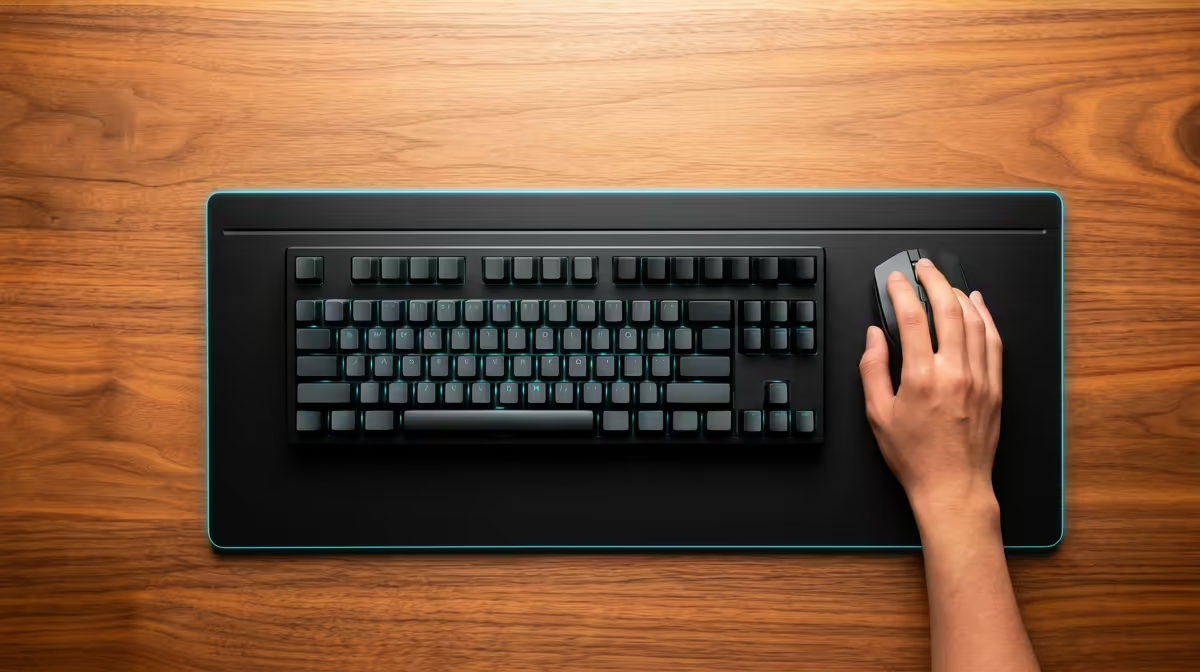
Most desks were never built around your forearms. They sit at a fixed height that suits writing, not typing, which leaves your wrists bent upward all day. A keyboard tray fixes that by moving the keyboard off the desktop entirely, dropping it to a lower, adjustable plane beneath the surface where your hands can finally rest in a neutral line.
Quick Answer
A keyboard tray is an adjustable platform that mounts under your desk and holds the keyboard below the desktop surface. It lets your elbows sit at roughly 90 degrees with wrists flat, and most trays add negative tilt so your fingertips angle slightly downward. That position is hard to reach on a standard fixed-height desk.
What a Keyboard Tray Is
The tray is a flat surface, usually on a sliding arm, that bolts to the underside of your desk. You pull it out to type and slide it back underneath when you are done, and better trays let you adjust both the height and the angle of the platform independently.
The point is to break the assumption that your keyboard must live on top of the desk. A typical desk height suits handwriting but sits too high for relaxed typing, which is exactly the gap a tray closes.
If you are reworking your whole sitting position, the seating matters as much as the keyboard, and the ergonomic chairs stocked at Evetech cover the support side of the setup.
How It Improves Wrist Posture
Good wrist posture comes down to two things: elbow angle and wrist flatness, and a keyboard tray helps with both. By lowering the keyboard, it lets your upper arms hang relaxed and your forearms reach the keys with elbows bent at around 90 degrees. From there your wrists stay flat and in line with your forearms instead of cocking upward to reach a too-high desktop, which is what keeps strain off the soft tissue running through the wrist.
Negative Tilt Explained
Many trays angle the keyboard so the front edge sits higher than the back, tipping your fingertips slightly downward. This is negative tilt, and it lets the wrist relax into a natural position rather than bending back. On a normal desk the keyboard usually tilts the wrong way, with little feet raising the back, pushing the wrists into exactly the bent-up angle you want to avoid.
What to Check Before You Buy
A tray only helps if it fits your desk and your body. Adjustment range is the big one: look for a tray that adjusts in both height and tilt so you can dial in your own neutral position rather than accepting a fixed angle. Mounting clearance is the other, since the tray's track needs flat space under your desk to bolt on, and very thin or oddly shaped desks can make this tricky.
Surface size matters too. Some trays hold only the keyboard while others include space for a mouse at the same level, which keeps your mousing arm in the same comfortable plane as your typing arm.
Who Benefits Most
Anyone who types for hours and feels their wrists or forearms by the end of the day stands to gain. The tray is most useful for people stuck with a non-adjustable desk, since it adds height flexibility a fixed desk lacks. For broader desk-comfort upgrades, the most popular seating choices at Evetech round out the picture alongside a tray.
Frequently Asked Questions
Does a keyboard tray really help wrist pain?
It addresses one common cause: a keyboard sitting too high, which forces the wrists to bend upward. By lowering the keyboard and adding negative tilt, the tray helps keep wrists neutral. It works best alongside good chair height and posture.
What is negative tilt and why does it matter?
Negative tilt angles the keyboard so the front edge is higher than the back, tipping your fingertips slightly down. This lets your wrists relax in a natural line rather than bending back, which is the opposite of how most desktop keyboards sit.
Will a keyboard tray fit any desk?
Most desks work, but the tray's track needs flat clearance underneath to mount. Very thin desks, those with deep front aprons, or unusual shapes can complicate installation, so check the underside before buying.
Is a keyboard tray better than just raising my chair?
Raising the chair can lower your arms relative to the desk, but it often leaves your feet dangling or your screen too low. A tray adjusts the keyboard independently, so you can keep your chair, feet and screen correct at the same time.
Building a desk setup that treats your wrists kindly? Pair an adjustable keyboard tray with proper seating from the ergonomic chair range at Evetech for all-day comfort.










