


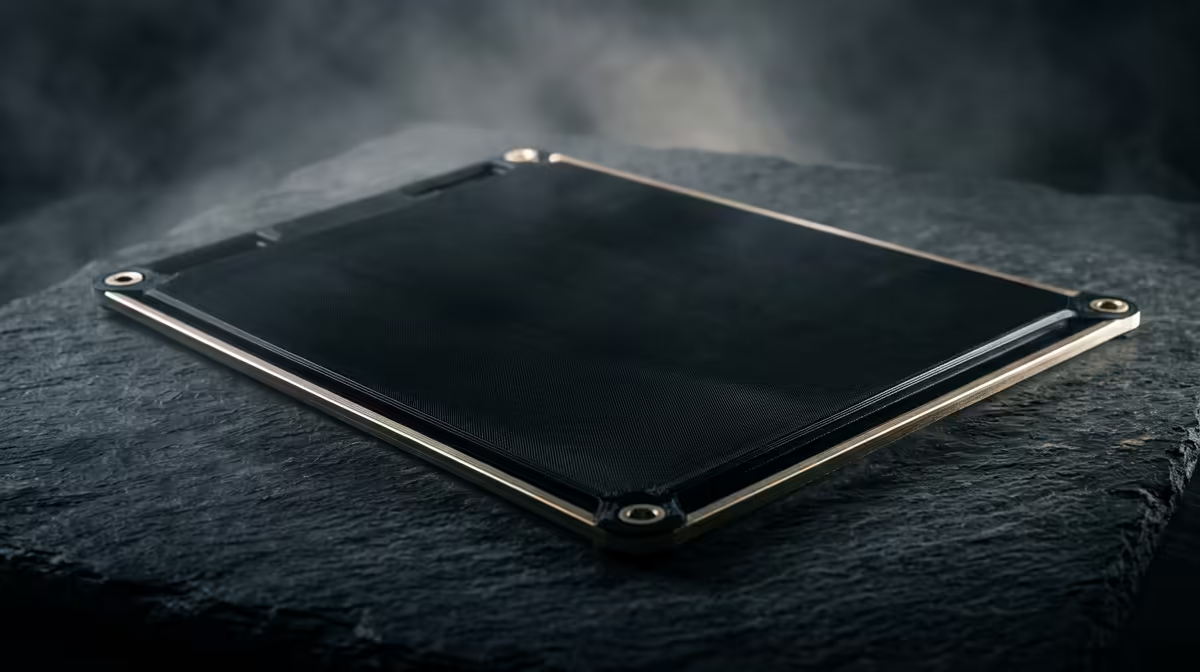
The flat surface your first layer presses into is the print bed, also called the build plate, and it does far more than hold the part still. Its material decides how hard your print grips during the run, how cleanly it pops off when finished, and what the bottom face of your model looks like once it is done. Get the surface wrong and you will fight warping, lifting corners, and prints welded so tightly you gouge the plate trying to free them.
Quick Answer
The build plate is the surface the first layer bonds to, and its material sets adhesion strength and bottom finish. Spring-steel sheets coated in textured PEI are the most forgiving all-round choice for PLA and PETG, while glass gives a glassy-smooth underside but needs glue or tape for grip.
What the Bed Actually Does
Adhesion is a tug-of-war. The bed has to hold molten plastic firmly enough that the part does not shift or curl while it cools, then release it once the print finishes and the sheet flexes. A surface that grips too weakly drops prints mid-job; one that grips too strongly cracks the plate or tears chunks off the part. The texture and material chemistry of the plate sit right in the middle of that balance, which is why swapping surfaces often fixes adhesion problems that no amount of temperature tweaking will.
The Three Common Surfaces
Most printers sold today ship with one of three plate types, and each has a clear personality.
Textured PEI on spring steel is the modern default. The slightly rough coating bites into the first layer for strong hold, then lets go the moment you flex the sheet. The trade is a faintly stippled bottom finish, which most people prefer anyway because it hides layer flaws. PLA, PETG and TPU all behave well on it.
Smooth PEI swaps texture for a polished, almost mirror underside. It grips well at the right temperature but is fussier: too hot and PETG bonds permanently, too cool and parts pop off early. It rewards a dialled-in profile.
Glass is the old reliable. It is dead flat, cheap to replace, and produces a smooth, slightly shiny bottom. The catch is that bare glass barely grips PLA on its own, so you usually add a thin layer of glue stick or hairspray to give the first layer something to key into.
Matching Surface to Filament
PLA is easy and works on almost anything. PETG is the troublemaker because it loves to fuse to smooth PEI and glass without a release agent, so textured PEI or a glue barrier saves you cracked plates. TPU and other flexibles want the grip of a textured sheet. If you print a wide mix of materials, a textured PEI spring steel sheet covers the most ground with the least fuss, and a spare plate means you can keep one surface for sticky filaments and another clean for everyday PLA. A few simple tools from the accessories range make swapping and cleaning sheets a quick job rather than a chore.
Keeping Adhesion Healthy
Skin oils are the quiet killer of first-layer grip. A wipe with isopropyl alcohol before a print resets the surface far better than cranking the bed temperature. Keep the bed levelled so the nozzle squashes that first layer evenly, and let textured plates cool fully before you try to remove a part, because a warm sheet holds on harder than a cold one.
Frequently Asked Questions
Which build plate is best for a beginner?
Textured PEI on a flexible spring-steel sheet. It grips reliably across PLA, PETG and TPU, releases parts when you bend the sheet, and forgives small levelling errors that would ruin a print on smooth glass.
Why does my print refuse to come off the bed?
Usually the bond is still warm or the surface is smooth PEI or glass running hot. Let the plate cool completely first. If it is a flexible sheet, lift it off and bend it gently rather than prying at the part with a blade.
Do I need glue on a PEI plate?
Generally no for PLA and PETG, since PEI grips on its own. A light glue layer can actually help with PETG by acting as a release barrier so the part does not fuse permanently to the coating.
Can I replace just the build plate without a new printer?
Yes. Most printers use standard-size magnetic or clipped sheets, so you can buy a replacement or a second surface and swap it in seconds. Check your printer's bed dimensions before ordering.
What causes a rough or uneven bottom layer?
An unlevel bed, a nozzle set too high, or a dirty surface. The plate texture sets the look of a good first layer, but adhesion problems and gaps almost always trace back to levelling or cleanliness.
Sorting out first-layer adhesion starts with the right hardware. Browse the current 3D printer range at Evetech to find a machine with a build plate suited to the filaments you actually print.










