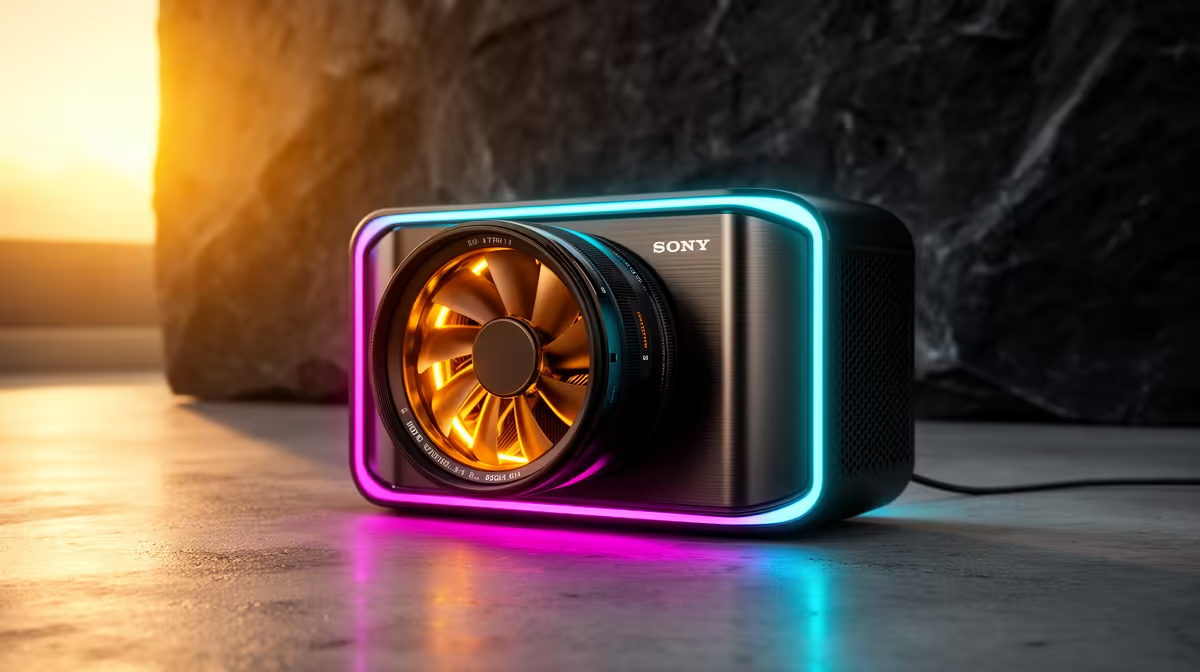
An external GPU gives a compatible laptop a desktop graphics card without putting that card inside the chassis. The catch is the cable between them. An eGPU external graphics setup can transform integrated-graphics work, but it does not deliver the card's full desktop performance or work with every USB-C port.
Quick Answer
An eGPU is a powered enclosure containing a desktop graphics card, connected through Thunderbolt or a suitable USB4 implementation. It is worth considering when the laptop is otherwise strong, must remain portable and already supports the required external PCIe connection. Evetech's July 2026 graphics listings put the Palit RTX 5060 Infinity 2 OC 8GB at R6,999; the enclosure, power supply and compatibility checks must be added before comparing that card with a new laptop or desktop.
🔌 USB-C shape is not enough
Thunderbolt and USB4 ports can carry PCIe data, display output and other signals, but feature support varies. Read the laptop manual for explicit eGPU or external PCIe support. A USB-C charging port alone cannot run an enclosure.
The enclosure needs a suitable PSU, physical clearance and connectors for the chosen graphics card. Firmware and operating-system support also matter.
📉 The link costs performance
A desktop GPU normally uses a wider PCIe connection than an eGPU cable provides. Performance loss varies by game, laptop CPU, connection and whether the image returns to the internal display.
Connecting an external monitor directly to the graphics card often reduces the round trip. CPU-heavy high-frame-rate games can expose the link more than slower GPU-bound workloads.
Evetech's GPU best sellers provide card-level options, but enclosure fit must be checked separately.
💰 Compare the complete setup
Add the enclosure, card, suitable cable and external monitor if planned. An eGPU is rarely the cheapest route to desktop-class gaming once every part is included.
It can still be valuable when one premium work laptop must travel and a fixed desk needs more graphics performance. Evetech's NVIDIA graphics-card range supplies dated card context for that calculation.
🧭 Know the good use cases
Creation applications, occasional gaming and a desk-based monitor can suit eGPU use. Competitive esports at very high frame rates may lose more value through connection and CPU limits.
Some enclosures deliver laptop charging, networking and USB through one cable. Confirm the charging wattage is sufficient; support is model-specific.
An eGPU cannot replace the laptop's CPU or fix poor cooling. It also does not make an unsupported port compatible.
Frequently Asked Questions
Does an eGPU need Thunderbolt or USB4?
It needs a compatible external PCIe connection. Confirm explicit support in the laptop and enclosure documentation.
Does it lose performance?
Usually, yes. The connection has less bandwidth than a normal desktop slot, and the size of the loss varies.
Can it replace a laptop GPU?
It adds external graphics; it does not physically replace the soldered internal chip.
Is it cheaper than a new gaming laptop?
Sometimes, but compare enclosure, card and monitor costs with complete alternatives.
Does it suit esports?
It can work, although high-frame-rate CPU-heavy games may expose the connection limit.
Can it charge the laptop?
Some enclosures provide power delivery. Check the supported wattage and laptop requirements.
Is it worth it for occasional gaming?
Yes, when the laptop is strong, compatible and valuable enough to keep. Otherwise a desktop or gaming laptop may be cleaner.
Ready to price the cable, enclosure and card as one system?
Verify the laptop's external PCIe support first, then compare compatible Evetech graphics cards against the total cost and expected performance loss.