


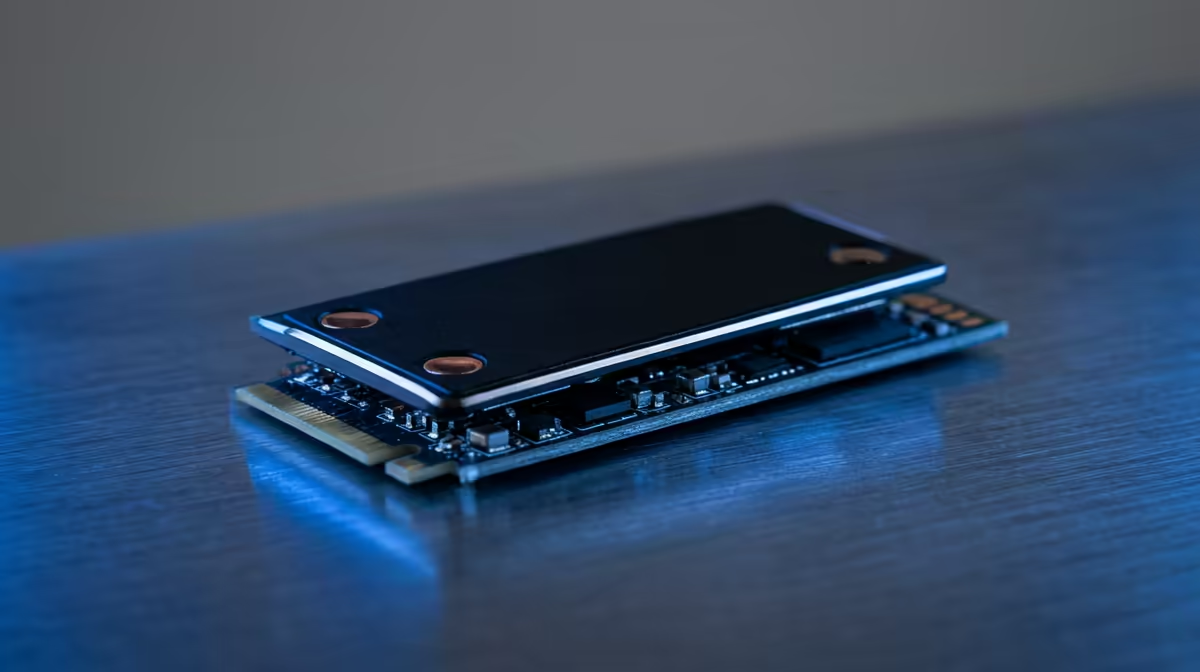
eMMC storage is flash memory soldered directly onto a board, faster and more durable than a microSD card but, crucially, not removable. The question trips people up because standard Raspberry Pi boards do not use it, they boot from microSD. It is the Compute Module line, the industrial variants, that ships with factory-fitted eMMC. Knowing which is which saves you ordering the wrong part for a project meant to run untouched for years.
Quick Answer
eMMC is soldered, non-removable flash storage. Standard Pi boards use microSD; the Raspberry Pi Compute Module 4 and Compute Module 5 offer factory-fitted eMMC variants for industrial use, where reliability matters more than swappable storage.
What eMMC Actually Is
eMMC, or embedded MultiMediaCard, is essentially the same flash technology as an SD card but soldered permanently to the board with its own controller. That fixed mounting is the whole point: there is no card to vibrate loose, corrupt under heavy write cycles or walk off in someone's pocket. The trade-off is equally clear, you cannot pop it out to reimage it on another machine, so you flash it in place over USB.
Against a microSD card, eMMC typically wins on sustained reliability and consistent performance under load. Cheap microSD cards in particular degrade and corrupt over time when hammered with the constant small writes a running operating system generates, which is exactly the failure mode that bites unattended deployments.
Which Raspberry Pis Use It
This is where the confusion lives. The flagship desktop-style Raspberry Pi boards boot from a microSD slot, not eMMC. It is the Compute Module range, the stripped-down modules designed to slot into custom carrier boards, that brings eMMC into the picture.
The Compute Module 4 ships in variants with 8GB, 16GB or 32GB of onboard eMMC, alongside a Lite version that has no eMMC and relies on microSD instead. The Compute Module 5 continues the pattern with eMMC and non-eMMC SKUs, scaling up to a model with 8GB of RAM and 64GB of eMMC. On both, the microSD slot only does anything on the Lite modules; on an eMMC-equipped module the slot is simply ignored.
The CM5 also adds an M.2 slot for an NVMe SSD, which is the route to go when you need far more space and speed than onboard eMMC can offer. That gives you three tiers: microSD for cheap and swappable, eMMC for soldered reliability, and an M.2 SSD for capacity and speed.
When Onboard eMMC Makes Sense
Reach for eMMC when the device has to run reliably without anyone touching it: industrial controllers, digital signage, kiosks, sensors in awkward locations. A soldered module cannot have its storage rattle loose or be casually removed, and it shrugs off the write-cycle wear that kills budget microSD cards in always-on roles. Evetech's compact mini PC range includes comparable always-on small machines if you want to see what dedicated hardware looks like at this scale.
For a hobby project you reimage often, microSD is genuinely the better choice, it is cheap and you can swap operating systems in seconds. The moment the build needs to be permanent and dependable, eMMC earns its place. If you would rather skip carrier-board fiddling entirely, a complete small system from the best-selling PCs at Evetech covers the same low-power, always-on duties with less assembly.
Frequently Asked Questions
Is eMMC faster than a microSD card?
Generally yes, especially for sustained and random writes, and it is far more consistent under continuous load. A premium microSD can close the gap on paper, but eMMC's soldered controller and reliability give it the edge for always-on use.
Can I remove or upgrade eMMC later?
No. It is soldered to the module, so it cannot be removed or upgraded. If you expect to need more storage, choose a larger eMMC capacity upfront, use the CM5's M.2 SSD slot, or pick a Lite module and use microSD.
Do standard Raspberry Pi boards have eMMC?
No, the standard boards boot from microSD. Only the Compute Module variants offer factory-fitted eMMC, which is why eMMC is associated with industrial and embedded Pi deployments rather than the desktop boards.
How much eMMC do the Compute Modules offer?
The CM4 comes in 8GB, 16GB and 32GB eMMC options plus a Lite version with none. The CM5 ranges up to 64GB of eMMC and adds an M.2 slot for an NVMe SSD when you need more space.
Building something that has to run untouched for years? Compare always-on, low-power hardware in the mini PC range at Evetech and pick storage that matches the job.










