


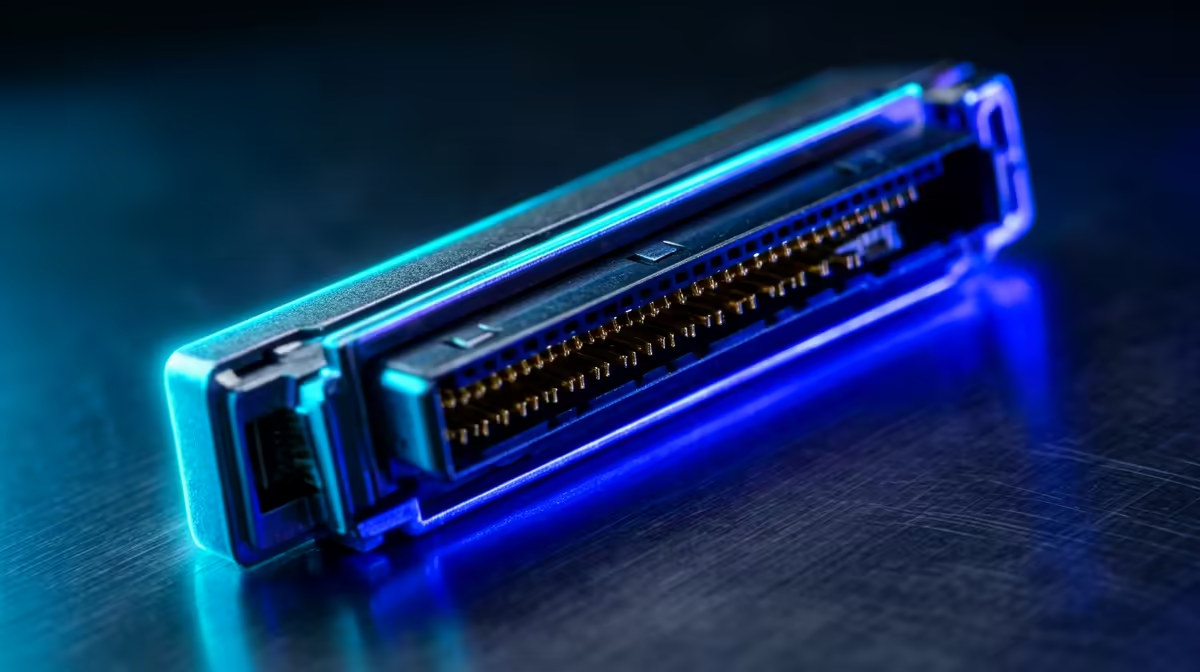
The GPIO header is the double row of 40 metal pins along the edge of a Raspberry Pi, and it is the whole reason the board can do more than act as a tiny computer. General-purpose input/output pins let the Pi read sensors, switch LEDs and motors, and talk to add-on boards, turning code into something that moves, lights up, or measures the physical world.
Quick Answer
GPIO stands for general-purpose input/output. On a modern Raspberry Pi it is the 40-pin header that connects sensors, LEDs, motors, and HATs to the board. The pins run at 3.3V logic and carry power, ground, and communication protocols like I2C, SPI, and UART, bridging your software and real electronics.
What The 40 Pins Are For
Not every pin is a programmable signal pin. The header is a mix of four roles. Some pins supply power, both 5V and 3.3V, to feed sensors and small components. Several pins are ground, the return path every circuit needs. The rest are the actual GPIO pins you control from code, and a number of those double up as dedicated communication lines.
When a pin acts as an input, the Pi reads whether a voltage is present, for example detecting a button press or a motion sensor firing. When the same pin acts as an output, your code sets it high or low to drive an LED, trigger a relay, or signal another chip. That switch between reading and writing is what "general-purpose" means.
The 3.3V Rule You Must Respect
This is the single most important safety point. Raspberry Pi GPIO pins operate at 3.3V logic, not 5V. Feeding 5V into a GPIO input can permanently damage the pin or the whole board. Many sensors are 5V devices, so when you connect them you often need a level shifter or a voltage divider to step the signal down to 3.3V before it reaches the Pi. There are 5V pins on the header, but those are for powering components, not for sending signals into GPIO inputs.
The Communication Protocols On The Header
Several GPIO pins are wired to handle standard protocols, which lets the Pi talk to more capable peripherals than simple on/off devices.
I2C uses two pins, a data line and a clock line, to chat with many small devices on the same pair of wires, such as displays and environmental sensors. SPI uses a few more pins for faster transfers, handy for screens and some sensor modules. UART provides a classic serial connection, often used to communicate with another board or a GPS module. You enable these in the Pi's settings, then wire the matching pins.
HATs: The Easy Way In
A HAT (Hardware Attached on Top) is an add-on board that plugs directly onto the full 40-pin header, no jumper wires required. HATs add things like motor controllers, displays, sensor arrays, or cooling, and they line up with the header so installation is a single push-fit. If you are nervous about wiring individual components, a HAT is the gentlest introduction to GPIO. Since the Pi sits in the same compact-computing family as small desktop boxes, it is worth seeing how it compares against the mini-PC options Evetech lists if you want a small machine that does general computing rather than electronics tinkering.
For a sense of which compact machines people actually buy for home labs and light desktop use, the best-selling PCs at Evetech give a quick reference point alongside a Pi.
bookmark a GPIO pinout diagram for your exact Pi model before wiring anything. Counting pins by eye is the fastest way to connect a sensor to the wrong line and damage it.
Frequently Asked Questions
What does GPIO stand for?
General-purpose input/output. The pins can each be set to read an incoming signal as an input or send a signal out as an output, under software control, which is why they are called general-purpose.
Can I connect a 5V sensor to GPIO?
Only for power on a 5V pin. Do not feed a 5V signal into a GPIO input, since the pins are 3.3V and a 5V signal can damage them. Use a level shifter or voltage divider to step the signal down.
What is the difference between I2C, SPI, and UART?
They are communication protocols on the header. I2C is simple and shares two wires across many devices, SPI is faster for things like displays, and UART is a basic serial link to another board. You enable the one your peripheral needs.
Do all Raspberry Pi models have 40 pins?
Modern full-size and Pi Zero boards use the 40-pin header, while very early models had 26 pins. Check your specific model's pinout, since pin positions and counts can differ on older or specialist boards.
What is a HAT?
A HAT is an add-on board that plugs straight onto the 40-pin header, adding capability like motor control or a display without manual wiring. It is the easiest way to extend a Pi if you would rather not wire components by hand.
Deciding between a tinker-friendly Pi and a small desktop machine? Compare the mini-PC range at Evetech and pick the compact computer that fits how you actually want to build.











