


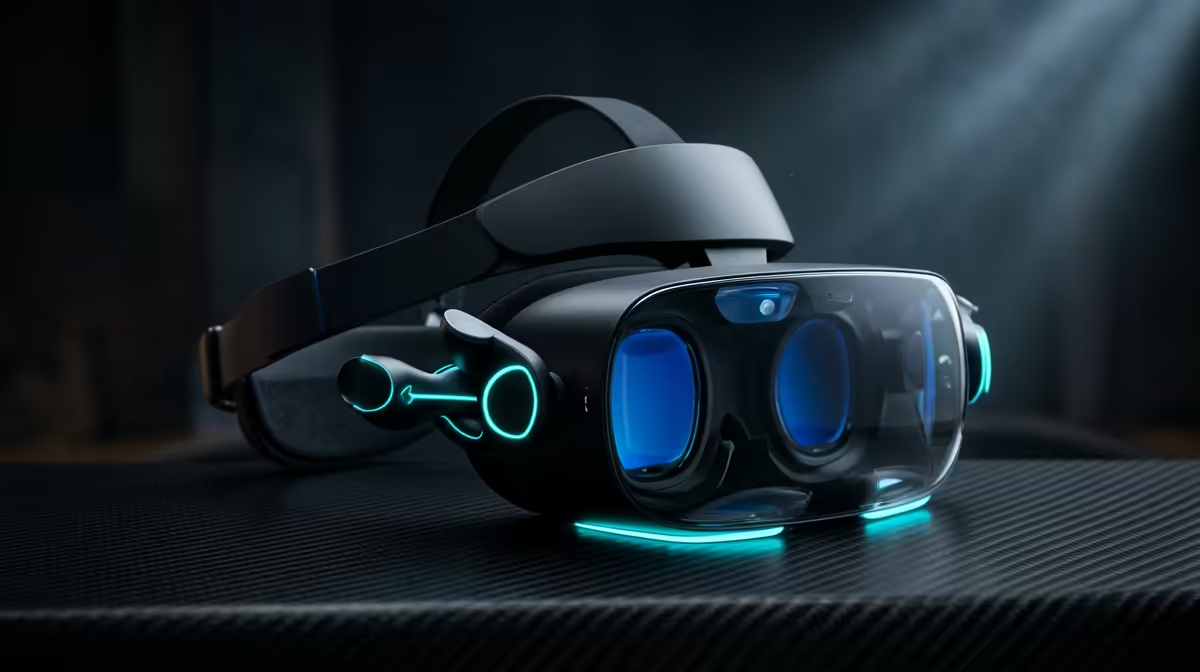
Spend ten minutes in a headset running at 60 frames per second and your stomach will tell you something the spec sheet does not. Refresh rate in VR is not a bragging number like it is on a gaming monitor; it is the difference between a comfortable session and a queasy one. The screens sitting centimetres from your eyes have to redraw fast enough that your brain accepts the motion as real, and the industry has settled on a clear threshold for where that comfort begins.
Quick Answer
VR refresh rate is how many times per second the headset redraws the image for each eye, measured in hertz. 90Hz is the widely accepted comfort baseline. Below it, more people feel motion discomfort; at 90Hz to 120Hz, most users stay comfortable through long sessions.
Why 90Hz Became the Line
In VR, the display is fixed to your face and fills your field of view, so any mismatch between your head movement and what you see registers immediately. Higher refresh rates shorten the gap between each frame, which reduces persistence blur and the subtle lag that triggers nausea. Around 90Hz, that gap drops low enough that the majority of people stop noticing it.
Below 90Hz, and especially below 72Hz, frames stay on screen long enough that fast head turns smear and the brain detects the delay. That sensory conflict, where your inner ear feels motion your eyes render a beat late, is the main cause of VR sickness. That is why 90Hz is treated as a floor rather than a luxury.
What 120Hz Adds
Pushing to 120Hz makes motion noticeably smoother and gives the most sensitive users extra margin. Fast-paced titles, rhythm games and competitive shooters benefit most, where quick head movement and rapid on-screen action stack up. The catch is that higher refresh rates demand more from your PC or the headset's own chip, because it has to render twice the frames of a 60Hz display.
For standalone headsets, higher refresh draws more battery and heat. For PC-tethered VR, your graphics card has to keep pace, and dropped frames at 120Hz can feel worse than a steady 90Hz. Matching your hardware to the refresh rate you actually run matters more than chasing the highest number. The current crop of immersive headsets and AR glasses is laid out in the AR glasses and VR section if you want to compare panel specs side by side.
How Refresh Rate Works With Other Factors
Refresh rate does not act alone. Resolution per eye, field of view, and lens quality all feed into how convincing and comfortable VR feels. A high refresh rate on a low-resolution panel still looks soft, while a sharp panel that drops frames still causes discomfort. The headsets that feel best balance all of these rather than maxing one.
Frame reprojection helps too. When a headset cannot render a full native frame in time, reprojection generates an intermediate frame to keep motion smooth and maintain the perceived refresh rate. It is a safety net, not a replacement for genuine performance, but it explains why some headsets feel stable even when the underlying hardware is stretched. To round out a comfortable setup, supporting accessories and cables are easy to find through the accessories best sellers.
Frequently Asked Questions
What is a good refresh rate for VR?
90Hz is the comfort baseline and suits most users for general use. 120Hz adds smoother motion for fast-paced games and gives sensitive users extra margin against discomfort.
Why does low refresh rate cause VR sickness?
At low refresh rates, frames linger long enough that fast head movement smears and the image lags behind your motion. That mismatch between what you feel and what you see triggers nausea.
Is 72Hz too low for VR?
72Hz is usable for slower, seated experiences but sits below the comfort baseline. Many people notice motion discomfort at 72Hz during active gameplay, which is why 90Hz is preferred.
Does a higher refresh rate need a better PC?
For PC-tethered VR, yes. Rendering 120 frames per second per eye demands a stronger graphics card than 90Hz, and dropped frames can feel worse than a stable lower rate.
Shopping for a headset that stays comfortable through long sessions? Browse the VR and AR glasses range at Evetech to compare refresh rates and panel specs, then grab the cables and accessories to complete your setup.









