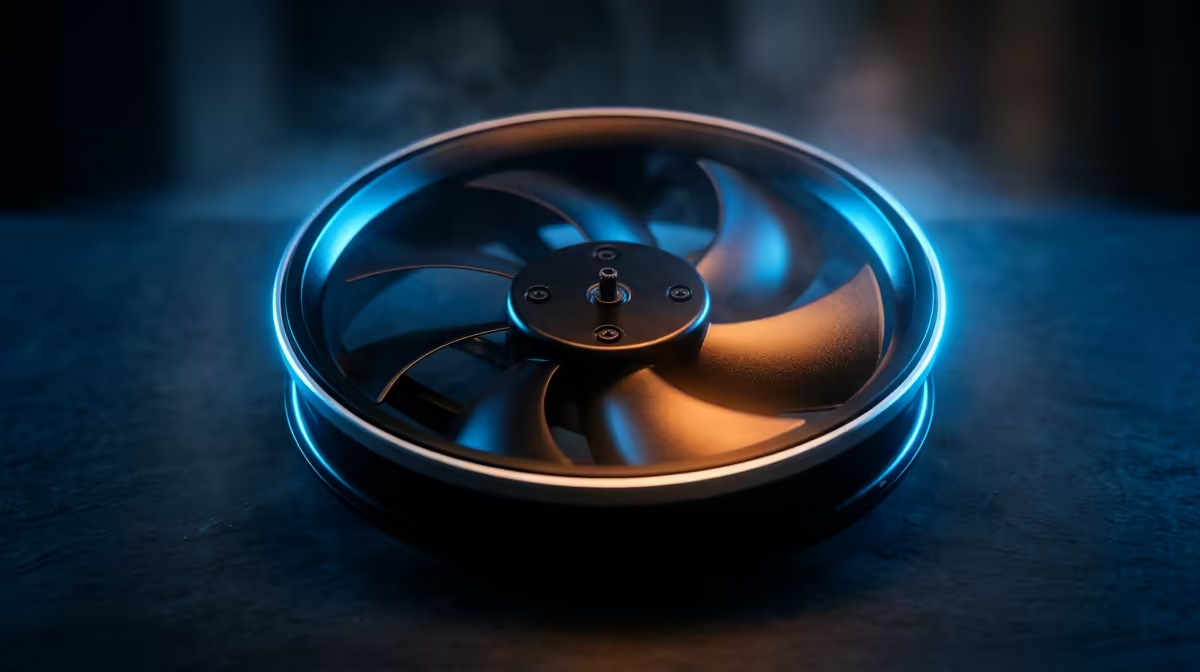
The small fan blowing sideways across your hotend nozzle does one job, and it decides whether your overhangs come out crisp or sag into a drooping mess. The part-cooling fan chills each fresh layer of plastic the instant it is extruded, and the right speed depends entirely on the filament you loaded. Run it wrong and you either melt fine detail away or rip a print off the bed mid-job.
Quick Answer
Run PLA with the cooler at full power, dial PETG back to 30 to 50 percent, and keep ABS and ASA near 0 to 20 percent. PLA loves aggressive cooling for sharp detail, while ABS warps and cracks if you cool it too fast. Always keep the fan off for the first layer or two so the print sticks to the bed.
What the Part-Cooling Fan Actually Does
This fan is separate from the hotend fan that keeps your heatsink cool. The part-cooling fan points at the printed object itself, usually through a duct that wraps around the nozzle. As molten plastic leaves the nozzle at 200 degrees or more, the fan freezes it in place before gravity can pull it out of shape.
That matters most on overhangs, bridges, and small towers where each new layer has little support beneath it. Faster cooling means the plastic holds its printed shape. Slower cooling lets layers fuse together more strongly. Every material sits at a different point on that trade-off, which is why one fan setting never fits all jobs. Still deciding on hardware? Any of the 3D printers available from Evetech give you these fan controls inside their slicer profiles.
PLA: Full Blast at 100 Percent
PLA prints cool and rigid, so it tolerates and rewards maximum cooling. At 100 percent fan you get clean overhangs, sharp corners, and crisp small text. There is almost no risk of warping because PLA barely shrinks as it sets. For miniatures, decorative pieces, and anything with fine surface detail, leave the fan wide open from the second layer onward.
PETG: The Middle Ground at 30 to 50 Percent
PETG sits awkwardly between PLA and ABS. Too much cooling and your layers will not bond, leaving a print that splits apart under light stress. Too little and overhangs sag. A fan speed around 30 to 50 percent keeps layer adhesion strong while still tidying up overhangs. If your PETG prints feel brittle or peel apart in layers, drop the fan a little before you blame the filament.
ABS and ASA: Almost Off at 0 to 20 Percent
ABS and ASA shrink noticeably as they cool, and that shrinkage is uneven across a layer. Hit a fresh ABS layer with a fast fan and the outer edge contracts faster than the core, pulling corners up off the bed and cracking the print along old layer lines. Keep the fan at 0 to 20 percent and, ideally, print inside an enclosure that holds ambient heat steady. The slower, gentler cooling lets the whole part shrink together instead of tearing itself apart.
The First-Layer Rule for Every Material
Whatever filament you run, set the fan to zero for the first layer, and often the second. That first layer needs to bond to the bed, and a cold blast works against adhesion. Once the base is down, ramp the fan to the material's target speed. A clean set of nozzle picks, spare ducts, and maintenance bits from the 3D printing accessories shelf makes it easier to keep that airflow path clear, because a clogged duct quietly halves your real cooling no matter what number the slicer shows.
Frequently Asked Questions
Why does my ABS print keep warping at the corners?
Too much part-cooling fan is the usual culprit. ABS contracts as it cools, and a fast fan makes that contraction uneven, lifting corners off the bed. Drop the fan to 0 to 20 percent and print inside an enclosure to hold a steady ambient temperature.
Can I just leave the fan at 100 percent for everything?
No. That works for PLA but ruins ABS and weakens PETG layer bonding. Each material needs its own setting, and most slicers let you save these per filament profile so you set it once and forget it.
Why is the first layer printed with the fan off?
A cold blast fights bed adhesion on that critical base layer. Keeping the fan off for the first layer or two lets the plastic grip the bed properly before cooling kicks in for the rest of the print.
Does the part-cooling fan cool the hotend too?
No, those are two different fans. The hotend fan cools the heatsink to prevent heat creep, and it should always run. The part-cooling fan points at the print and changes speed by material.
My PETG prints look stringy and rough. Is the fan to blame?
Possibly. Excess cooling on PETG can leave a rough finish and weak bonds, but stringing usually points to retraction and temperature settings too. Try 30 to 50 percent fan first, then adjust temperature in small steps.