


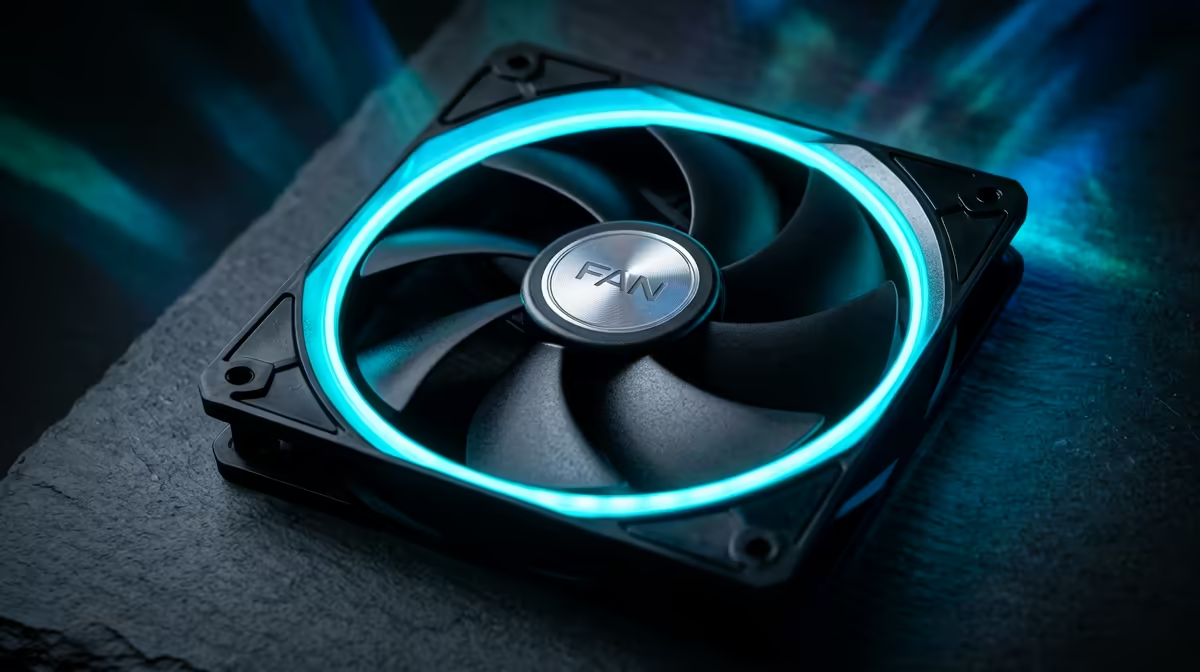
For flight simulation, case fans matter because long detailed flights load the CPU and GPU heavily for hours, so steady cooling keeps frame rates smooth across an entire route. Airflow that holds temps down protects sim performance.
Quick Answer
For flight simulation, prioritise airflow fans that hold the CPU and GPU under 80C across long flights: 120mm fans pushing 60 to 75 CFM at under 25dBA, around R200 each at Evetech, keep clocks steady. Flight sims are CPU-heavy and run for hours, so consistent airflow matters more than peak cooling. Stable temps prevent the stutter that throttling causes mid-flight at 30 to 60fps.
Why flight sims stress cooling
Detailed flight simulators are demanding and run for long sessions, loading the CPU hard for physics and the GPU for dense scenery. A two-hour flight keeps the parts warm throughout, so if temperatures pass 80C they throttle and frame rates drop, causing stutter on approach. Airflow fans pushing 60 to 75 CFM in a two-intake, one-exhaust layout hold temps steady. At around R200 per PWM fan, that keeps a sim rig smooth across an entire route rather than degrading as the flight goes on.
Set up for long flights
Flight sims reward sustained cooling, so set a PWM curve that holds the CPU under 80C across hours rather than spiking and easing. Front intake feeding the GPU and a clear exhaust path suit the long load. Keep dust filters clean, since a clogged filter chokes airflow exactly during a long flight. If your cockpit encloses the tower, add an intake fan so it does not recirculate warm air. Steady airflow keeps frame times consistent from takeoff to landing.
FAQ
What case fans suit flight simulation?
Airflow fans that hold the CPU and GPU under 80C across long flights. 120mm fans pushing 60 to 75 CFM at under 25dBA, around R200 each, keep clocks steady through hours of demanding sim work.
Does heat cause stutter in flight sims?
Yes. If the CPU or GPU passes 80C during a long flight it throttles, dropping frame rates and causing stutter on approach. Good airflow that holds temps below that limit keeps frame times smooth.
How do I cool a sim PC in an enclosed cockpit?
Add a front intake fan so the tower does not recirculate warm air, and keep dust filters clean. Steady airflow holding the CPU and GPU under 80C keeps frame times consistent through long flights.
For flight simulation, fit airflow fans around R200 each at Evetech and set a curve that holds the CPU under 80C across hours; steady cooling stops the throttling stutter that hits on a long approach.










